
Data Craft
yixiliu617/data-craft
Relatórios de dados temáticos e publicáveis em HTML para agentes IA
Ver no GitHubSkill para transformar dados brutos em relatórios HTML temáticos e auto-contidos, prontos para publicação. Oferece 6 temas visuais distintos (Sand Hill, Trading Floor, Pitch Black, etc.) cada um com voz e linguagem próprias, ideais para análises, dashboards e briefings de dados.
Instalação
npx convez-ai yixiliu617/data-craft1 comando no terminal: detecta o formato do repositório (marketplace ou plugin avulso) e instala via Claude Code. Requer Node 18+ e o Claude Code instalado.
Métricas
Casos de uso
- Gerar research briefings e chart essays sobre tendências de mercado
- Criar tearsheets financeiros e dashboards de KPIs com estilo profissional
- Produzir relatórios de análise de produtos e estado de categoria
- Compilar dados de fontes variadas em documentos visuais coesos e shareable
Veredito

Ferramenta bem executada que resolve um problema real: transformar dados em briefings publicáveis com personalidade visual. Diferencia-se de geradores de slides genéricos por acoplar tema e voz narrativa, entregando HTML puro sem backend. Ideal para agentes que precisam comunicar insights de dados com sofisticação editorial.
README
A tradução para o português deste README ainda está na fila.
data-craft
Beautiful, themed HTML data displays and briefings for coding agents.
data-craft is a skill for turning messy data, CSVs, JSON, notes, links, and topics into self-contained HTML reports, dashboards, tearsheets, visual briefings, and chart essays.
Most chart tools make charts.
data-craft makes publishable data briefings.
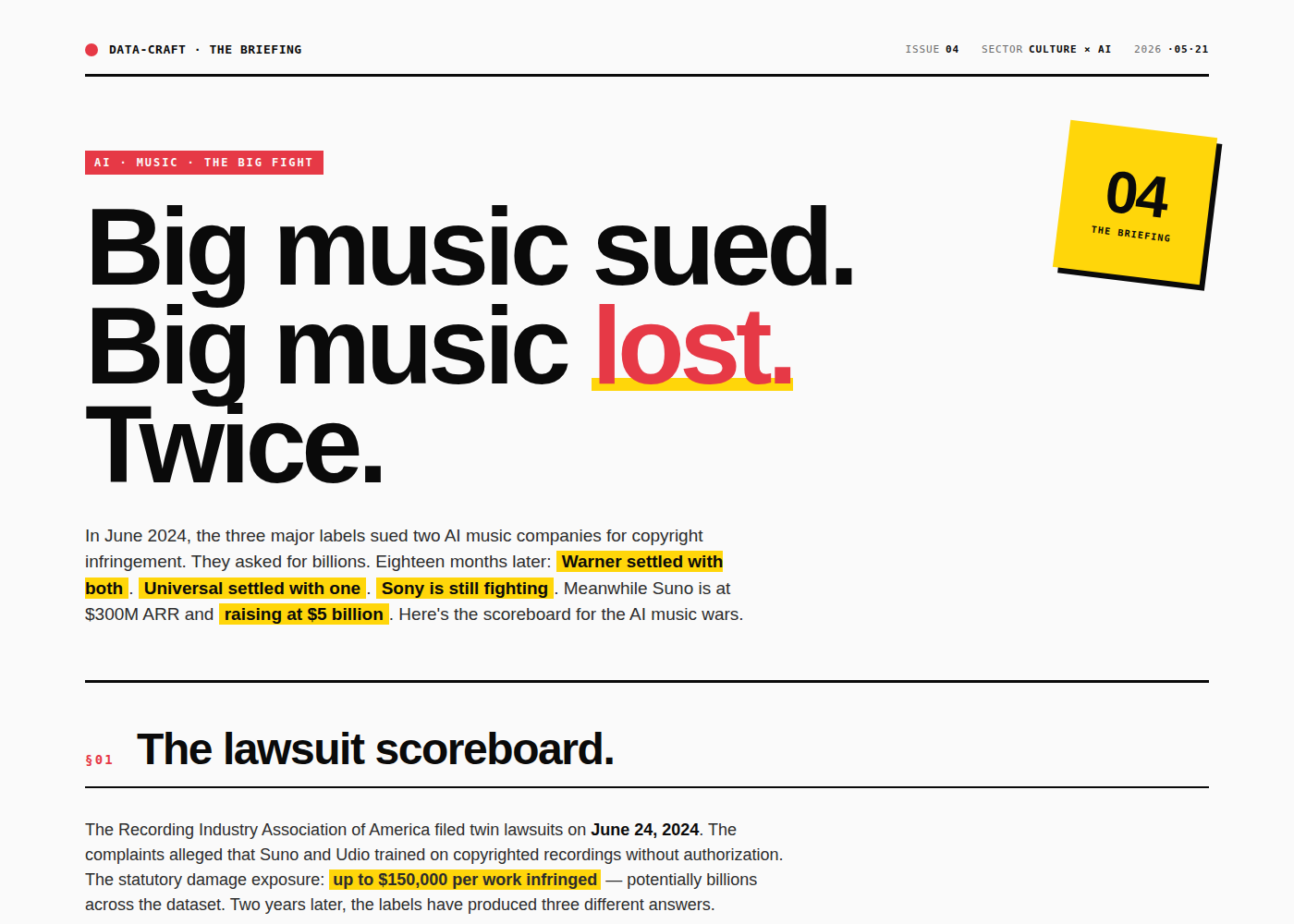
Each theme has its own visual language and writing voice: a Trading Floor tearsheet should not just look like a Bloomberg terminal; it should read like one. A Sand Hill essay should not just use a cream background; it should feel like a longform market brief. A Helvetica Riot broadsheet should have attitude, not generic AI pastel fog.
No build step. No backend. One HTML file. Open it, share it, host it, print it, or export it.
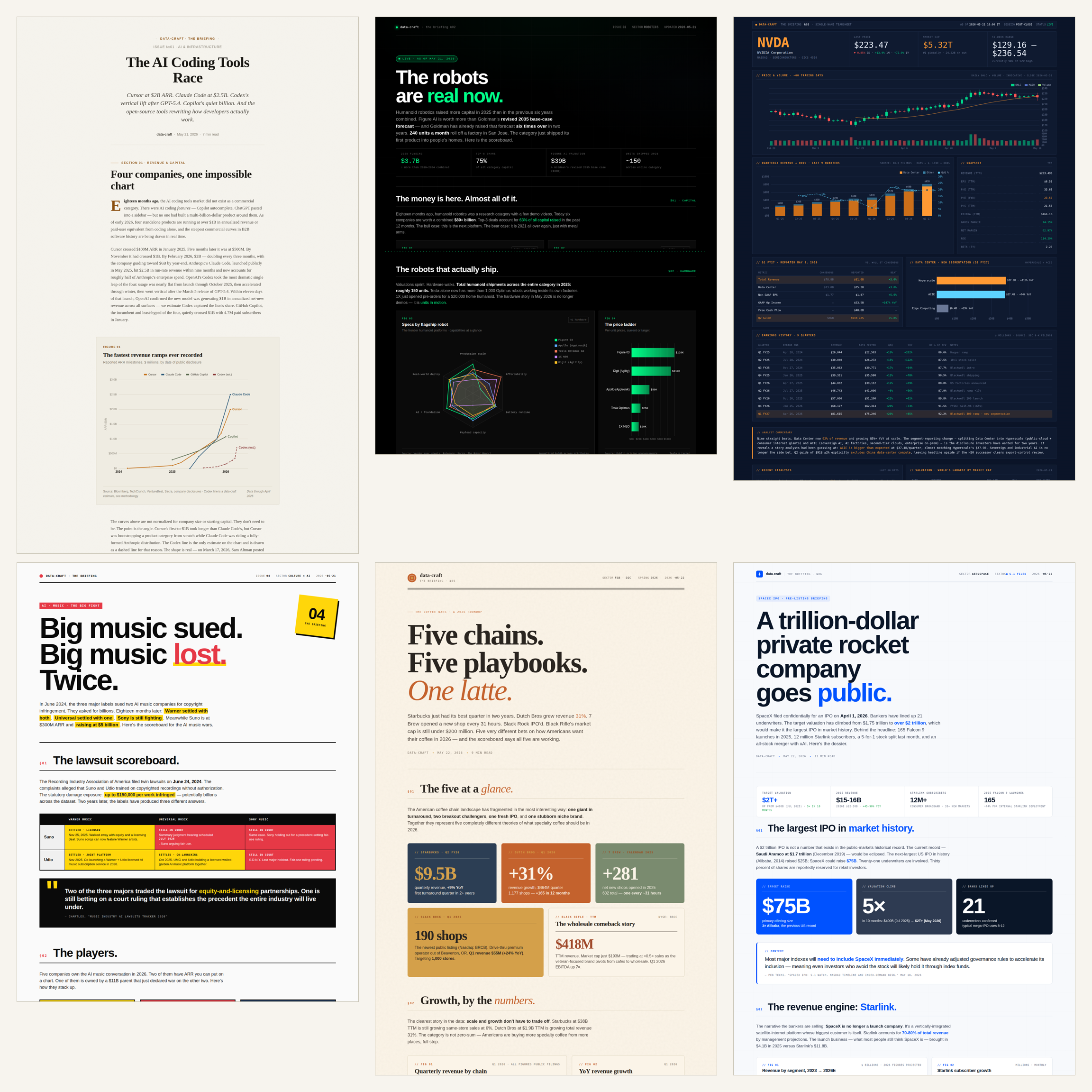
Gallery first
Pick a visual direction before you generate the piece.
| Theme | Best for | Example |
|---|---|---|
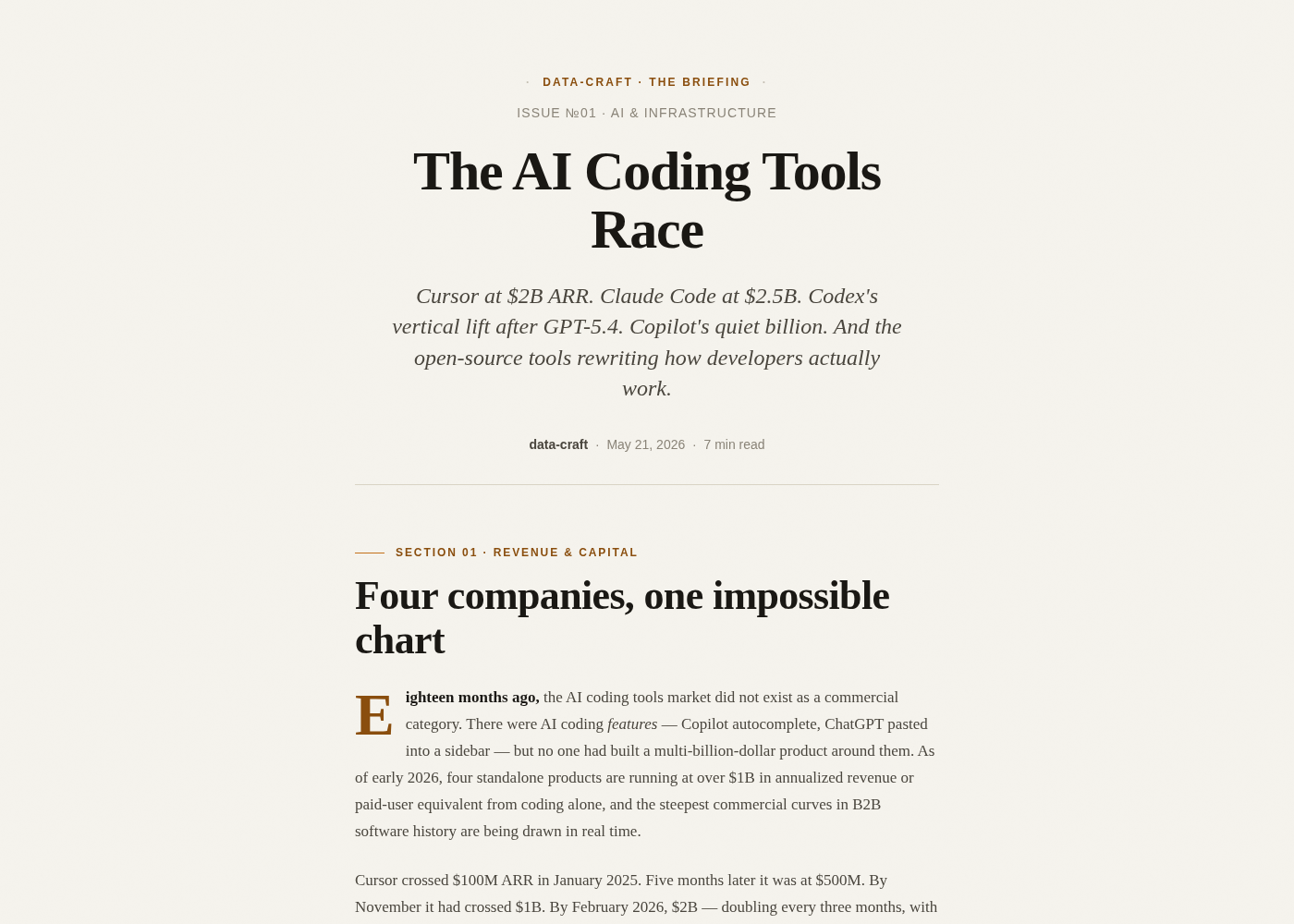
| Sand Hill | Longform research, chart essays, market reports | AI Coding Tools Race |
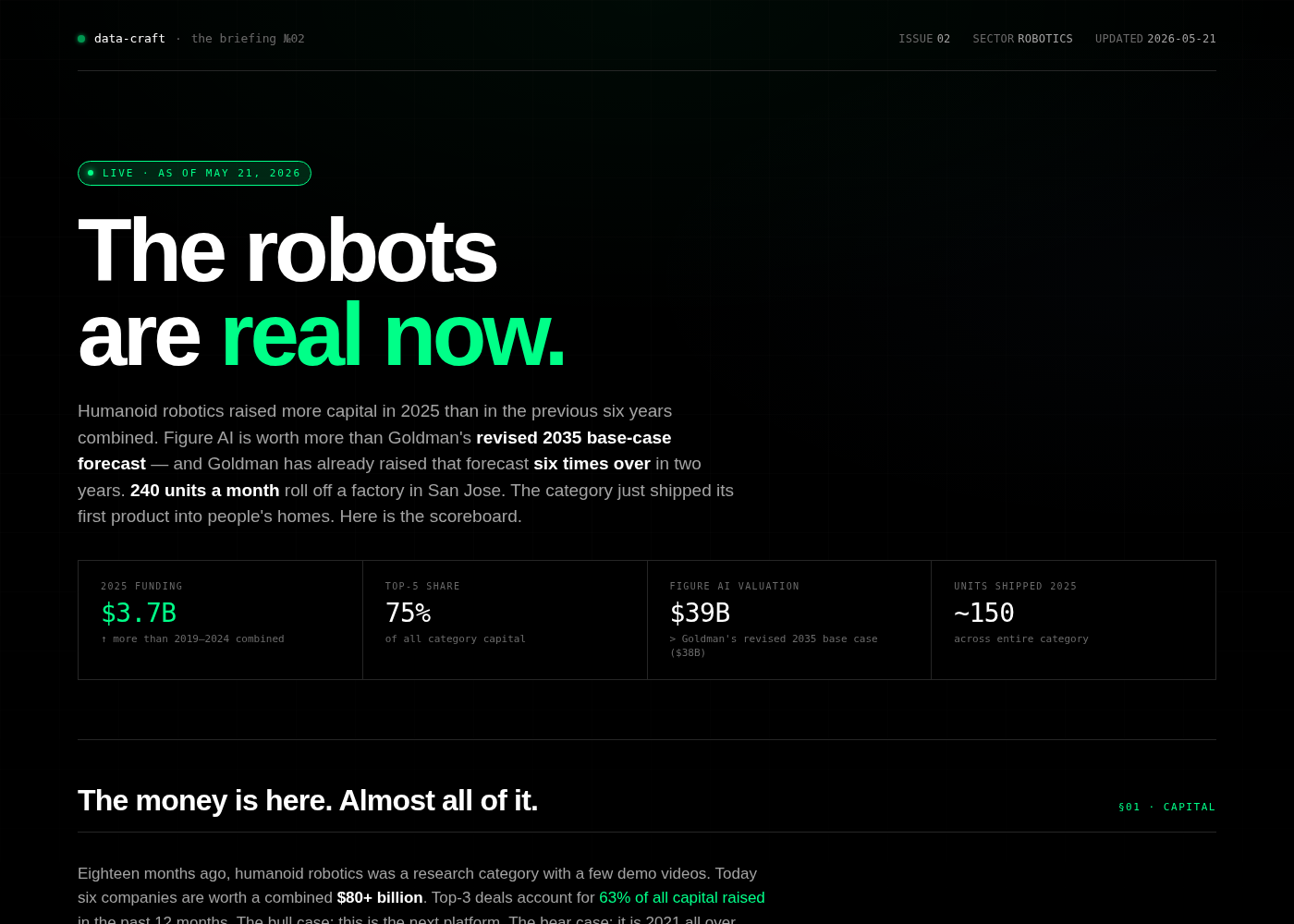
| Pitch Black | Product races, launch pages, state-of-category dashboards | State of Humanoid Robotics |
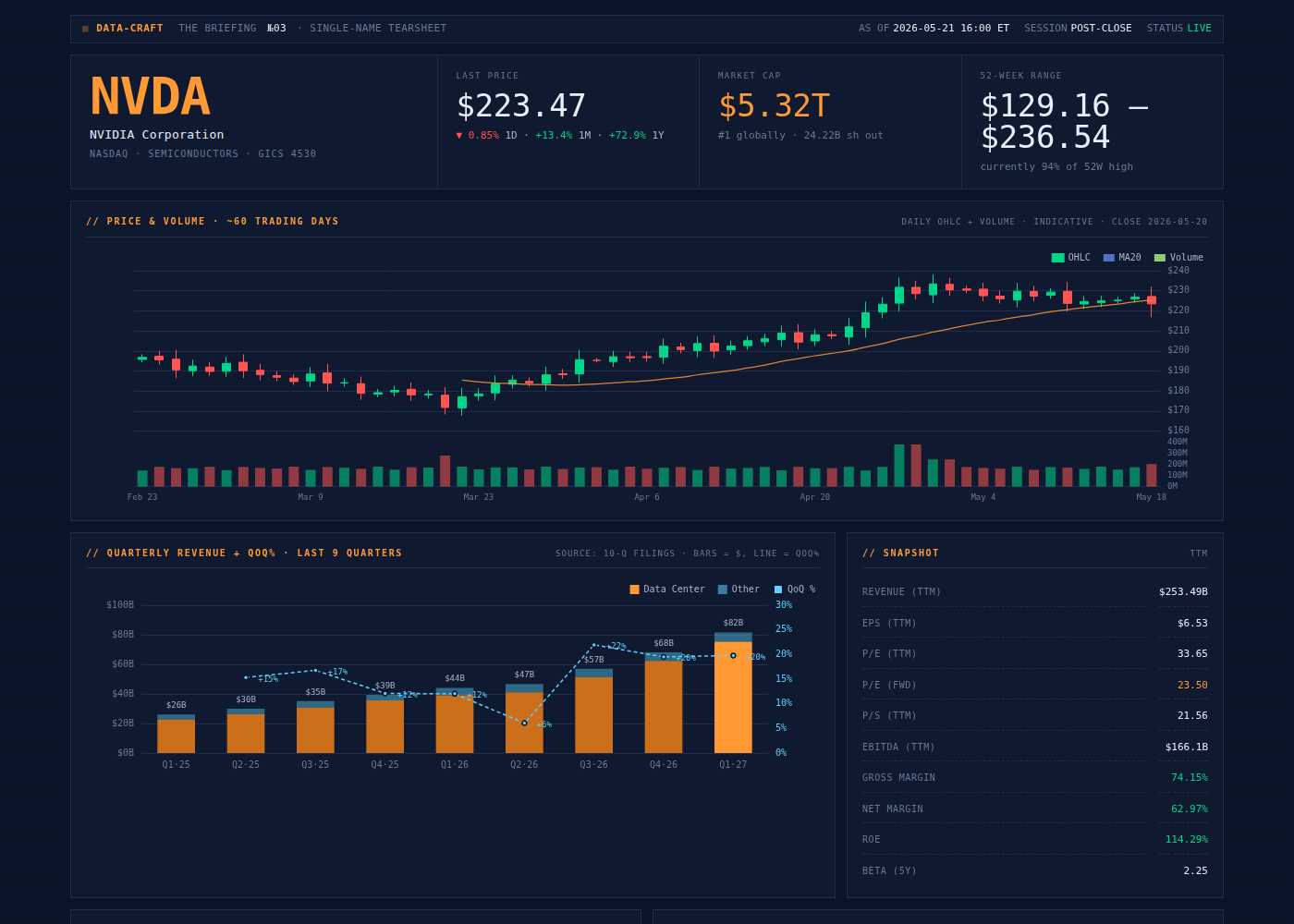
| Trading Floor | Equity tearsheets, financial dashboards, KPI-heavy research | NVDA Tearsheet |
| Helvetica Riot | Lawsuits, culture, drama, spicy market narratives | AI Music Wars |
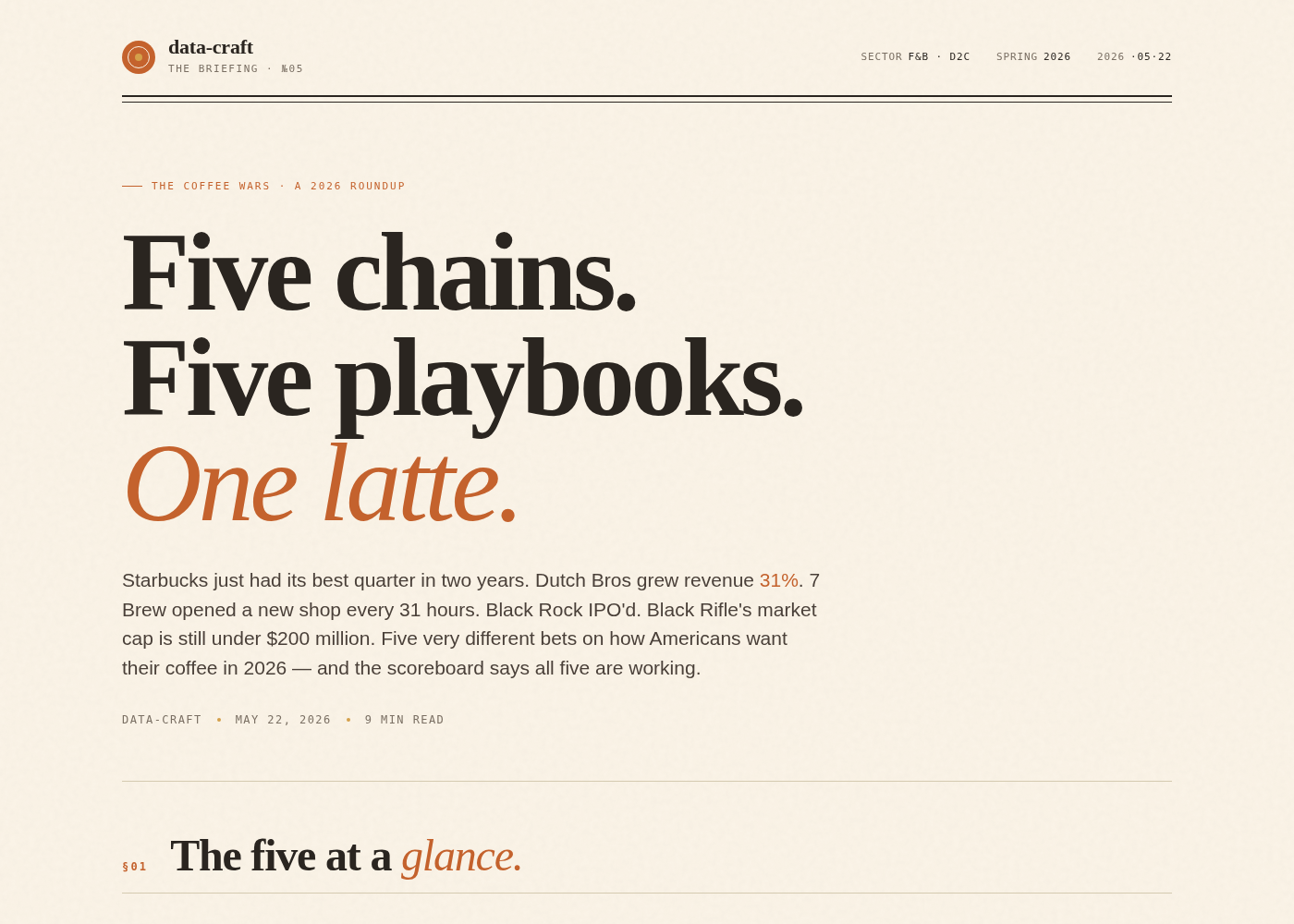
| Sunday Press | Consumer, hospitality, brands, warm editorial stories | The Coffee Wars |
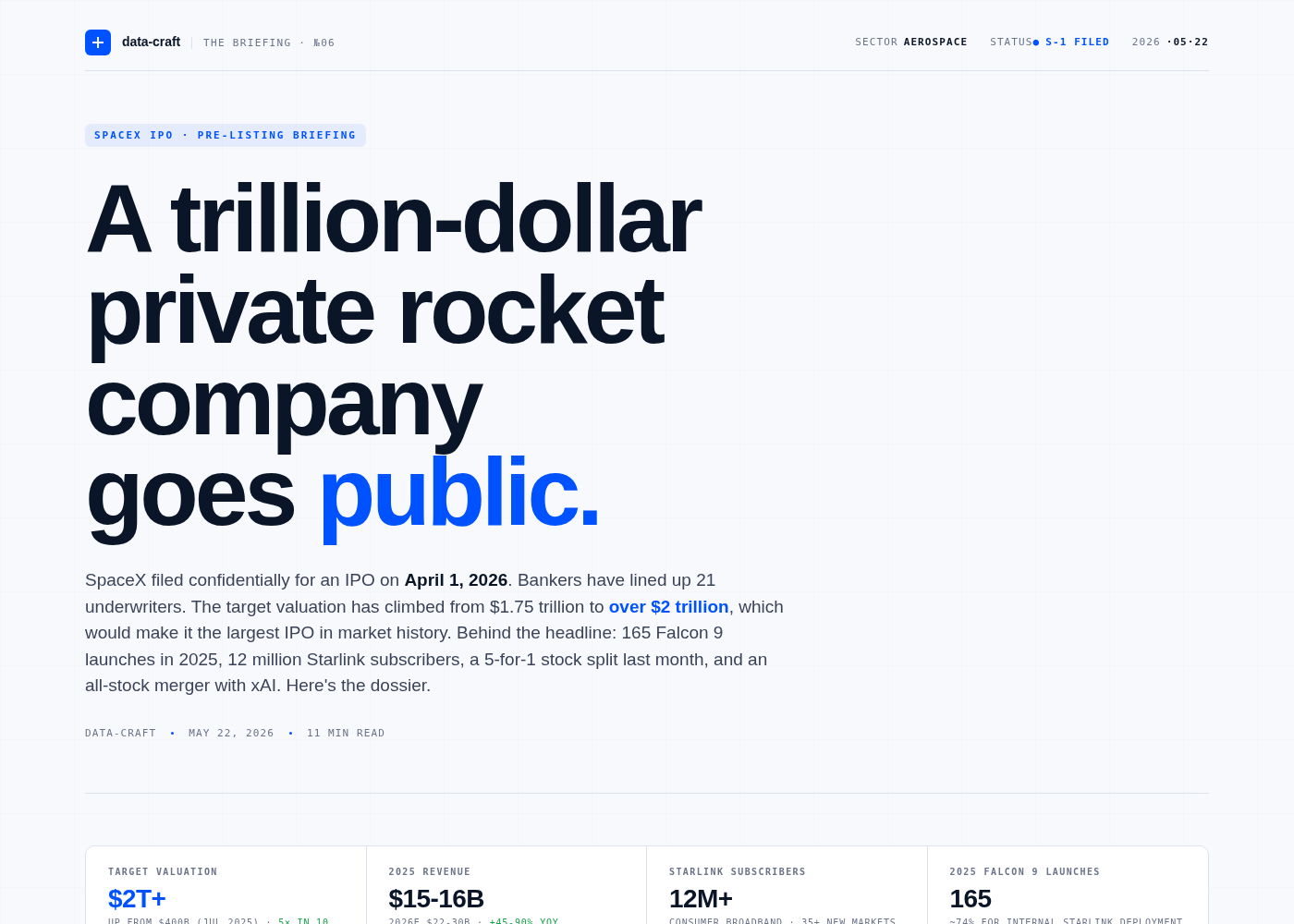
| Apollo White | Aerospace, data centers, semis, hard tech, technical briefings | SpaceX IPO Briefing |
What makes it different
data-craft is not a slide generator and not a generic dashboard template pack.
It is an AI-native analyst publishing system:
- Theme + voice are paired. The same topic reads differently in Sand Hill, Trading Floor, or Pitch Black.
- Data integrity is part of the format. Estimates must be labeled, stale figures must be verified, and every piece ends with methodology and sources.
- The output is portable. Each briefing is a single self-contained HTML file using ECharts from a CDN.
- The examples are real pieces. The repo ships six complete examples, not lorem ipsum placeholders.
If slides are presentations rebuilt for coding agents, data-craft is data display and briefing rebuilt for coding agents.
Quick start
Clone the repo:
git clone https://github.com/yixiliu617/data-craft.git
Then install or reference it in your agent.
Claude Code
git clone https://github.com/yixiliu617/data-craft.git ~/.claude/skills/data-craft
Prompt:
Use the data-craft skill. Build a Sand Hill chart essay on AI coding agents.
Claude.ai
Upload the data-craft/ folder to a Project and add this to the project instructions:
Use the data-craft skill whenever I ask for a chart, dashboard, data display, briefing, tearsheet, or report.
Codex / other coding agents
Point the agent at this repo and the skill file:
Read ./SKILL.md and use data-craft to generate a self-contained HTML briefing.
Use the relevant theme card in ./themes before writing the output.
For Codex-style local workflows, keep this repo in your workspace and reference it directly:
Use C:\path\to\data-craft\SKILL.md.
Create a Trading Floor tearsheet from this CSV.
More install notes: docs/agent-install.md.
Example prompts
Let data-craft pick the theme
Use data-craft to build a briefing on the AI coding tools market.
Include market structure, product comparison, GitHub stars, and a methodology footer.
Specify the theme
Build a Trading Floor tearsheet on Nvidia's latest earnings.
Use current data, label estimates, and include a dense KPI table.
Convert a CSV into a briefing
Use data-craft with the Sand Hill theme.
Turn this CSV into a 900-word chart essay with two figures, a source footer, and three takeaways.

[paste CSV]
Turn a topic into a visual report
Build an Apollo White briefing on AI data centers.
Compare GPUs, networking, power, cooling, and capex bottlenecks.
Use verified current sources and label estimates.
More examples: docs/examples.md.
Visual preview selection
When you are unsure which theme fits, ask the agent to show a preview menu first:
Before generating the full piece, show me the six data-craft theme options and recommend one.
Explain the tradeoff in one sentence per theme.
Recommended workflow:
- Pick a theme.
- Generate a 1-screen skeleton.
- Confirm the direction.
- Generate the full HTML.
- Render or screenshot-check before publishing.
Full guide: docs/visual-preview-selection.md.
Open the static preview gallery:
Export to PDF
Every data-craft HTML file can be printed from the browser.
For automated export, use Playwright or another headless browser to render the HTML and print to PDF. See:
Optional helper script:
node scripts/export-pdf.mjs examples/ai-coding-tools.html ai-coding-tools.pdf
The script expects Playwright to be installed in your local environment.
Demo video
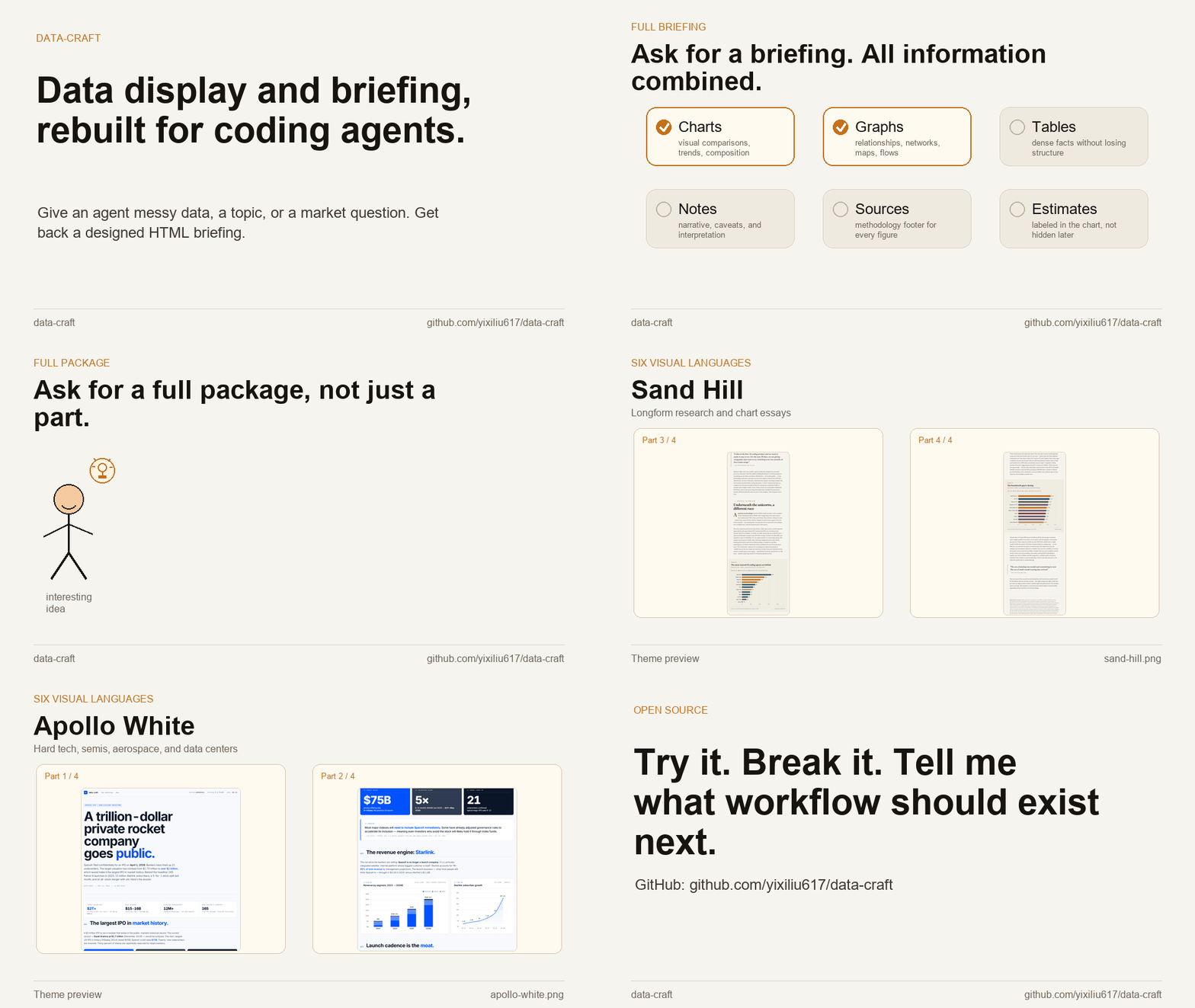
Watch/download the silent MP4: assets/data-craft-demo-45s.mp4
A short demo should show:
- Pick a topic.
- Choose a theme.
- Generate the HTML.
- Open the output.
- Show charts, methodology, and export/share options.
Script and shot list: docs/demo-video-script.md.
Browser-based recorder:
examples/demo-video-recorder.html
Project structure
data-craft/
  README.md
  SKILL.md
  themes/
    sand-hill.md
    pitch-black.md
    trading-floor.md
    helvetica-riot.md
    sunday-press.md
    apollo-white.md
  examples/
    theme-preview.html
    demo-video-recorder.html
    ai-coding-tools.html
    humanoid-robotics.html
    nvda-tearsheet.html
    ai-music-wars.html
    d2c-coffee.html
    spacex-ipo.html
  assets/
    gallery-hero.png
    thumb-*.png
    data-craft-demo-45s.gif
    data-craft-demo-45s.mp4
    demo-source/
  docs/
    agent-install.md
    examples.md
    export-pdf.md
    visual-preview-selection.md
    demo-video-script.md
    methodology.md
    prompting-guide.md
  scripts/
    export-pdf.mjs
    capture-theme-fullpages.mjs
    create_demo_gif.py
    create_demo_mp4.py
    export-demo-pages.py
Roadmap
Now
- Six themes.
- Six golden examples.
- Single-file HTML output.
- Theme and voice rules.
- Methodology and estimate-labeling conventions.
Next
- Visual preview selection workflow.
- Export-to-PDF helper.
- More CSV and topic-to-briefing examples.
- Short demo video.
- Better install paths for Claude, Codex, and other agents.
Later
- Optional slide mode for briefing-to-deck conversion.
- More finance-native themes.
- Custom brand/theme adapters.
- Component library for embedding charts and tiles into other sites.
Slide mode should stay downstream of the core mission: data-craft is first a research briefing system, not a presentation tool.
License
MIT. See LICENSE.
data-craft is independent open-source software. It is not affiliated with Anthropic, Bloomberg, SpaceX, or any publication, company, or tool referenced as design inspiration.