
Project Delivery Manager
yhooch/project-delivery-manager
Gerenciamento integrado de requisitos, tarefas e bugs com MCP e workflows customizáveis
Ver no GitHubPlataforma SaaS de gerenciamento de entrega de produtos para pequenos times, integrando requisitos, tarefas, bugs, workflows customizáveis e acesso a agentes IA via MCP. Mantém documentação de contexto, boards em tempo real e rastreamento de exceções em um único monorepo TypeScript.
Instalação
npx convez-ai yhooch/project-delivery-manager1 comando no terminal: detecta o formato do repositório (marketplace ou plugin avulso) e instala via Claude Code. Requer Node 18+ e o Claude Code instalado.
Métricas
Casos de uso
- Equipes de produto coordenando requisitos, tarefas e bugs em um único lugar
- Automação de workflows customizados com permissões baseadas em papéis
- Integração de agentes IA (Claude, etc) via MCP para acesso a contexto de projetos
- Rastreamento de exceções e riscos de entrega em tempo real
Veredito

Solução madura e completa para times de produto que precisam centralizar requisitos, tarefas e bugs com segurança SaaS. O suporte nativo a MCP e integração com agentes IA é um diferencial valioso para automação e contexto aumentado em workflows.
README
A tradução para o português deste README ainda está na fila.
Project Delivery Manager
English | 简体中文
Project Delivery Manager, or PDM, is a SaaS-ready product delivery management platform for small software teams. It brings requirements, intake, tasks, bugs, project context documents, custom workflows, version boards, realtime refresh, and MCP-based AI agent access into one TypeScript monorepo.
Keywords: product delivery management, project management, requirements management, document context library, issue tracking, bug tracking, workflow management, SaaS, MCP, OAuth, Next.js, NestJS, Prisma, PostgreSQL.
What It Solves
Small product teams often keep requirements, decisions, development tasks, test feedback, bug fixes, release scope, and delivery risks in separate tools or chat threads. PDM is designed to keep those objects connected and traceable without turning the workflow into a heavy enterprise process platform.
The core workflow is:
Register/login -> Organization -> Project space -> Version
  -> Requirement / Intake item -> Task / Bug
  -> Workflow action -> Timeline -> Workbench / Board / Exception view
Features
- SaaS-ready organization and project-space isolation.
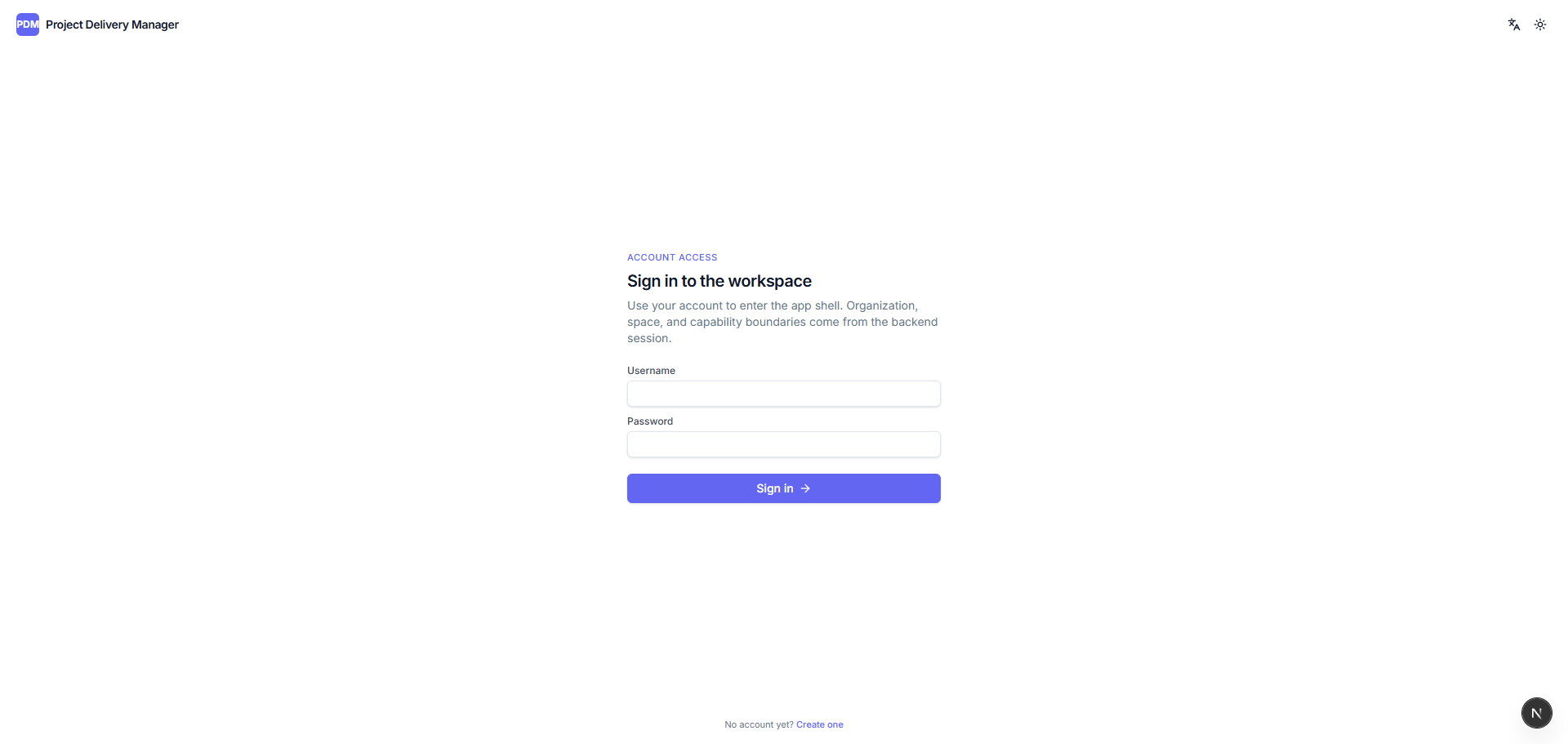
- Username/password authentication with database sessions and HttpOnly cookies.
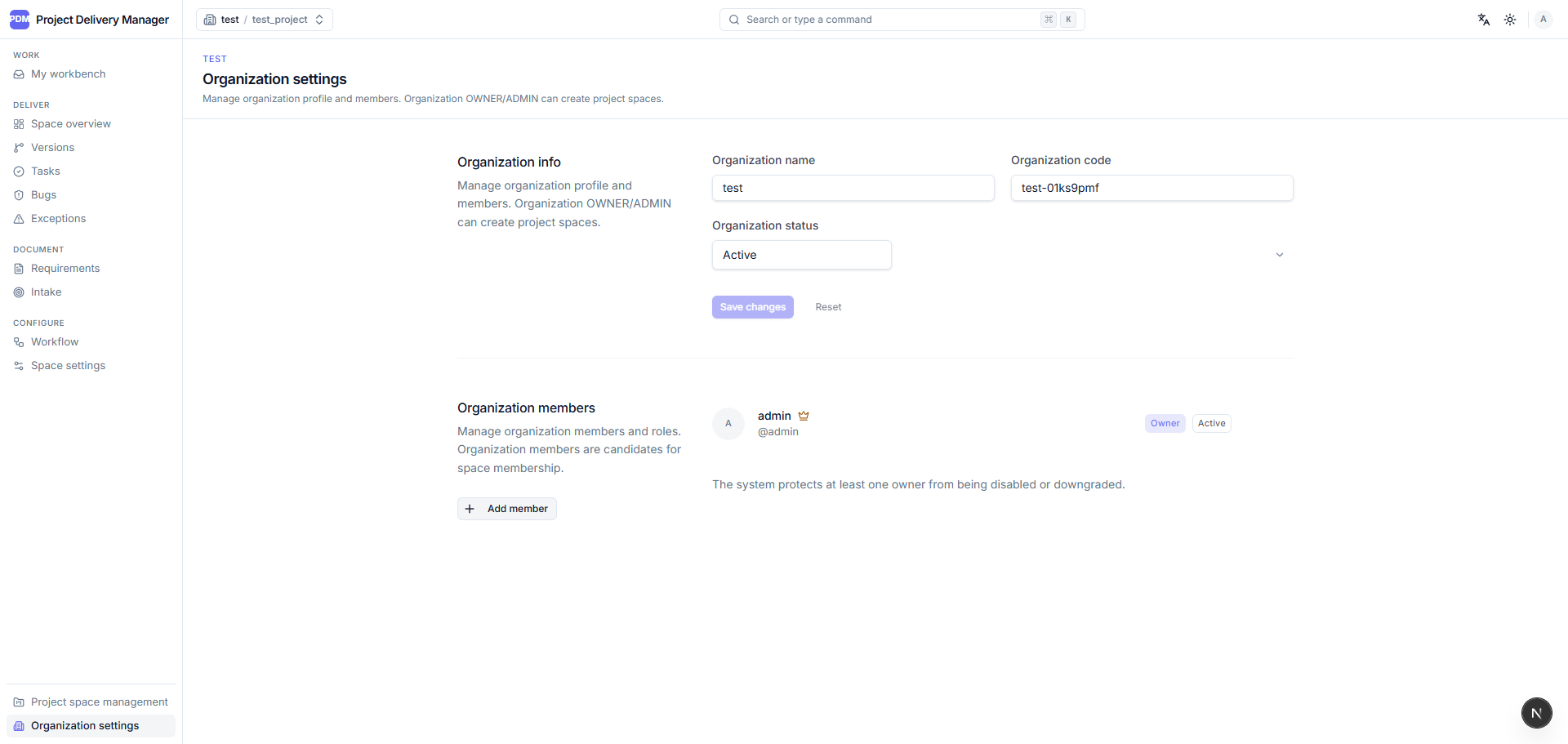
- Organization members, project-space members, and role-based permissions.
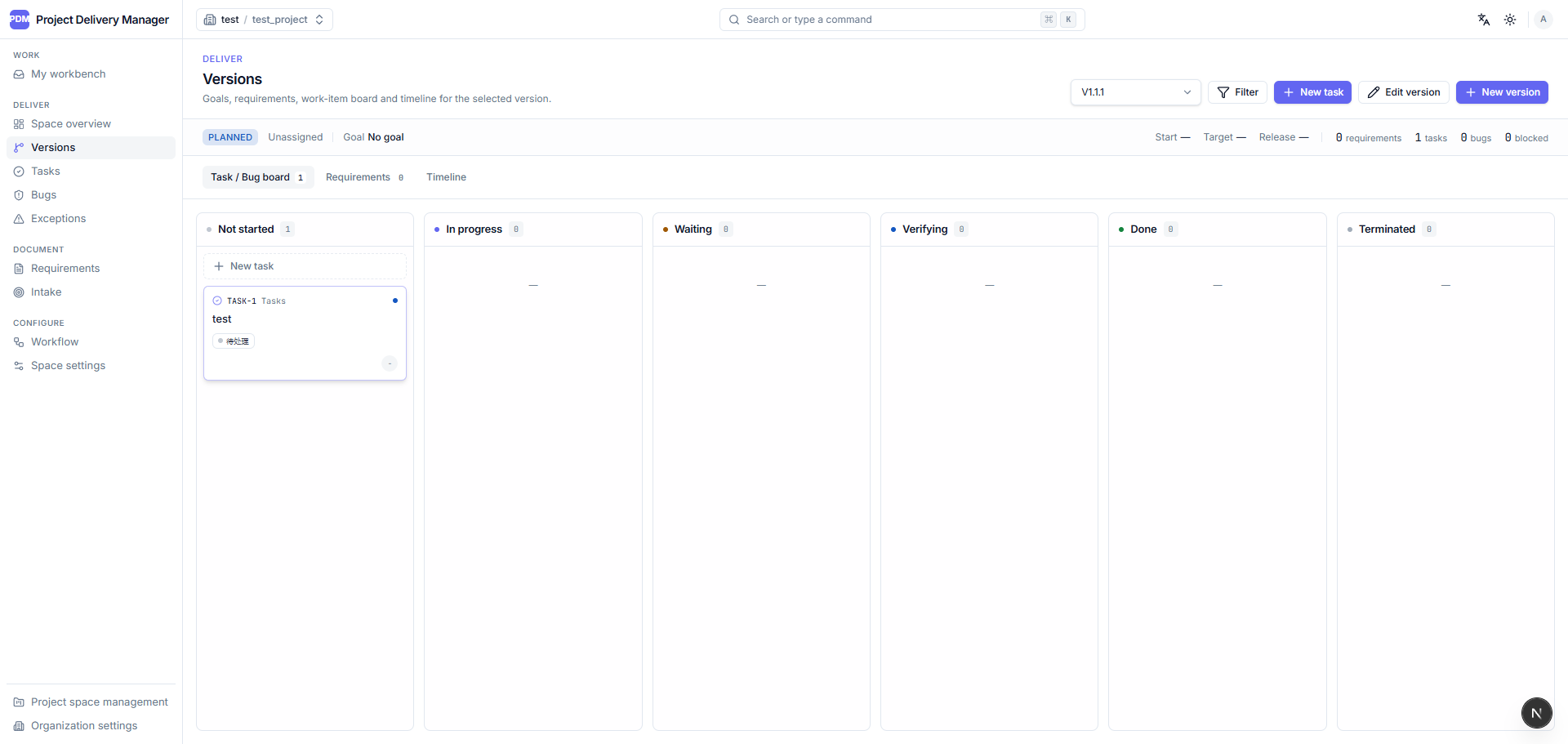
- Version management for delivery scope and progress tracking.
- Requirement documents with Tiptap rich text, Markdown support, image uploads, comments, attachments, and timeline history.
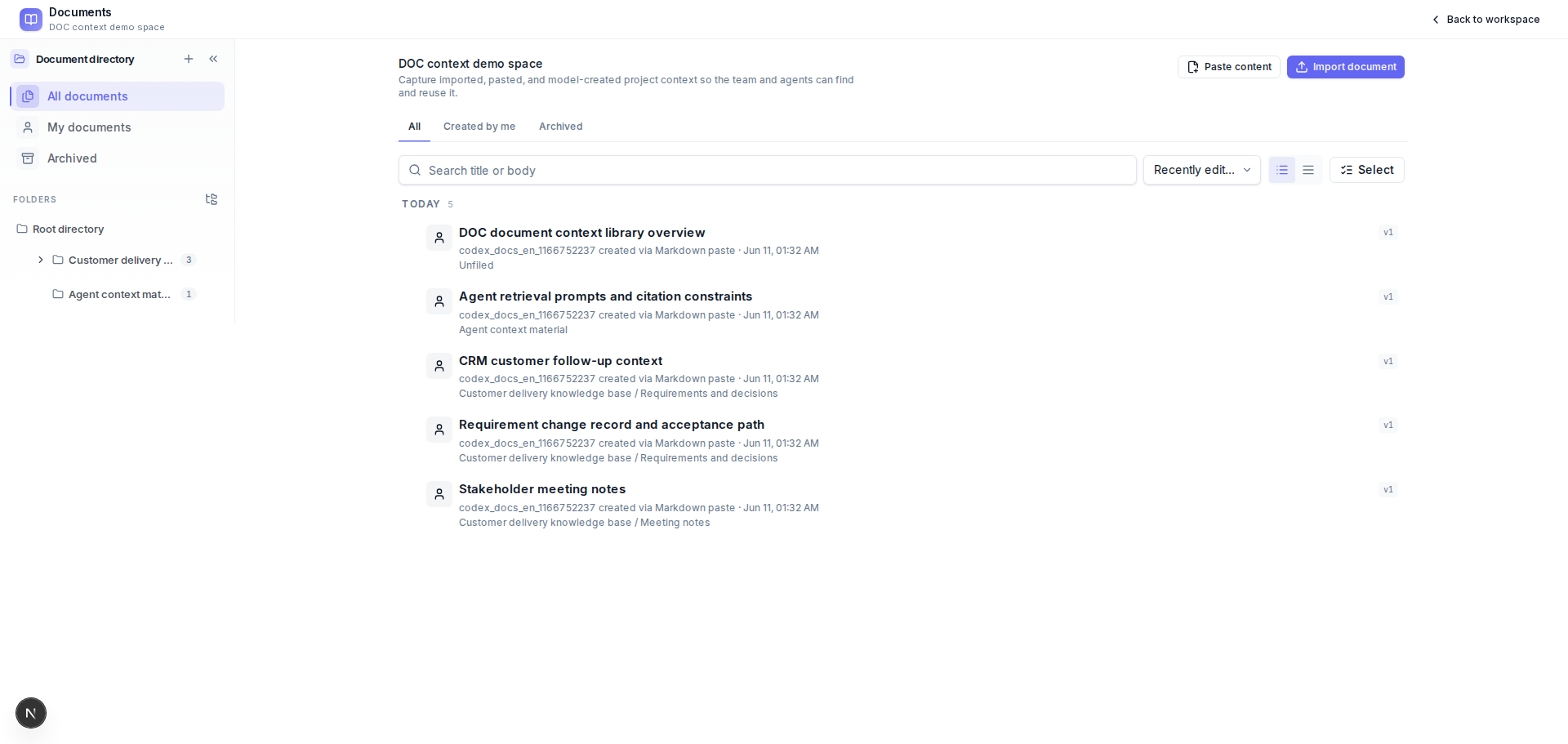
- Space-level document context library for project knowledge capture, with Markdown/plain text paste, Markdown/Word/HTML import, document list, search, filters, shared folders, detail reading, lightweight editing, re-import, archive/restore/delete, linked resources, tags, comments, attachments, timeline history, Mermaid diagram rendering, and fullscreen Mermaid preview.
- Intake pool for collecting work sources and splitting accepted items into one or more tasks.
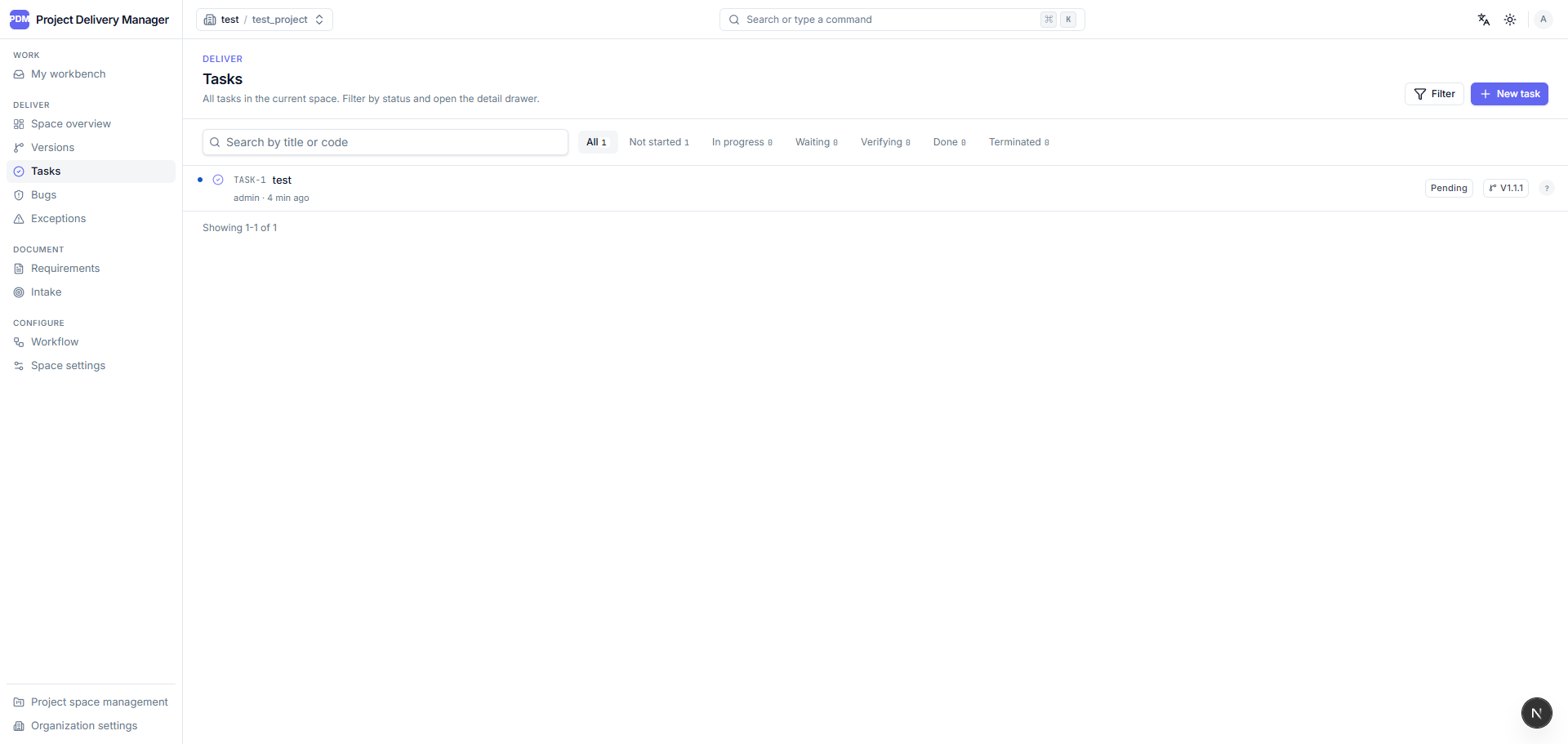
- Unified work item model for
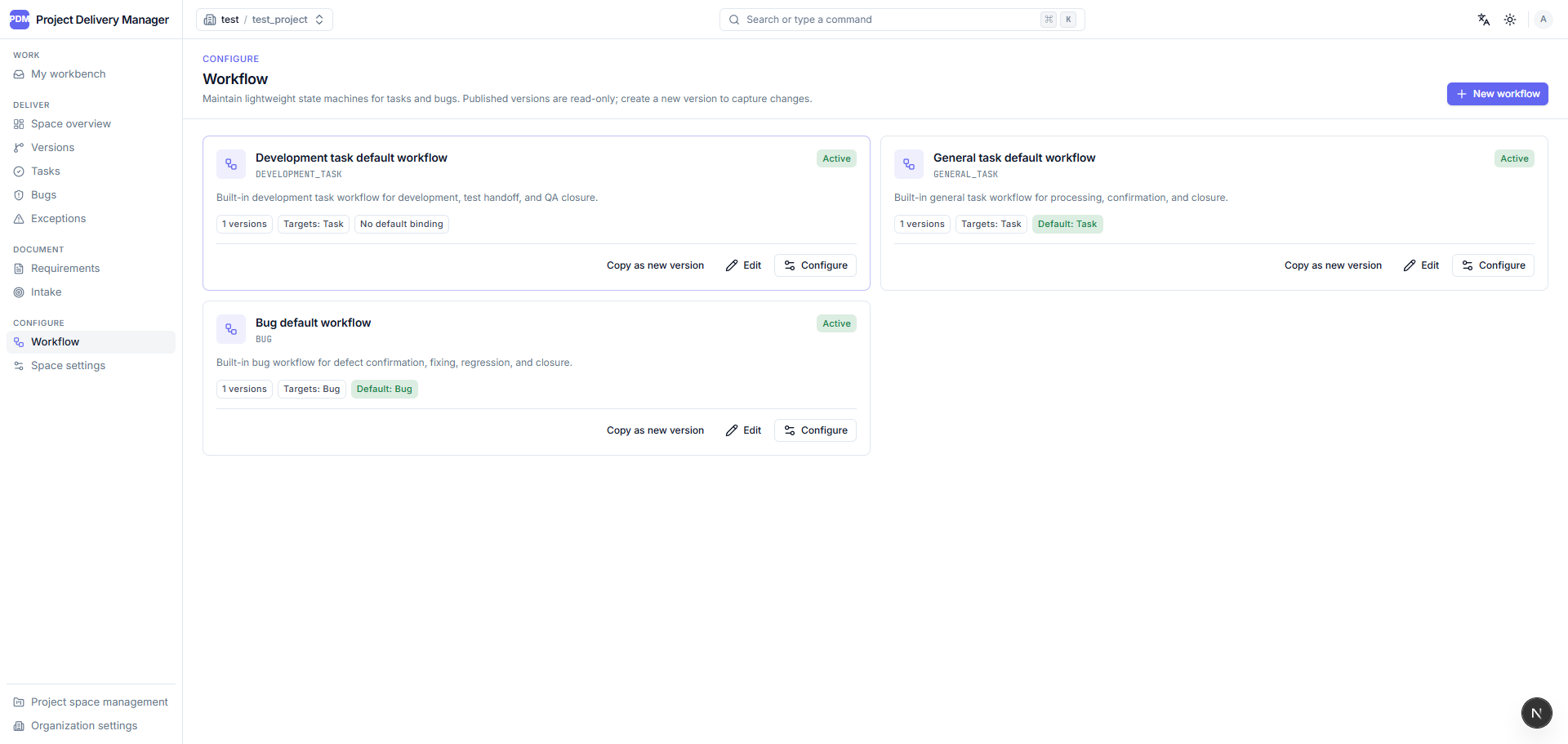
TASKandBUG, with separate user-facing pages. - Configurable lightweight workflow engine with states, actions, permissions, action forms, and workflow versions.
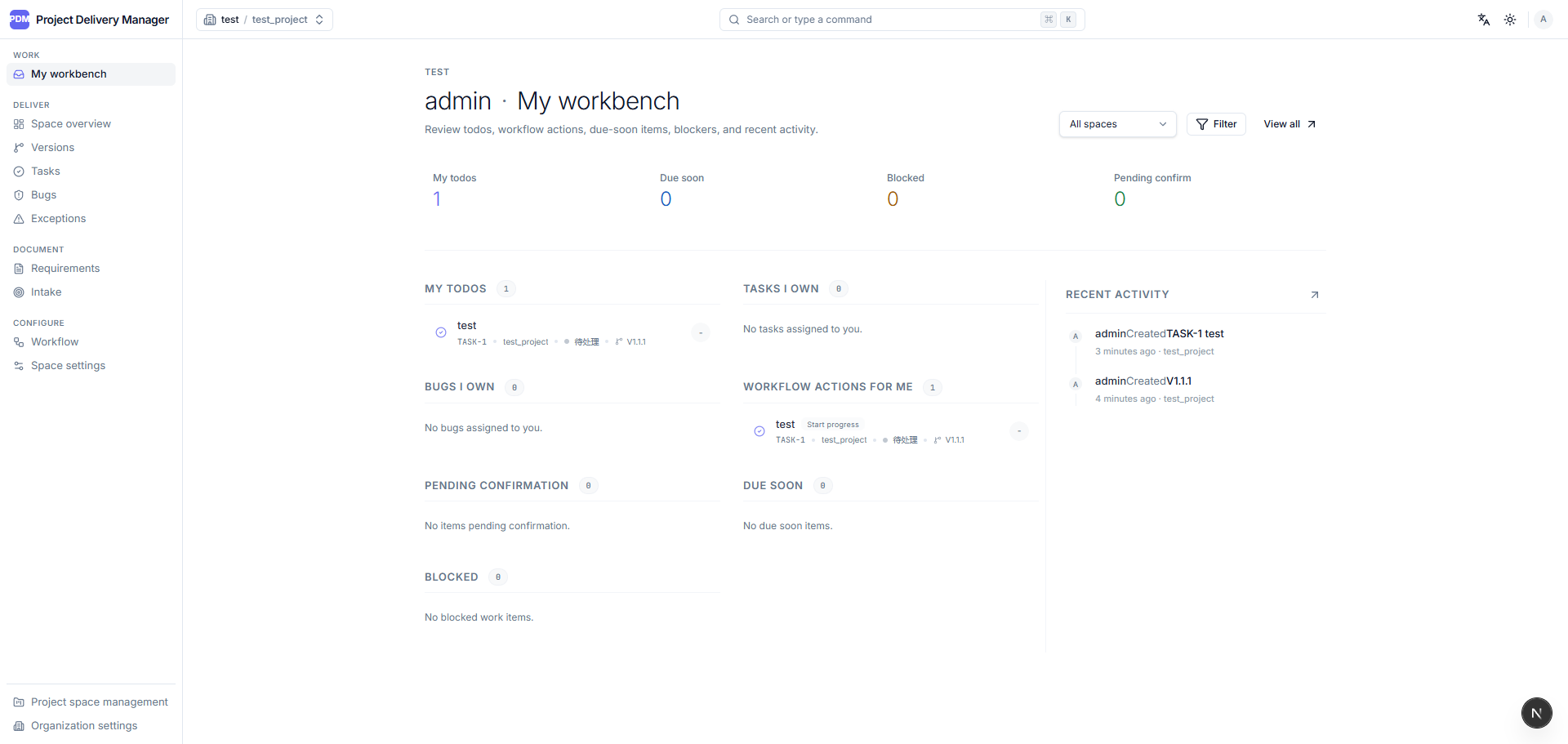
- My workbench, project overview, version board, and exception views.
- Exception tracking for overdue, blocked, pending confirmation, pending regression, and stale work items.
- Tags for requirements, intake items, tasks, bugs, and documents.
- Human-readable object codes such as
REQ-12,INTAKE-8,TASK-42, andBUG-17. - Realtime local refresh through SSE invalidation events.
- Chinese and English UI with light, dark, and system themes.
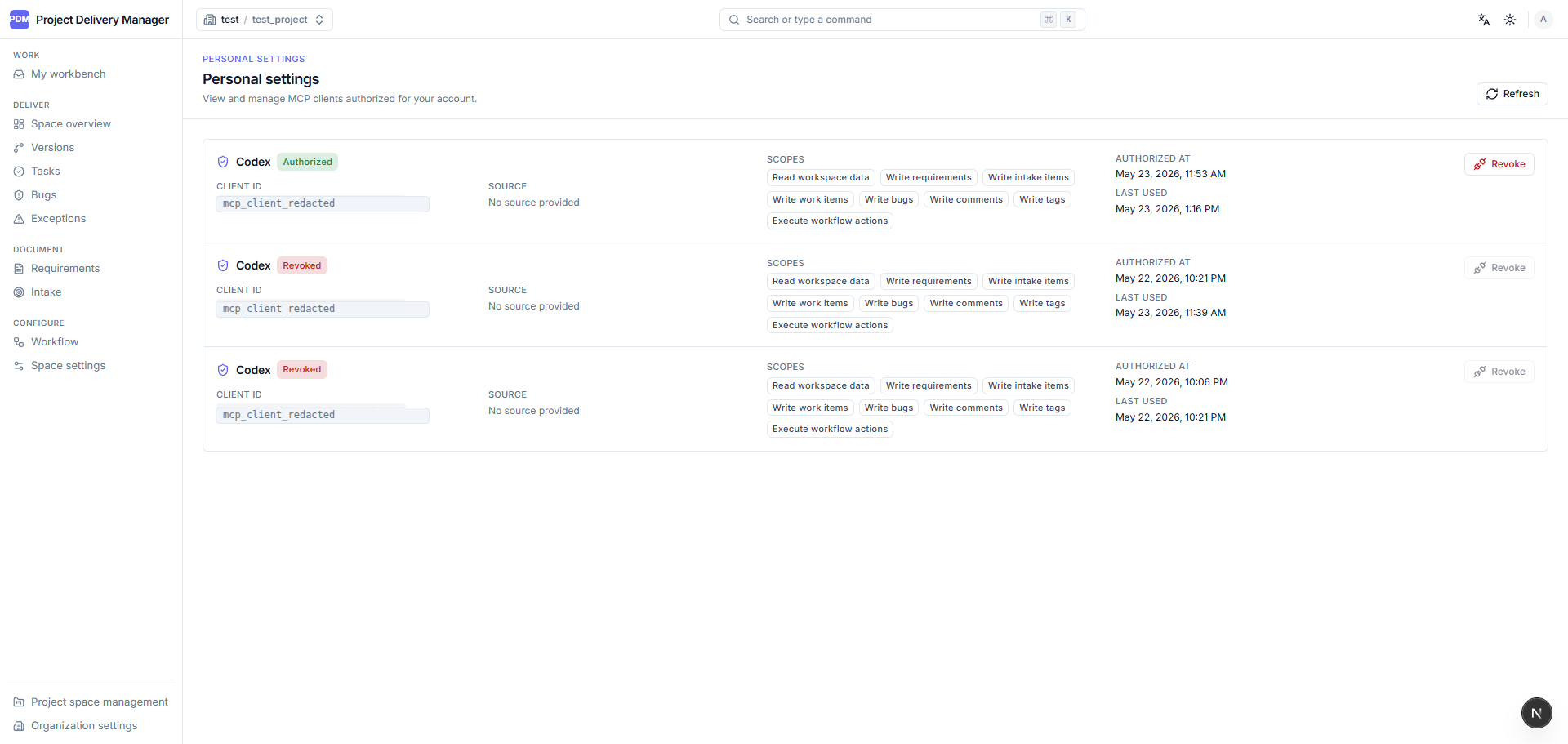
- MCP server integration for AI agents, protected by OAuth 2.1 + PKCE and scoped Bearer tokens, including document and folder tools.
Screenshots
| My workbench | Version board |
|---|---|
 |  |
| Workflow configuration | Task list |
|---|---|
 |  |
| Document context library |
|---|
 |
| MCP client authorizations | Organization settings |
|---|---|
 |  |
| Account access |
|---|
 |
MCP And AI Agent Access
PDM exposes selected product delivery capabilities through Model Context Protocol tools. The MCP surface includes context lookup, object code lookup, workbench, space overview, version board, exceptions, requirements, intake items, tasks, bugs, documents, shared document folders, comments, tags, and timelines.
Current tool names use the pdm.* namespace, for example:
pdm.context.getpdm.object.lookup_codepdm.requirement.createpdm.work_item.execute_actionpdm.bug.createpdm.document.create_from_markdownpdm.document_folder.createpdm.tag.replace_assignments
MCP requests do not reuse the web session cookie. They require OAuth access tokens scoped for the MCP resource, and business permissions are still enforced by the existing organization, project-space, object, role, and workflow rules.
Tech Stack
| Area | Technology |
|---|---|
| Monorepo | pnpm workspaces |
| Web | Next.js, React, TypeScript |
| API | NestJS, TypeScript |
| Database | PostgreSQL, Prisma |
| Shared contracts | Zod schemas in packages/shared |
| UI | Tailwind CSS, Radix UI primitives, lucide-react |
| Editor | Tiptap plus Markdown mode |
| File storage | MinIO behind the API |
| Realtime | Server-Sent Events |
| E2E | Playwright |
| Unit tests | Vitest |
Repository Layout
apps/
  api/        NestJS API application
  web/        Next.js web application
packages/
  shared/     Zod schemas, DTOs, enums, errors, OpenAPI helpers
prisma/       Prisma schema and migrations
tests/e2e/    Playwright API and UI E2E tests
deploy/       nginx production entrypoint config
docs/         README screenshot assets
Requirements
- Node.js 22 or newer.
- Corepack with pnpm 11.1.1.
- PostgreSQL for the API database.
- MinIO or another S3-compatible service for attachment flows.
For full local E2E, see tests/e2e/README.md.
Local Development
Enable the pinned package manager:
corepack enable
corepack prepare pnpm@11.1.1 --activate
Install dependencies:
corepack pnpm install
Prepare environment files:
cp .env.example .env
Generate Prisma client and run migrations as needed:
corepack pnpm --filter @project-delivery/api prisma:generate
corepack pnpm --filter @project-delivery/api prisma:migrate
Start both applications:
corepack pnpm dev
Or run them separately:
corepack pnpm dev:api
corepack pnpm dev:web
Verification
Run the standard local gate:
corepack pnpm verify
verify runs lint, typecheck, unit tests, and build.
Run the local E2E gate:
corepack pnpm verify:e2e:local
Run Docker-backed E2E:
corepack pnpm test:e2e:full
Useful targeted commands:
corepack pnpm lint
corepack pnpm typecheck
corepack pnpm test
corepack pnpm build
corepack pnpm test:e2e:list
Deployment
The repository includes a single-machine HTTP deployment path based on Docker Compose:
- docker-compose.prod.yml
- docker-compose.prod.registry.yml
- Dockerfile.api
- Dockerfile.web
- deploy/nginx.conf
- .env.prod.example
For HTTP deployment, SESSION_COOKIE_SECURE=false must match the actual origin.
When moving to HTTPS, switch it back to secure cookie behavior.
Public and private browser entry points are accepted when the request Host
matches the browser Origin. OAuth/MCP metadata is derived from the current
request Host, and attachment upload/download flows go through the API to the
internal MinIO service. Production only needs the Nginx port exposed.
Current Status
The completed and accepted scope includes the core MVP workflow, TAG tagging, SEQ human-readable object codes, RT realtime local refresh, MCP AI agent system access, and the DOC document context library. Remaining release gates are full API/UI E2E against real dependencies, plus target-environment review for RT, MCP, and DOC behavior.
License
This project is licensed under the MIT License.