
devrig
steveyackey/devrig
A Rust-based local dev env manager that works well with k3d, docker, local services, and more. Complete with a full, local OpenTelemetry dashboard and Claude Code skills.
Instalação
npx convez-ai steveyackey/devrig1 comando no terminal: detecta o formato do repositório (marketplace ou plugin avulso) e instala via Claude Code. Requer Node 18+ e o Claude Code instalado.
Métricas
README
A tradução para o português deste README ainda está na fila.
DEV RIG
Local development orchestrator with built-in OpenTelemetry. Define your services in a single TOML file — devrig starts them in dependency order, multiplexes logs, manages ports, collects traces/metrics/logs, and tears everything down cleanly on Ctrl+C.
Dashboard
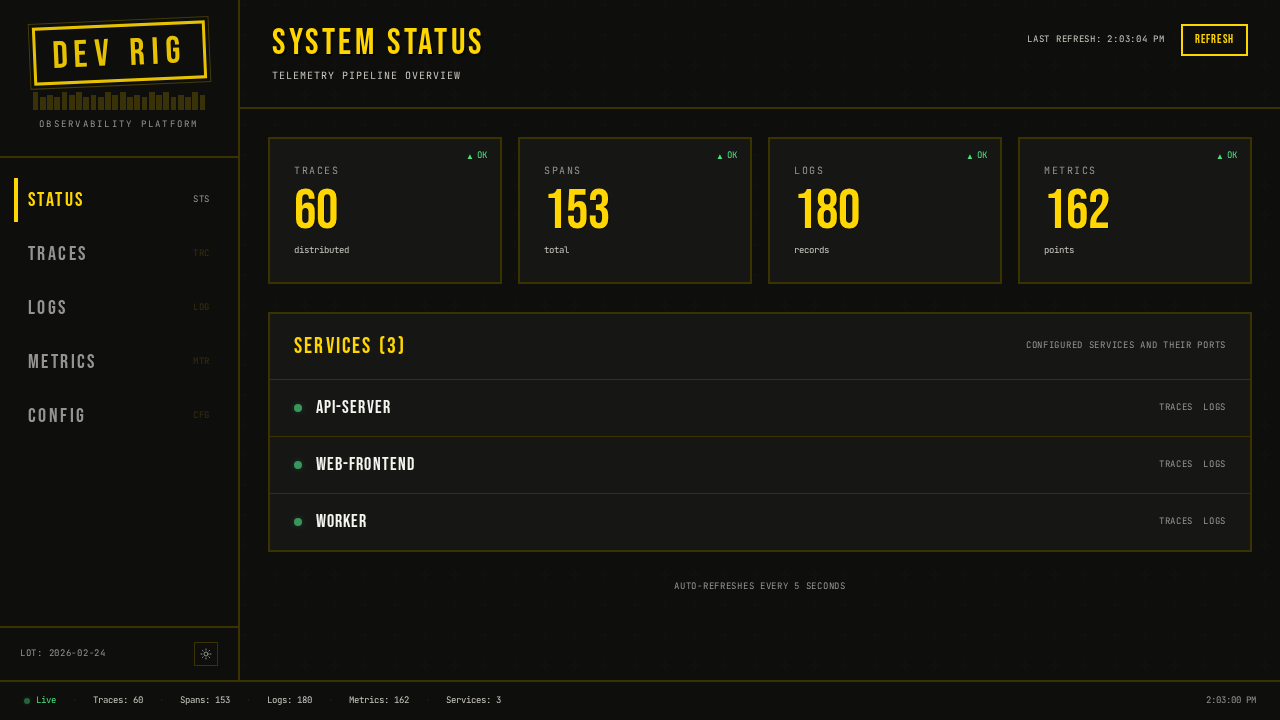
devrig includes a built-in observability dashboard that receives OpenTelemetry data from your services in real time.
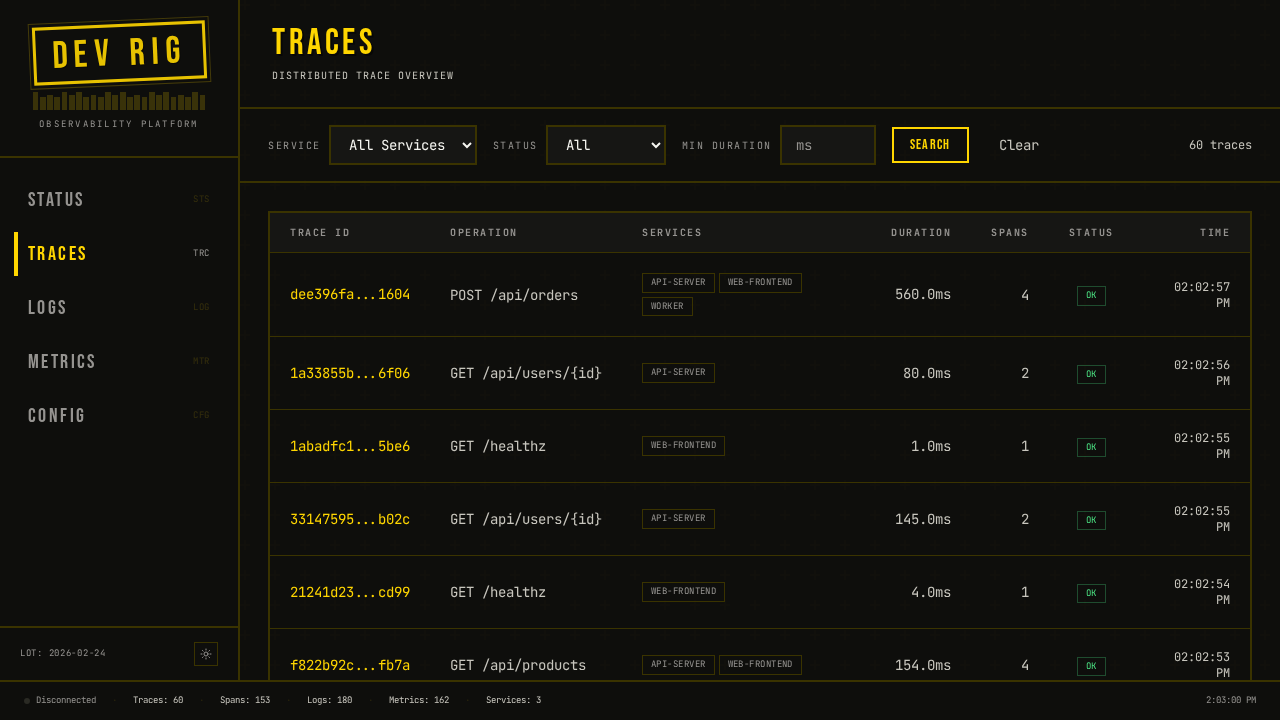
Drill into any trace to see the full span waterfall across services:
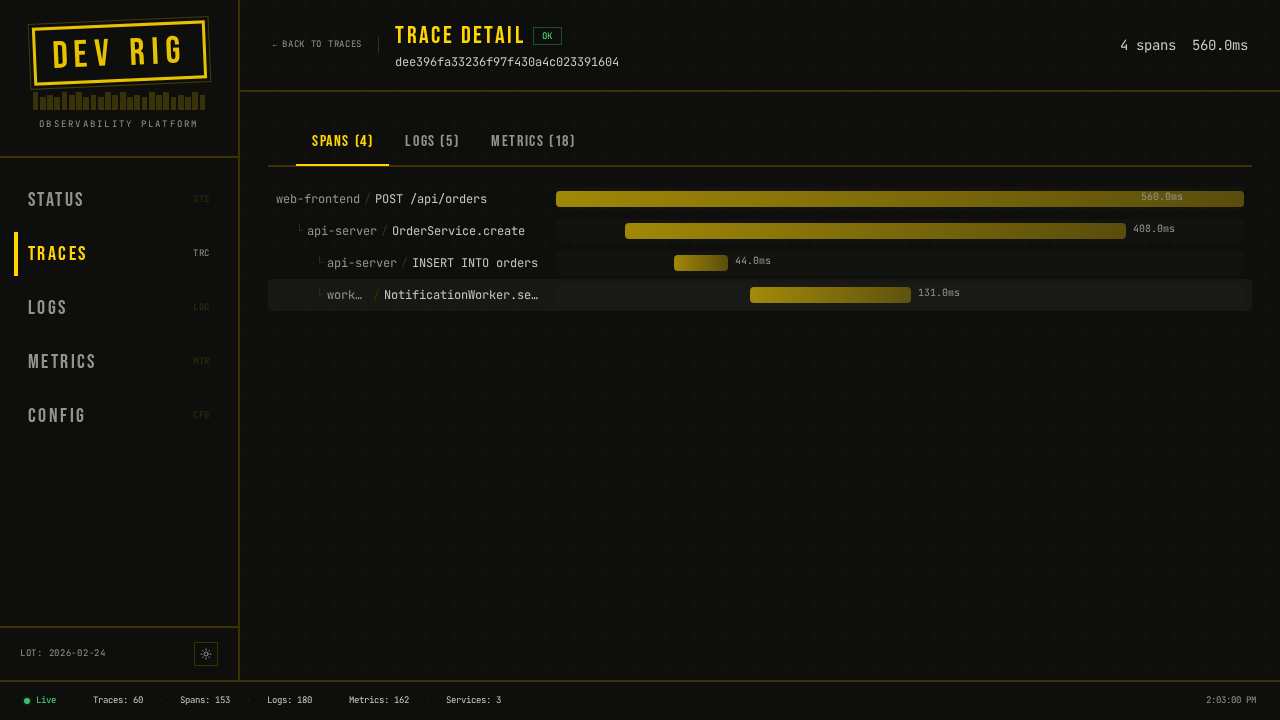
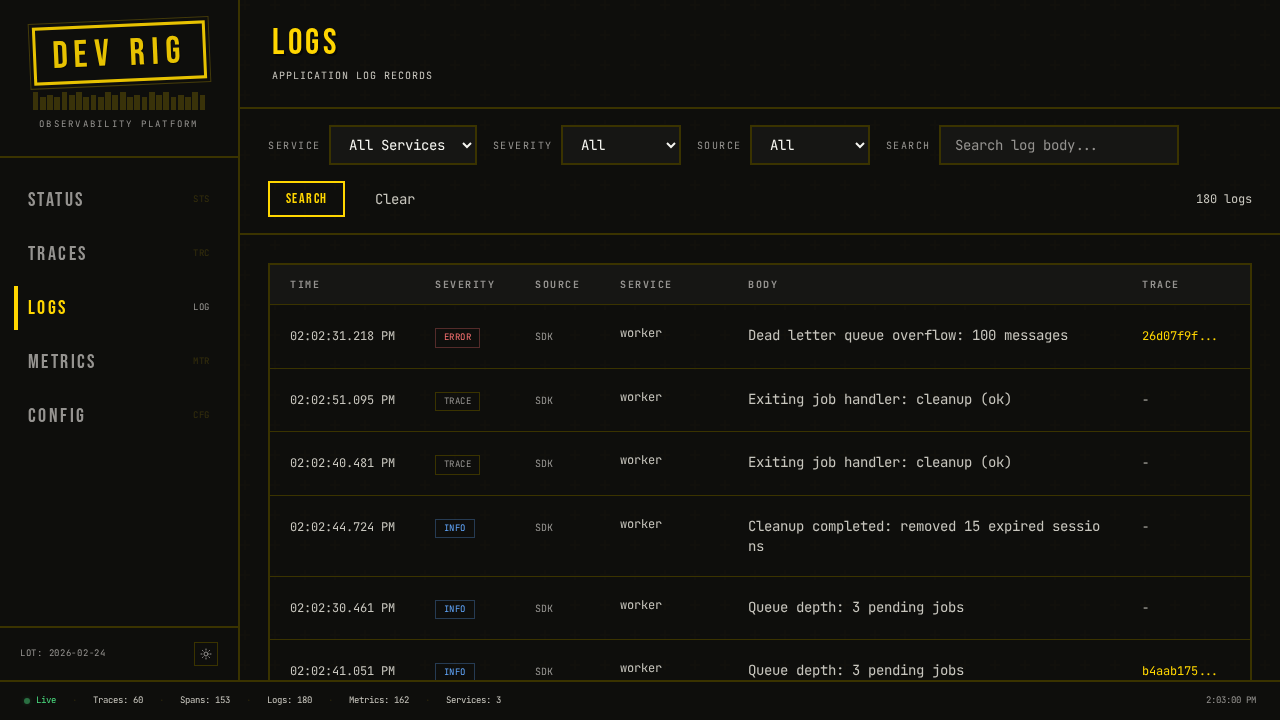
Browse and search application logs with severity filtering:
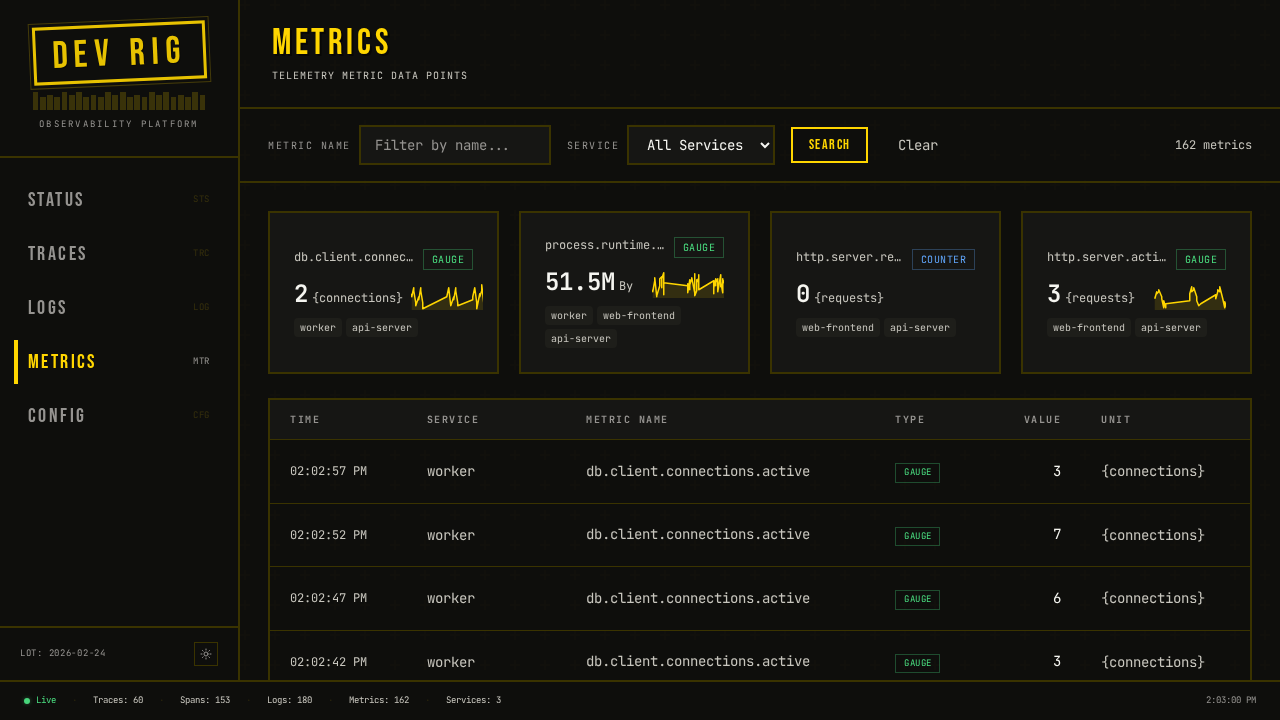
Explore metrics with sparkline cards and expandable time-series charts:
Install
Shell installer (Linux/macOS) — downloads the latest release, verifies its
SHA256, and installs to ~/.local/bin:
curl --proto '=https' --tlsv1.2 -LsSf https://github.com/steveyackey/devrig/releases/latest/download/install.sh | sh
PowerShell installer (Windows):
powershell -ExecutionPolicy Bypass -c "irm https://github.com/steveyackey/devrig/releases/latest/download/install.ps1 | iex"
Both installers include the embedded dashboard. Run devrig update to upgrade
in place afterward.
Upgrading from the Rust version (≤ 0.30.x) — devrig update on a Rust build
won't pull the Go release: it delegates to the cargo-dist devrig-update sidecar,
which only recognizes cargo-dist release assets, whereas Go releases are built by
goreleaser. Re-run the shell/PowerShell installer above once to switch to the Go
build. From then on devrig update self-updates normally and removes the leftover
Rust install receipt and devrig-update sidecar on its first run.
Prebuilt binaries — or download the archive for your platform from the
latest release and put
devrig on your PATH.
From source (Go 1.26+):
go install github.com/steveyackey/devrig/cmd/devrig@latest
(Note: go install builds without the embedded dashboard UI — use an installer
or release binary for the full dashboard, or build with -tags embedspa after
staging web/dist into internal/dashboard/dist.)
Quickstart
devrig init && devrig start
Minimal example
# devrig.toml
[project]
name = "myapp"

[dashboard]

[services.api]
command = "go run ./cmd/api"
port = 3000

[services.web]
command = "npm run dev"
port = 5173
depends_on = ["api"]
Save as devrig.toml in your project root, then run devrig start.
The dashboard opens at http://localhost:4000.
Commands
| Command | Description |
|---|---|
devrig start | Start all services in dependency order |
devrig stop | Stop all running services gracefully (--all for every project) |
devrig delete | Stop services and remove all .devrig/ state (--all for every project) |
devrig ps | Show status of services in the current project |
devrig init | Generate a starter devrig.toml for your project |
devrig doctor | Check dependencies; show managed/system tool resolution |
devrig deps | Manage pinned k3d/kubectl/helm (list/install/update) |
devrig validate | Validate the configuration file |
devrig logs | Show and filter service logs |
devrig env | Show resolved environment variables for a service |
devrig exec | Execute a command in a docker container |
devrig query | Query traces, logs, and metrics from the OTel collector |
devrig cluster | Manage the k3d cluster (create/delete/kubeconfig) |
devrig kubectl | Proxy to kubectl with devrig's isolated kubeconfig |
devrig update | Update devrig to the latest version |
devrig completions | Generate shell completions |
Global flags
| Flag | Description |
|---|---|
-f <path> | Use a specific config file |
How it works
- Parse — reads
devrig.toml(or walks up to find one), validates in two phases: TOML deserialization, then semantic checks (missing deps, duplicate ports, cycles). - Resolve — builds a dependency graph with
petgraphand topologically sorts it. Docker containers, k3d cluster deployments, and services can all depend on each other. Auto-ports are assigned by binding ephemeral OS ports. - Docker — pulls and starts Docker containers for databases, caches, and other infrastructure. Supports health checks, init commands, and volume mounts.
- Cluster — optionally creates a k3d cluster, deploys manifests, and installs Helm chart addons with port forwarding.
- Supervise — each service runs under a supervisor that captures stdout/stderr, restarts on failure with exponential backoff, and responds to cancellation.
- Observe — a built-in OTel collector receives traces, metrics, and logs over OTLP (HTTP :4318 / gRPC :4317) and serves them to the dashboard and CLI query commands.
- Dashboard — an embedded Vue app on :4000 provides real-time views of service status, traces, logs, and metrics.
- Shutdown — Ctrl+C triggers graceful shutdown: SIGTERM to process groups, grace period, then SIGKILL. Containers and state are cleaned up.
Tech stack
- Go (goroutines + channels for orchestration)
- cobra for CLI parsing
- BurntSushi/toml + yaml.v3 for configuration
- docker/docker client for container management
- grpc-go + opentelemetry-proto for OTLP ingest
- net/http for the dashboard API and WebSocket server (nhooyr.io/websocket)
- go:embed for compiled-in frontend assets
- yauth for the built-in OIDC provider
- Vue 3 + Vite + Tailwind v4 for the dashboard
Documentation
License
MIT — see LICENSE for details.