
Agent Orchestrator
stantonSB/Agent-Orchestrator
Execute e monitore 5+ agentes Claude Code simultaneamente em uma janela
Ver no GitHubApp nativo macOS para gerenciar múltiplas sessões Claude Code em paralelo com interface unificada. Construído com Tauri 2 e React, oferece monitoramento em tempo real, isolamento de worktree e rastreamento automático de subagentes sem perder contexto.
Instalação
npx convez-ai stantonSB/Agent-Orchestrator1 comando no terminal: detecta o formato do repositório (marketplace ou plugin avulso) e instala via Claude Code. Requer Node 18+ e o Claude Code instalado.
Métricas
Casos de uso
- Executar múltiplos agents Claude em paralelo em projetos diferentes
- Monitorar status em tempo real (Working, Idle, Finished, Error) de cada sessão
- Isolar trabalho de agents em branches git separadas com worktree automation
- Rastrear subagentes despachados automaticamente com timers e status
- Persistir histórico de sessões concluídas para revisão posterior
Veredito

Ferramenta bem executada para quem trabalha com múltiplos Claude Code agents em paralelo. A integração nativa macOS com Tauri é sólida e os recursos de isolamento de worktree + hook-driven status elimina trabalho manual significativo. Recomendado para fluxos que requerem coordenação de agents simultâneos.
README
A tradução para o português deste README ainda está na fila.
Agent Orchestrator
Run multiple Claude Code sessions in parallel. Monitor status. Switch instantly. One window.



Features
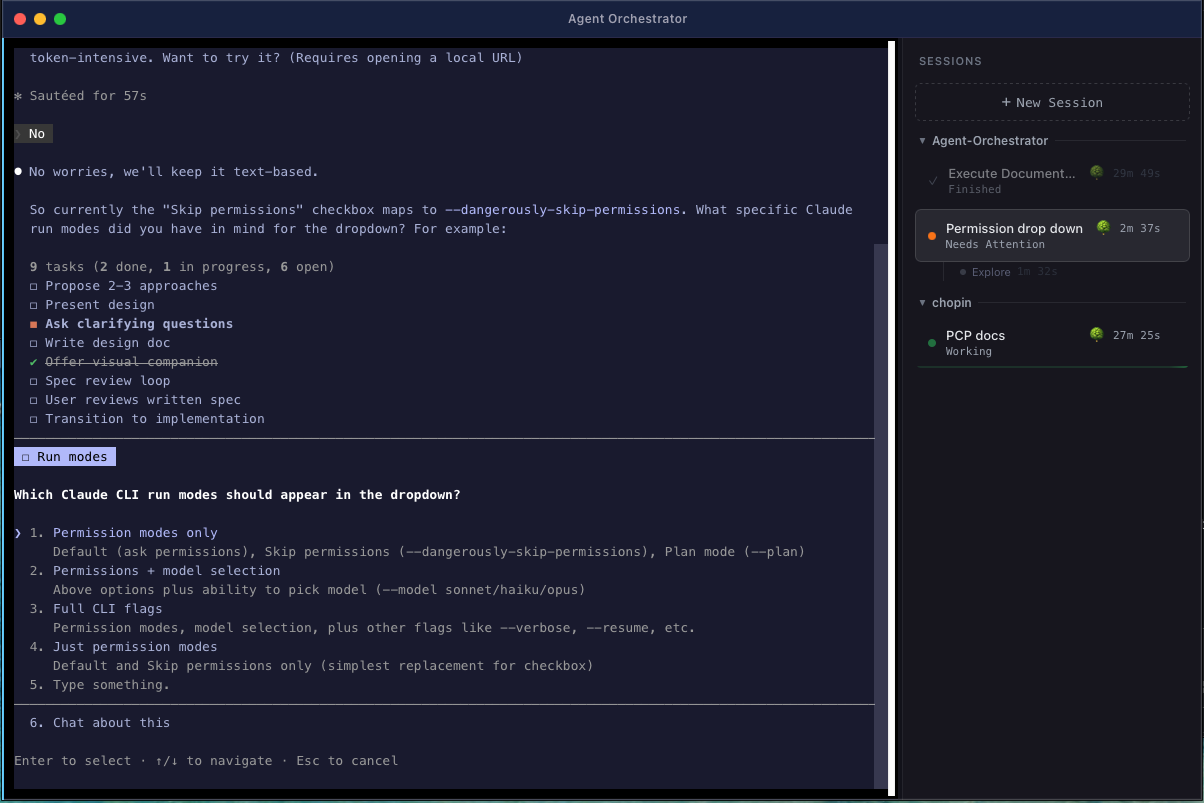
Parallel Sessions
Run 5+ Claude Code agents simultaneously, each in its own PTY with full terminal emulation. 256-color support, 10k-line scrollback, and instant switching without losing context.
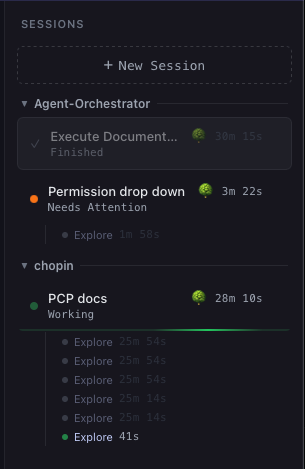
Real-Time Status
Hook-driven detection shows Working, Idle, Needs Attention, Finished, and Error for each session. No output parsing — status updates come directly from Claude Code's hook system.
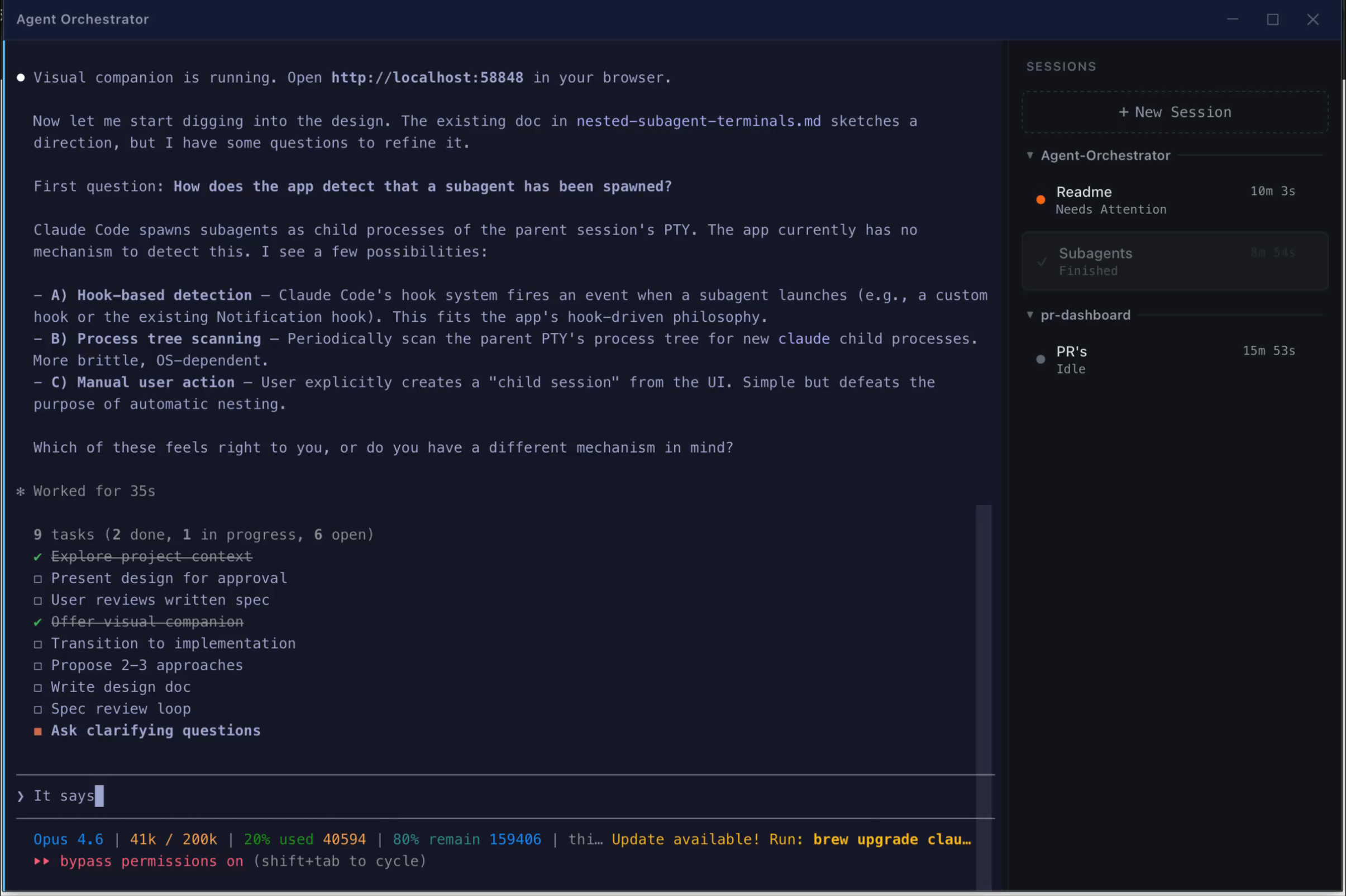
Project Grouping
Sessions are automatically grouped by working directory in a collapsible sidebar. See all your active projects at a glance.
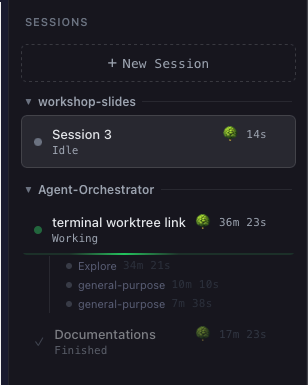
Worktree Isolation
Each session runs claude --worktree by default (for git repos), giving it an isolated git branch. Multiple agents can work on the same repo without conflicts.
Session Modes
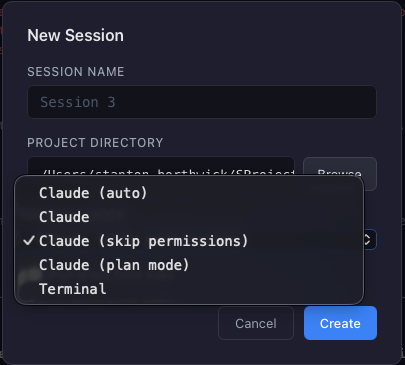
Choose how each session runs: Claude (default interactive), Auto (autonomous mode), Skip permissions, Plan mode, or Terminal (plain shell). Mode selection is remembered between sessions.
Subagent Tracking
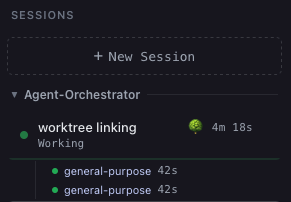
When Claude Code dispatches parallel subagents, each one appears with its own status dot and duration timer. See at a glance which subagents are working, finished, or need attention.
Session Persistence
Finished sessions are automatically saved with their scrollback history. Relaunch the app and pick up where you left off — review past session output anytime.
Image Drag & Drop
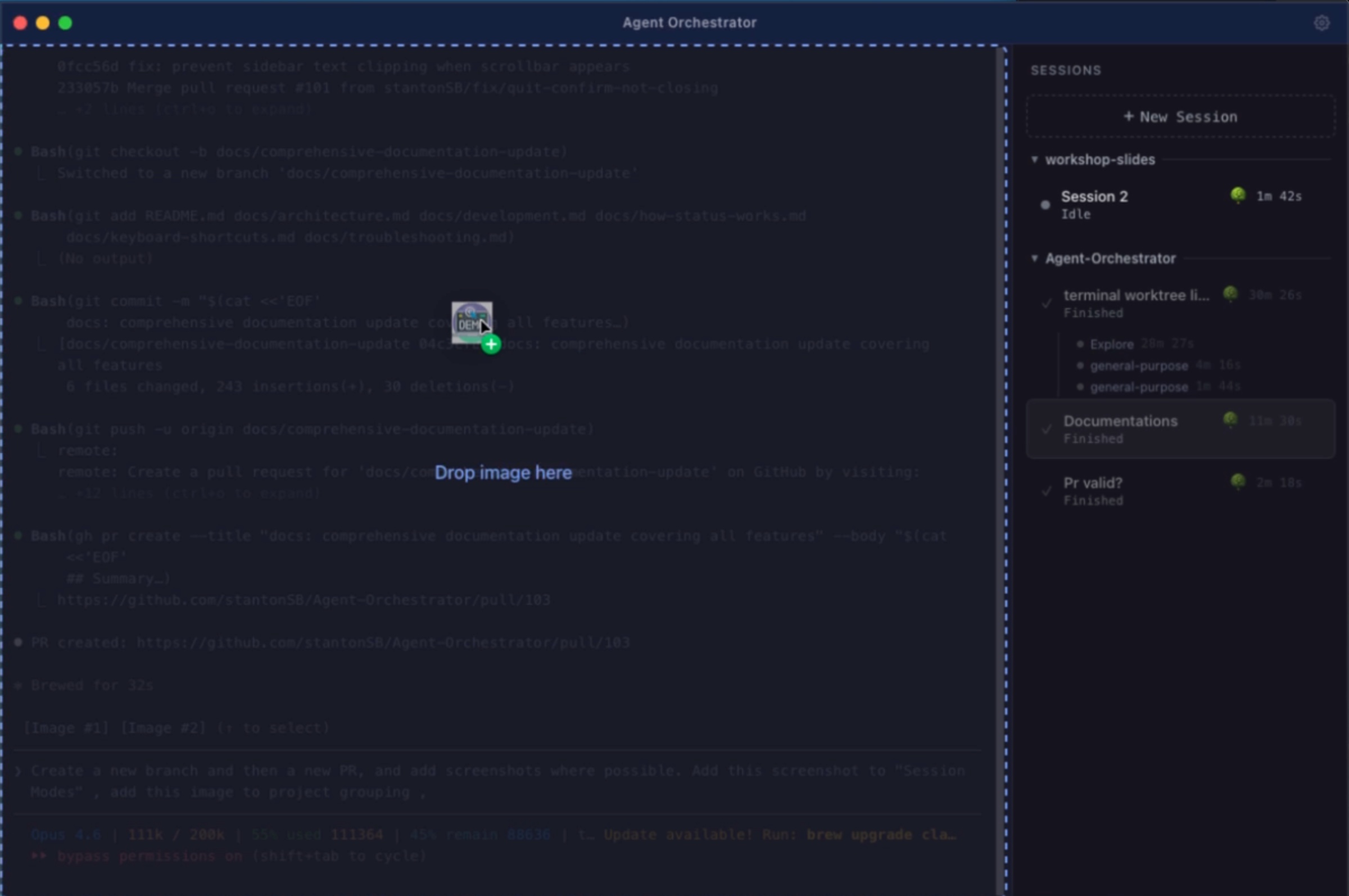
Drag images from Finder or a browser directly onto the terminal. The file path is typed into the session automatically — perfect for sharing screenshots with Claude.
Terminal Search
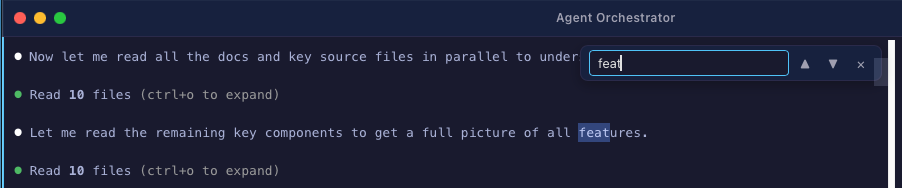
Press Cmd+F to search within any terminal's scrollback. Navigate matches with Enter/Shift+Enter. Full incremental search across the 10k-line buffer.
Clickable File Paths
File paths in terminal output are clickable — Cmd+click any path to open it in VS Code at the correct line and column. Supports relative and absolute paths.

Pull Latest from Main
Optionally pull the latest changes from the default branch before starting a session. Automatically detects the remote's default branch (main, master, etc.) and checks out + pulls.
Keyboard-Driven Workflow
Full keyboard navigation: Cmd+T new session, Cmd+W close, Cmd+1-9 switch by position, Cmd+Shift+[/] cycle sessions, Cmd+, settings, Cmd+F search. See Keyboard Shortcuts.
Session Management
Rename sessions (double-click or context menu), close with confirmation dialogs, dismiss finished sessions, and resize the sidebar by dragging. Duration timers track how long each session has been running.
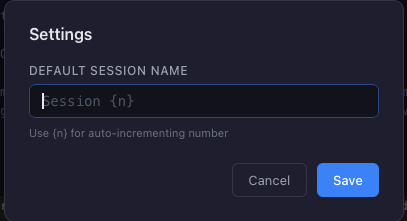
Settings
Configure the default session naming pattern with {n} for auto-incrementing numbers. Access via Cmd+, or the title bar settings button.
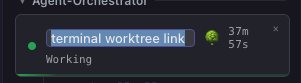
Worktree-Linked Terminals
Create terminal sessions linked to an active Claude session's git worktree. Child sessions appear nested under their parent in the sidebar and close automatically when the parent is closed.
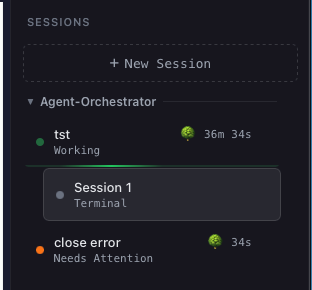
Worktree Cleanup on Close
When closing or dismissing a session, a checkbox lets you automatically clean up the git worktree. No more orphaned worktree directories cluttering your repo.
Install
Homebrew (Recommended)
brew tap stantonSB/agent-orchestrator
brew install --cask agent-orchestrator
Manual Download
- Download the latest
.dmgfrom Releases - Drag to Applications
- Open Agent Orchestrator
See Installation Guide for details on prerequisites and first launch.
Quick Start
Open the app → Cmd+T → type your prompt → go.
Documentation
| Document | Description | |
|---|---|---|
| 📦 | Installation | Download, Gatekeeper bypass, prerequisites, first launch |
| 🏗️ | Architecture | System design, component deep-dives, data flow |
| 🛠️ | Development | Setup, build, test, release, IDE configuration |
| 🔔 | How Status Works | Hook protocol, state machine, event flow |
| ⌨️ | Keyboard Shortcuts | All shortcuts and navigation |
| 🔧 | Troubleshooting | Common issues and fixes |