
Switchboard
shane-kercheval/switchboard
Camada de orquestração manual entre agentes de IA coding com human-in-the-loop
Ver no GitHubOrquestrador manual para agentes de IA em coding que roda como app desktop. Permite spawnar múltiplas sessões de Claude Code, Codex e outros agentes, rotear mensagens entre eles e definir workflows reutilizáveis com controle explícito human-in-the-loop. Ideal para desenvolvedores que querem coordenação sobre multi-agentes sem perder controle.
Instalação
npx convez-ai shane-kercheval/switchboard1 comando no terminal: detecta o formato do repositório (marketplace ou plugin avulso) e instala via Claude Code. Requer Node 18+ e o Claude Code instalado.
Métricas
Casos de uso
- Revisão de código com segunda opinião automática entre agentes
- Workflows plan-and-implement com paralelismo controlado
- Adjudicação de soluções paralelas com roteamento explícito
- Coordenação de múltiplos agentes (Claude Code, Codex, Gemini) em um projeto
Veredito

Ferramenta bem pensada para eliminar overhead mecânico de coordenação multi-agentes mantendo julgamento humano onde importa. Restrição macOS e estágio early dev são limitações reais, mas o design é sólido para quem quer orquestração explícita sem black-box.
README
A tradução para o português deste README ainda está na fila.
Switchboard
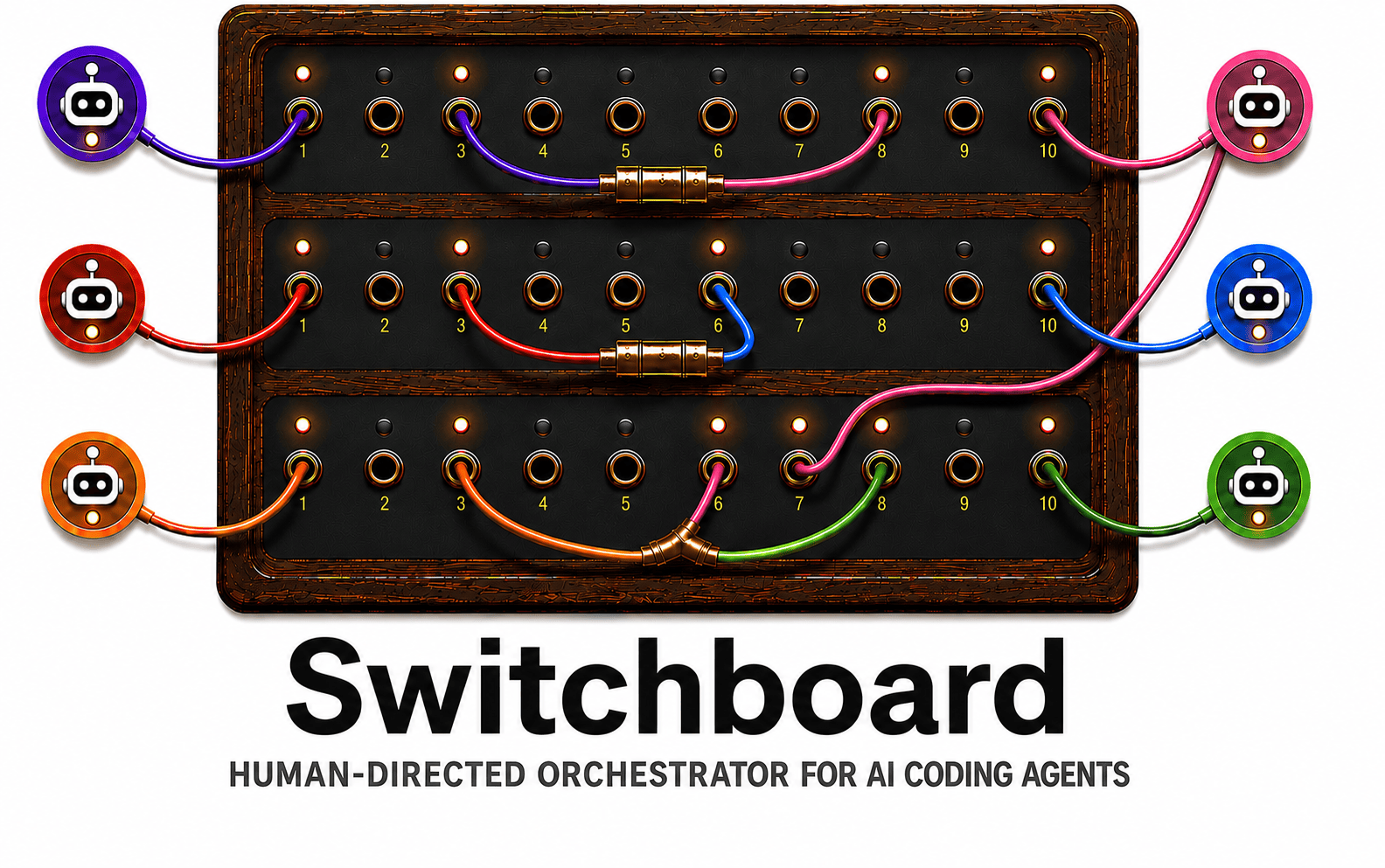
Switchboard is a human-directed orchestrator for AI coding agents — a desktop app you run alongside your existing CLIs: Claude Code, Codex, Gemini, and Antigravity.
Spawn multiple agent sessions in a single project, route messages between them, and define reusable workflows for common multi-agent operations like second-opinion code review, plan-and-implement, and parallel-solution adjudication.
It's built for anyone who wants explicit, human-in-the-loop control over multi-agent workflows — not an opinionated SDLC engine, not a full agent replacement, just the coordination layer between agents you're already using.
Install
macOS only (v1, early development). Switchboard is currently installed by building from source — a one-time setup, after which it lives in /Applications and updates with a single command. A signed Homebrew install is planned.
1. Clone the repo:
git clone https://github.com/shane-kercheval/switchboard
cd switchboard
2. Install the prerequisites (one-time, run from the repo root). Each is needed to build from source:
- Xcode Command Line Tools —
xcode-select --install - Rust — install rustup; the pinned toolchain auto-installs on the first build. After installing, restart your terminal (or run
source "$HOME/.cargo/env") socargois on yourPATH— otherwise the build fails withcargo metadata ... No such file or directory. - Node — version 22 or newer. Use whatever you already have, or install one via nvm, fnm, Homebrew, etc. (You don't need a specific patch version —
make installchecks for the minimum and stops with a clear message if it's too old. Contributors:.nvmrcpins the exact version CI runs, picked up withnvm use; that exact pin isn't required just to build the app.) - pnpm — run
corepack enable. Corepack ships with Node and provides the pnpm version pinned inpackage.json; you do not install pnpm separately.
Confirm the toolchain resolves before continuing:
node --version   # 22 or newer
pnpm --version   # Corepack provides the pinned version on first pnpm call
3. Build, install, and launch:
make install   # install JS dependencies (pnpm install --frozen-lockfile)
make deploy    # build, install to /Applications, and launch
Update with git pull && make deploy; remove with make uninstall-app.
Why
Running multiple AI coding agents in parallel — one to plan, others to review, one to implement — produces meaningfully better results than running a single agent, but the manual coordination overhead (copy-paste between terminals, tracking which agent has which context, applying prompt templates by hand) is busywork that should be automated so you can spend that time on the parts that need judgment.
Switchboard removes the coordination overhead while keeping the human in the loop where judgment matters: deciding what to route, when to revise, when to proceed.
The goal isn't to give the AI a task and review what it produced. It's to stay in the decisions that matter — is this plan good enough to implement? which review feedback is worth acting on? — while automating the mechanical routing in between. Switchboard is the coordination layer; you're still the one making the calls.
There is also a quieter benefit: because Switchboard resolves prompts itself and sends agents plain text, your prompt library lives in one place and works identically across all your agents — without configuring the prompt source in each harness. Especially useful for CLIs with limited MCP prompt support, like Codex.
Core ideas
- Project: a workspace containing related agents working toward a shared goal (a feature, a refactor, a document).
- Agent: a named agent session within a project, backed by one of the supported CLIs.
- Workflow: a reusable, parameterized routing template — for example "fan-out review and aggregate" — defined as a YAML file and invoked by name.
- Routing: message passing between agents, optionally wrapped in a prompt template, with support for fan-out (one to many) and fan-in (many to one).
Transcript panes
By default a project shows one unified transcript of all its agents. You can split it into side-by-side panes — for example reviewers on the left, the implementer on the right — where each pane shows only its agents' conversation.
- Create a pane (the part that isn't obvious): hover over an agent in the agents sidebar, open its ⋯ actions menu, and choose "Move to new pane." There's no standalone split button — a pane is created by moving an agent into it. The same menu moves agents between existing panes. Needs at least two agents and enough window width (each pane has a minimum width).
- Send to a pane: click a pane's header (or ⌘-click anywhere in it, type
@panenamein the composer, or press ⌘⌥1–9) to make that pane's agents the message recipients. The targeted pane shows a green ring — your draft goes exactly to the agents inside it. Hold ⌘ to preview which pane a click would target. - Rename / resize / close: panes rename from the pencil icon in their header, resize by dragging the divider between them, and close from the ✕ — closing merges its agents into the neighboring pane, and moving everyone back into one pane restores the unified view.
- Hide agents: the eye icon on an agent's sidebar card hides its messages without removing it (⌥-click to solo it — show only that agent in its pane). Hidden agents still receive messages you send them; the recipient chip shows a warning when you're about to message a hidden agent.
The layout (panes, names, widths, hidden agents) is remembered per project on this machine.
Non-goals
- Replacing the agent CLIs. Switchboard drives them; it doesn't reimplement them.
- Prescribing a software development lifecycle. Workflows are user-defined; Switchboard ships defaults but doesn't impose process.
- Managing git, CI, or PR workflows. Out of scope.
- Cross-session persistent agent memory. Possibly a future addition; not in scope for v1.
- A hosted / SaaS service. Switchboard runs locally on your machine. A future hosted service may exist for cross-machine sync of workflows and prompts; that is not v1.
Harness support and limitations
Switchboard drives each agent through its own CLI, so it inherits that CLI's capabilities — and a few per-harness limitations are worth knowing up front:
- Model selection. Claude Code, Codex, and Gemini let Switchboard choose the model per agent — pick it when you create the agent, or change it later from the agent's actions menu; the transcript records the model each past turn actually ran on. Antigravity does not — its CLI exposes no model option, so Antigravity agents run on whatever model you've selected inside Antigravity itself, and Switchboard can't change it per agent (the sidebar shows the model it observes Antigravity using).
- Reasoning effort. Claude Code and Codex let Switchboard set the reasoning-effort level per agent (alongside the model). Gemini does not — Gemini exposes reasoning effort only through its own config, not a per-run option, so Switchboard can't set it; Gemini agents use whatever Gemini's config specifies. For Antigravity, effort is part of the model name you pick inside Antigravity, so it follows the same limitation as model selection above.
- Codex models depend on your plan. When you sign in to Codex with a ChatGPT subscription, only the models your plan includes are available; choosing one your plan doesn't cover fails the turn with Codex's own error.
- Antigravity and hidden folders. Antigravity can't work in a project whose path contains a hidden (dot-prefixed) folder — for example anything under
~/.config/…. The agent still runs but can't see your files. Keep projects under normal paths like~/repos/…. - Picking up terminal-continued sessions. If you continue a session in the harness's own terminal (outside Switchboard) and then switch back to that project, Claude Code agents pick up the new turns automatically. Codex, Gemini, and Antigravity don't yet — their history updates only on the next full reload. (This refresh happens on project switch-back, not while you stay inside a project.)
- Prompts work across every harness. Switchboard resolves prompts itself and sends each agent plain text, so a prompt library — local files or any MCP prompt server you add in Settings — works identically with Claude Code, Codex, Gemini, and Antigravity, with no per-CLI setup. This is especially useful for Codex and Gemini, whose native MCP-prompt support is limited. Add an MCP prompt server (e.g. Tiddly — paste a Tiddly access token as the bearer) under Settings → "Add MCP server"; tokens are stored in your OS keychain. (HTTP MCP servers only for now; stdio servers and a one-click Tiddly login are planned.)
Design and discussion
The architectural decisions, functional requirements, and open questions are being worked through in docs/, starting with docs/system-design.md. Comments and pushback welcome via issues.
Local development
macOS only for v1. The build prerequisites are the same as Install above — Xcode Command Line Tools, Rust (rustup), Node (pinned in .nvmrc), and pnpm (corepack enable). If you've installed the app, you already have everything.
Common commands (run from the repo root):
make install     # one-time: pnpm install --frozen-lockfile
make dev         # run the Tauri dev shell
make test         # run all Rust + frontend tests (fast, offline jsdom suite)
make test-browser # real-WebKit frontend suite (Vitest browser mode); installs WebKit if needed
make lint         # clippy, eslint, svelte-check
make check        # everything CI runs (incl. the browser suite) — run before opening a PR
make test-live    # live-harness suite against the real agent CLIs (developer-local)
make test-live exercises the adapters against the real claude / codex / gemini / antigravity CLIs to catch upstream drift. See crates/harness/tests/README.md for what it covers and how to set it up.
make test-browser (and make check) run the frontend suite in a real WebKit engine via Vitest browser mode. The target installs a Playwright-managed WebKit build on demand — the first run downloads ~100 MB (cached afterward), so it needs network access once; no extra system packages are required on macOS. The default make test stays jsdom-only and needs none of this.
See AGENTS.md for project orientation and conventions, and docs/implementation_plans/ for the roadmap and per-phase implementation plans.
Developing without an agent CLI installed
If no agent CLI is on your PATH (or you don't want to burn quota during UI iteration), launch with the mock harness:
SWITCHBOARD_HARNESS=mock make dev
The mock emits canned streaming responses (Mock response to: <prompt> — replied by mock harness.) — identical event-stream shape to a real harness, so the UI exercises every code path, and the startup binary-not-found banner stays hidden.
License
Apache 2.0. See LICENSE.