
mcp-command-center
sasha-thecornerspore-dev/mcp-command-center
Graphical, AI-assisted command center for connecting AI clients to MCP servers across your system (Windows/macOS/Linux).
Instalação
npx convez-ai sasha-thecornerspore-dev/mcp-command-center1 comando no terminal: detecta o formato do repositório (marketplace ou plugin avulso) e instala via Claude Code. Requer Node 18+ e o Claude Code instalado.
Métricas
README
A tradução para o português deste README ainda está na fila.
🦀 MCP Command Center
One graphical, AI‑assisted control plane for connecting every AI client and every MCP server on your machine.
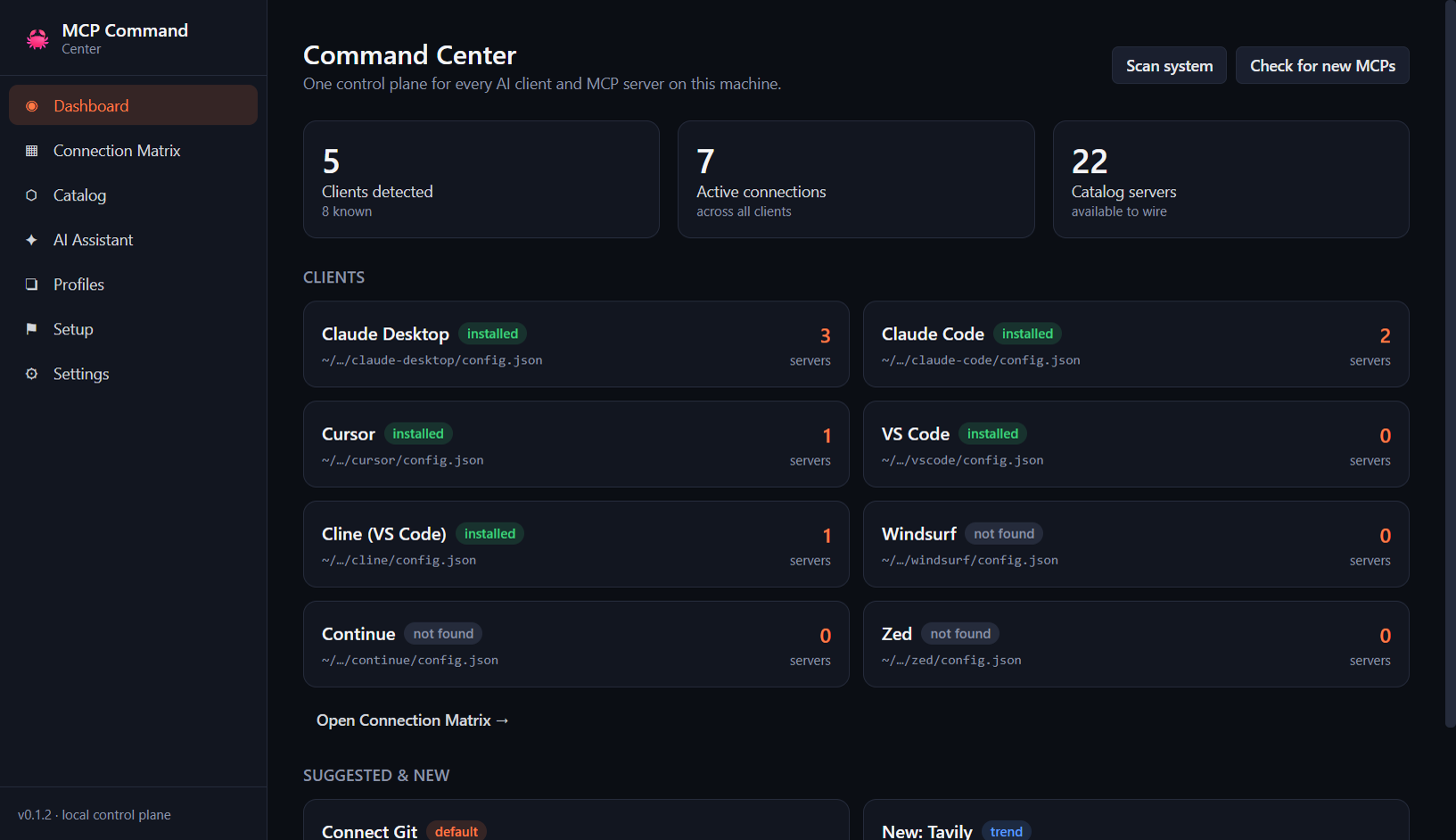
MCP Command Center detects the MCP‑capable AI tools you already have (Claude Desktop, Claude Code, Cursor, VS Code, Windsurf, Continue, Zed), shows them in a single connection matrix, and lets you wire up Model Context Protocol servers with one click — safely writing each client's real config file for you. It also recommends connections with AI, scans your system for opportunities, and keeps an eye out for newly published MCP servers worth adding.
Cross‑platform desktop app (Windows + macOS + Linux), built with Electron + React.
📸 Screenshots
Captured from the running app with representative sample data.
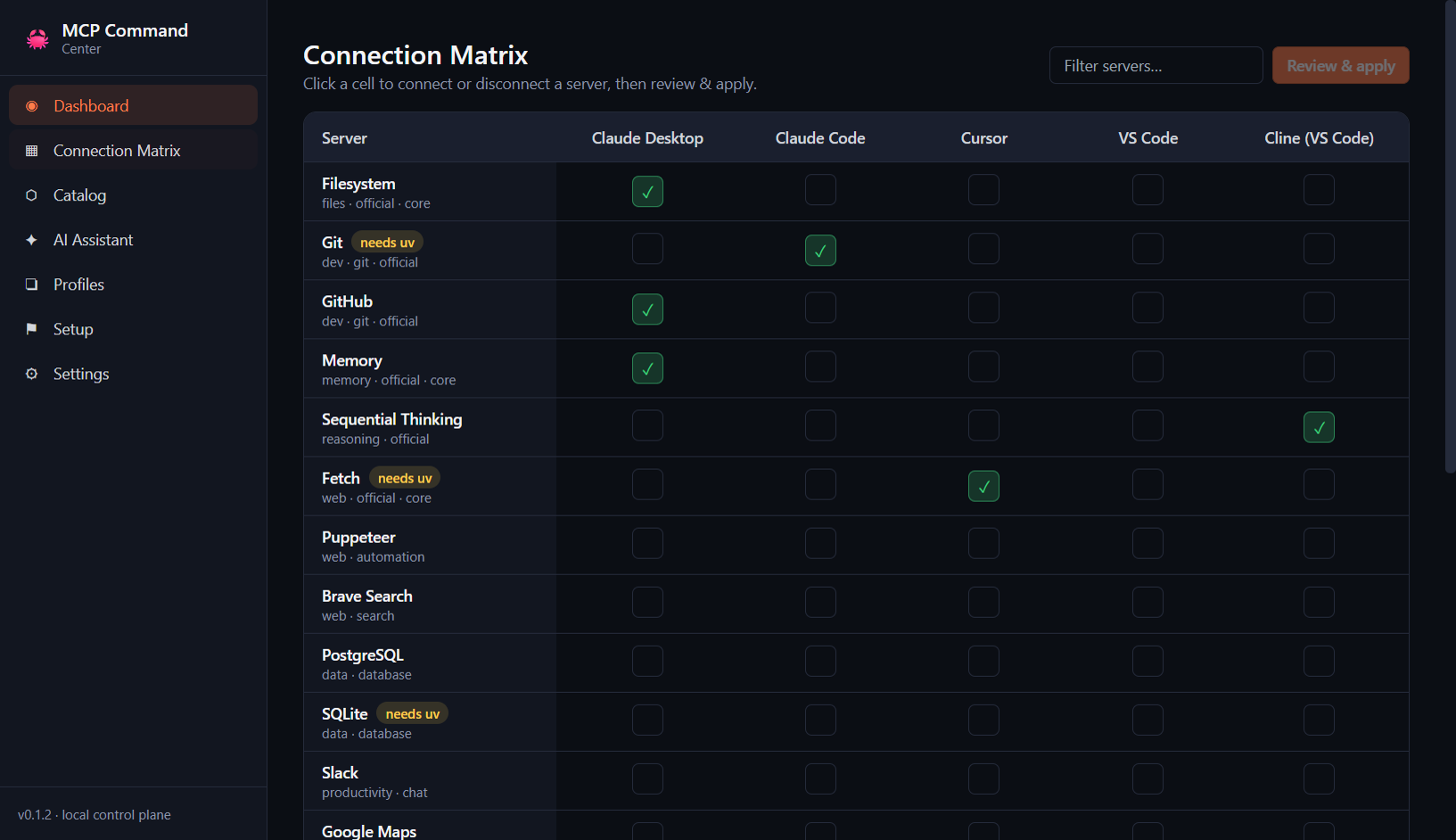
| Dashboard — detected clients, live counts, suggestions | Connection Matrix — clients × servers, click to wire |
 |  |
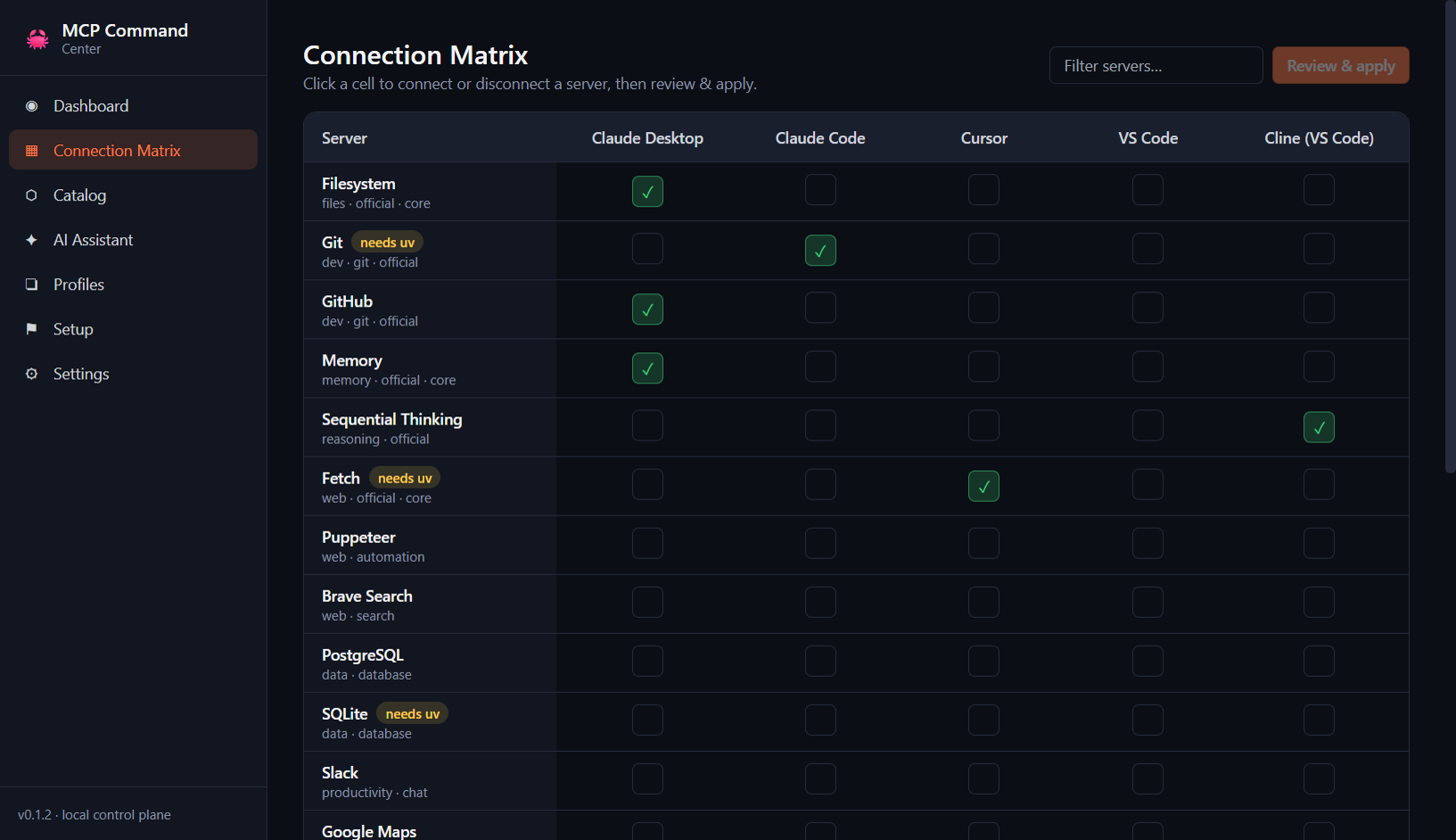
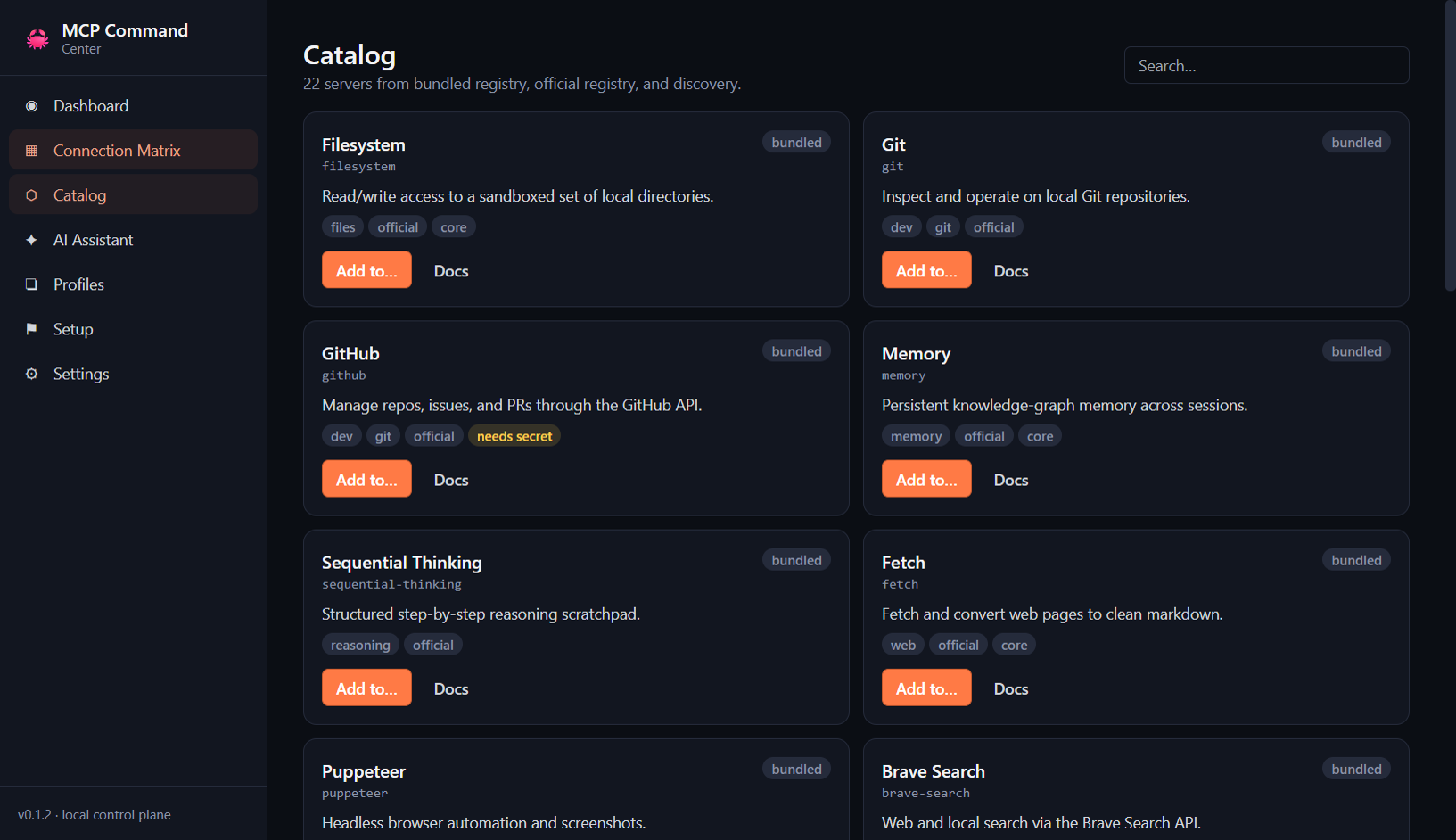
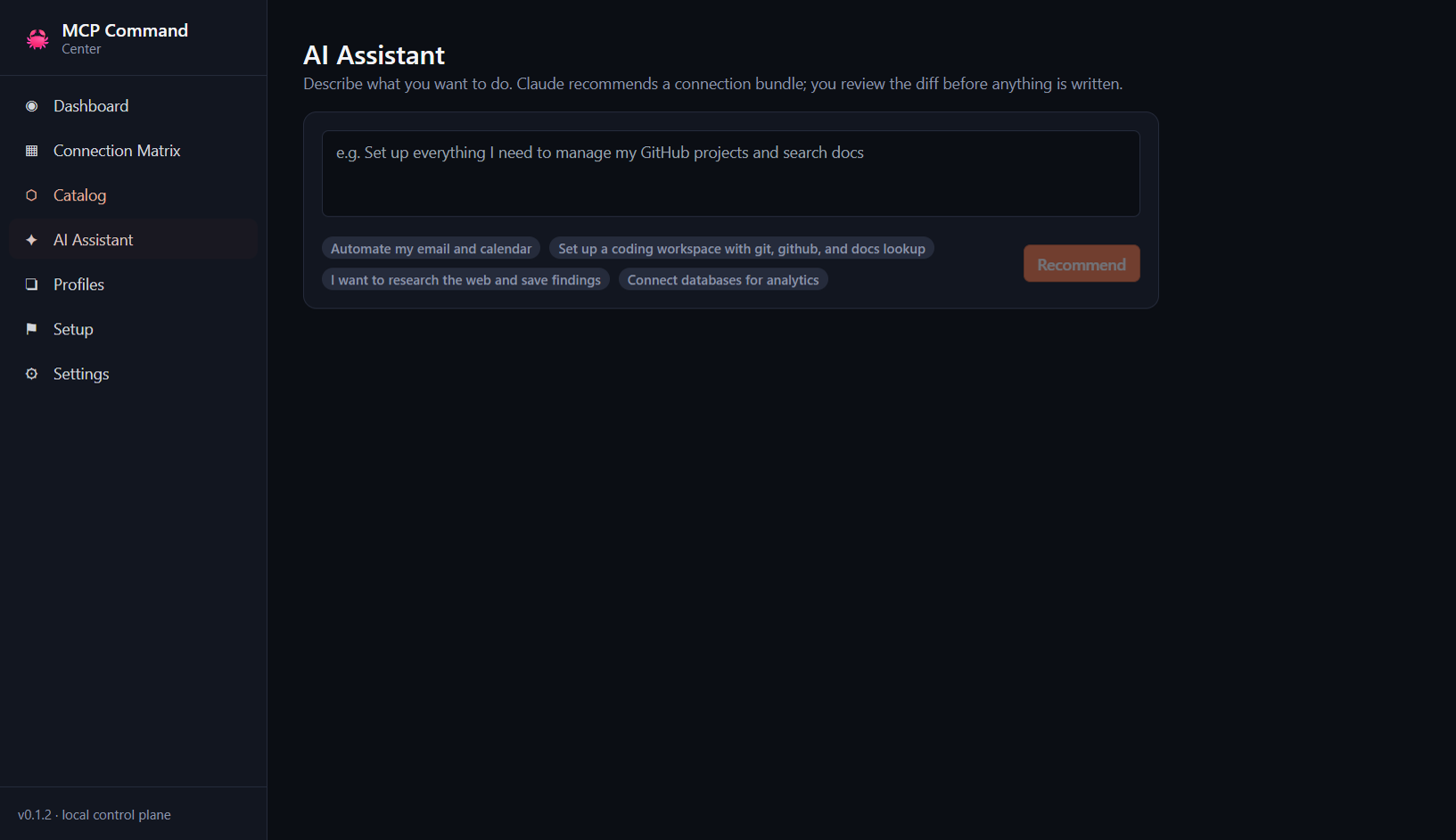
| Catalog — searchable server library | AI Assistant — describe a goal, get a plan |
 |  |
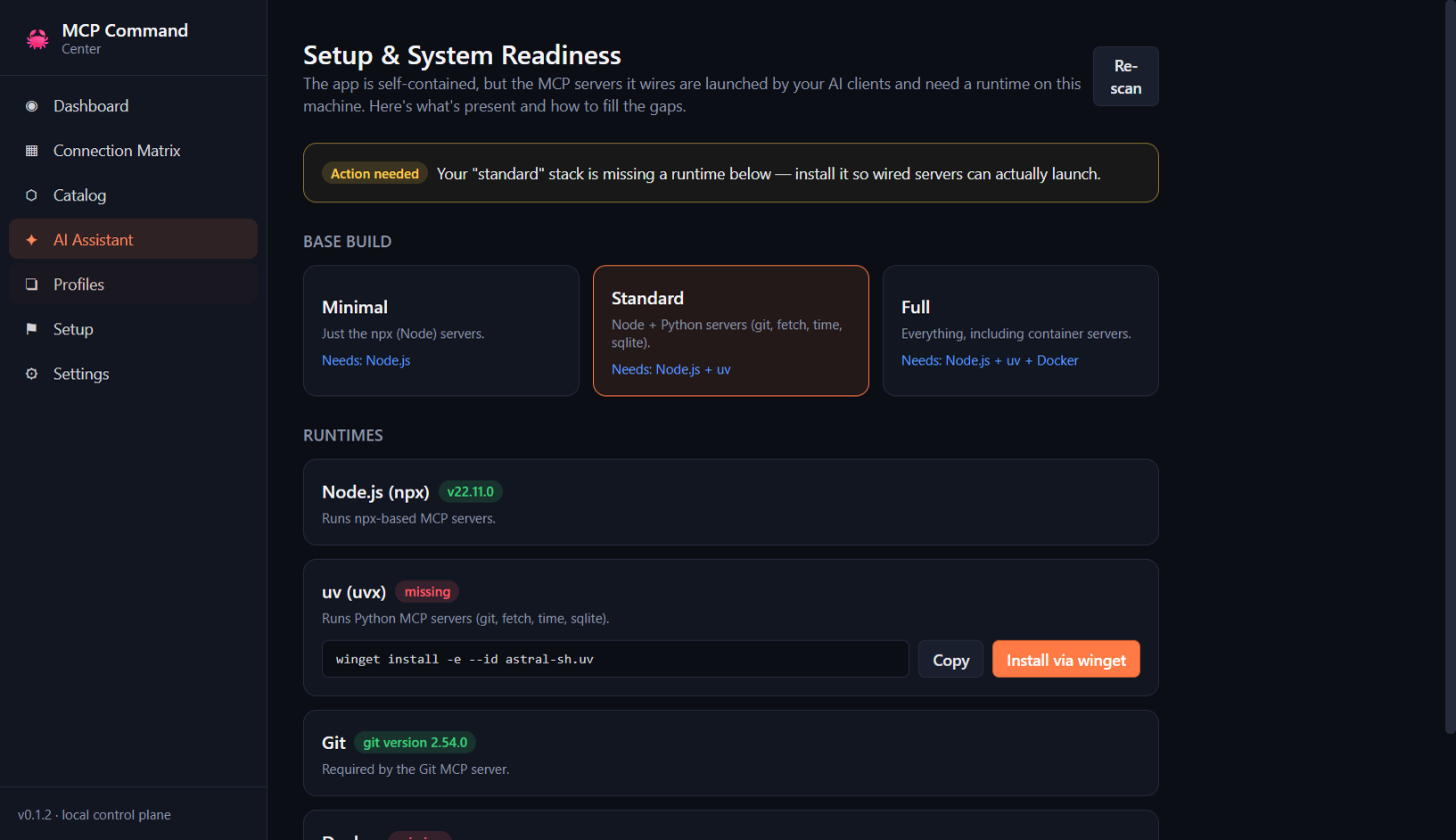
| Setup — system readiness + guided runtime install | Profiles — reusable bundles |
 |  |
Regenerate them anytime with npm run screenshots.
✨ What it does
| Pillar | What you get |
|---|---|
| Detect | Finds installed MCP clients and reads their current server wiring across OS‑specific config locations. |
| Connect | A clients × servers matrix. Click a cell to connect/disconnect; review a diff; apply. Every write is backed up first. |
| Catalog | A searchable library of MCP servers from a bundled curated registry, the official MCP registry, and live discovery. |
| AI Assistant | Describe a goal in plain English (“automate my email + calendar”) → Claude recommends a bundle → you review the diff before anything changes. |
| Scan | Inspects your system (git, gh, docker, psql…) and proposes sensible default connections. |
| Trends | Pulls newly published servers from the official MCP registry and surfaces “New & Relevant” cards. |
| Profiles | Save reusable bundles (e.g. Dev stack = git + github + context7) and apply them across clients in one shot. |
| Credential identities | Give a server multiple named credential sets (e.g. user vs. root API keys) with an optional health check, and switch between them with one click; secrets stay OS-encrypted, never in client configs until apply. |
Safety first
Every config write is backed up (timestamped), merged (your other settings are preserved),
validated, and written atomically, with one‑click restore and automatic rollback on
failure. Secrets (API tokens, the Anthropic key) are stored encrypted in your OS keychain via
Electron safeStorage — never in plaintext configs.
✅ Requirements
The app is fully self-contained — the installer bundles the Electron runtime, the app, the Anthropic SDK, and the server registry. Nothing else is needed to install and open it.
The MCP servers it wires need a host runtime, because your AI client launches them, not this app: npx-based servers need Node.js, Python servers (git, fetch, time, sqlite) need uv, and container servers need Docker. The Setup tab examines your system, lets you choose a base build (Minimal = Node · Standard = Node + uv · Full = + Docker), and installs any missing runtime via your package manager with one click (or a copy-paste command). See docs/REQUIREMENTS.md for the full breakdown.
🚀 Install
From a release (recommended)
Download the latest installer for your OS from the Releases page:
- Windows —
MCP Command Center Setup x.y.z.exe(installer) or the portable.exe - macOS —
MCP Command Center-x.y.z.dmg(Apple Silicon + Intel) - Linux —
MCP Command Center-x.y.z.AppImage
From source
git clone https://github.com/sasha-thecornerspore-dev/mcp-command-center.git
cd mcp-command-center
npm install
npm run dev      # launch in development
Build installers locally:
npm run dist:win    # Windows (nsis + portable)
npm run dist:mac    # macOS (dmg + zip)
npm run dist        # current platform
🧭 Quick start
- Launch the app — it auto‑detects your installed clients on the Dashboard.
- (Optional) Open Settings and paste your Anthropic API key to enable AI recommendations.
- Click Scan system for suggested defaults, or Check for new MCPs to pull the latest from the official registry.
- Open the Connection Matrix, click cells to stage connections, then Review & apply.
- Save a Profile for any bundle you'll reuse.
🏗️ Architecture
flowchart LR
    subgraph Renderer["Renderer (React)"]
        D[Dashboard] --- M[Connection Matrix]
        M --- C[Catalog]
        C --- A[AI Assistant]
        A --- P[Profiles]
        P --- S[Settings]
    end
    subgraph Main["Main process (Node services)"]
        CD[Client Detector] --> CE[Connection Engine]
        CAT[Server Catalog] --> CE
        SEC["Secrets / safeStorage"] --> CE
        SCAN[System Scanner]
        ADV["AI Advisor (Anthropic)"]
        TW["Trend Watcher (MCP registry)"]
        ST["Preferences / Profiles"]
    end
    Renderer -- "IPC bridge" --> Main
    CE -- "backup, merge, validate, atomic write" --> Files[("Client config files")]
- Client Detector — locates each client's config and parses current servers.
- Connection Engine — the only writer; backup → merge → validate → atomic write → restore.
- Server Catalog — normalizes servers from bundled / official‑registry / web / scanner sources.
- AI Advisor — turns NL goals into reviewable connection plans (Anthropic).
- System Scanner / Trend Watcher — suggested defaults and “new & relevant” discovery.
See docs/superpowers/specs for the full design.
🧩 Supported clients
| Client | Config managed |
|---|---|
| Claude Desktop | …/Claude/claude_desktop_config.json |
| Claude Code | ~/.claude.json |
| Cursor | ~/.cursor/mcp.json |
| VS Code | …/Code/User/mcp.json |
| Windsurf | ~/.codeium/windsurf/mcp_config.json |
| Continue | ~/.continue/config.json |
| Zed | …/Zed/settings.json |
The catalog and client list are data‑driven — adding more is a small change in
resources/registry/servers.json and src/main/services/paths.ts.
🛠️ Development
npm run dev         # hot-reloading dev app
npm test            # unit tests (Vitest) — adapters + connection engine
npm run typecheck   # strict TypeScript across main + renderer
npm run build       # production bundle (electron-vite)
Stack: Electron · electron‑vite · React · TypeScript · Tailwind CSS · Vitest · electron‑builder.
🤝 Contributing
PRs welcome — see CONTRIBUTING.md. Good first contributions: add a client adapter, expand the bundled registry, or improve the system scanner probes.
📜 License
MIT © 2026 OpenClaw Community