
Groundwork
Royalti-io/groundwork
Plano vivo e estruturado para projetos com re-execução segura
Ver no GitHubSkill para Claude Code que scaffolda e mantém uma pasta de plano vivo. Cria documentação estruturada (pesquisa, design, orquestração) com blocos protegidos que nunca são sobrescritos em re-execuções. Oferece um board HTML interativo com visualizações Kanban e grafo de dependências.
Instalação
npx convez-ai Royalti-io/groundwork1 comando no terminal: detecta o formato do repositório (marketplace ou plugin avulso) e instala via Claude Code. Requer Node 18+ e o Claude Code instalado.
Métricas
Casos de uso
- Planejar features de software com pesquisa e design options
- Scaffoldar campanhas e mudanças organizacionais
- Rastrear work packages com dependências e status
- Documentar decisões e riscos de projeto com re-sincronização automática
Veredito

Skill maduro que resolve um problema real: manter planos vivos sem perder edições humanas. A abordagem com checksums para decidir re-escritas é sólida. Suporta múltiplos perfis (software, general, content, design-system), tornando-o versátil para diferentes contextos.
README
A tradução para o português deste README ainda está na fila.
groundwork
A Claude Code skill that scaffolds and maintains a living plan folder. Re-runs augment your work — they never overwrite it.
npx skills add royalti-io/groundwork
Works with Claude Code, Codex, Gemini, Cursor, and 70+ other agents.
Quickstart demo
▶ Open interactive quickstart demo (init → research → review → orchestrate — 4 steps, keyboard-navigable)
What it does
You give groundwork a goal. It scaffolds a folder of numbered, living documents — a plan, two research files, a discussion log, a tracking file, and a standalone HTML board you can open in any browser. Then it gives you a small set of actions you can run at any time: research, design, review, orchestrate, refresh-board.
The part that matters: every block the skill generates is wrapped in a fenced region. Everything outside a fence is yours and is never touched. When you re-run an action, a checksum decides what changes on disk — not the model. A vibe you can't trust; a sha256 you can.
Plan board
The board reads your tracking file and renders three views: mission control, Kanban, and a dependency-graph of your wave plan.
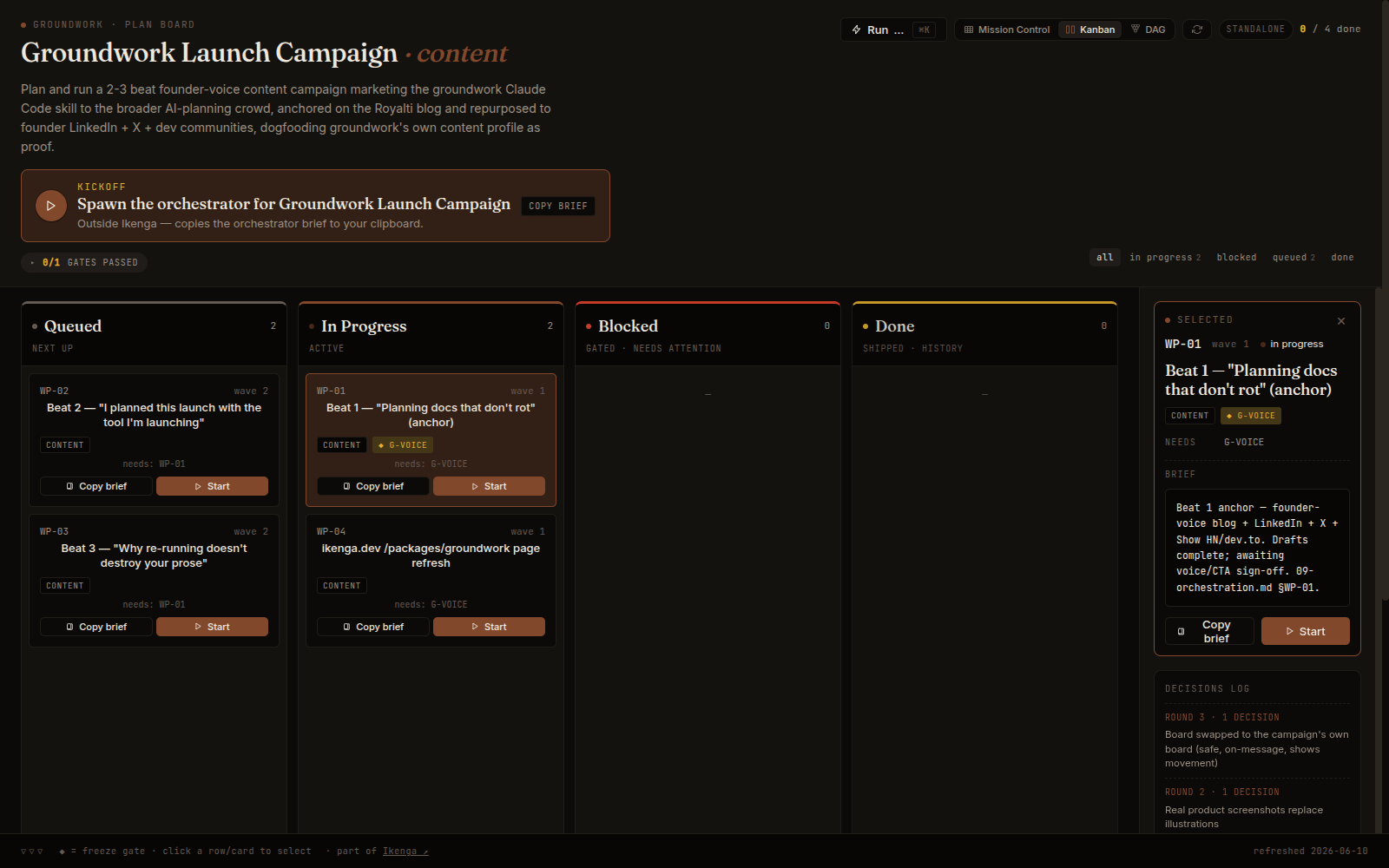
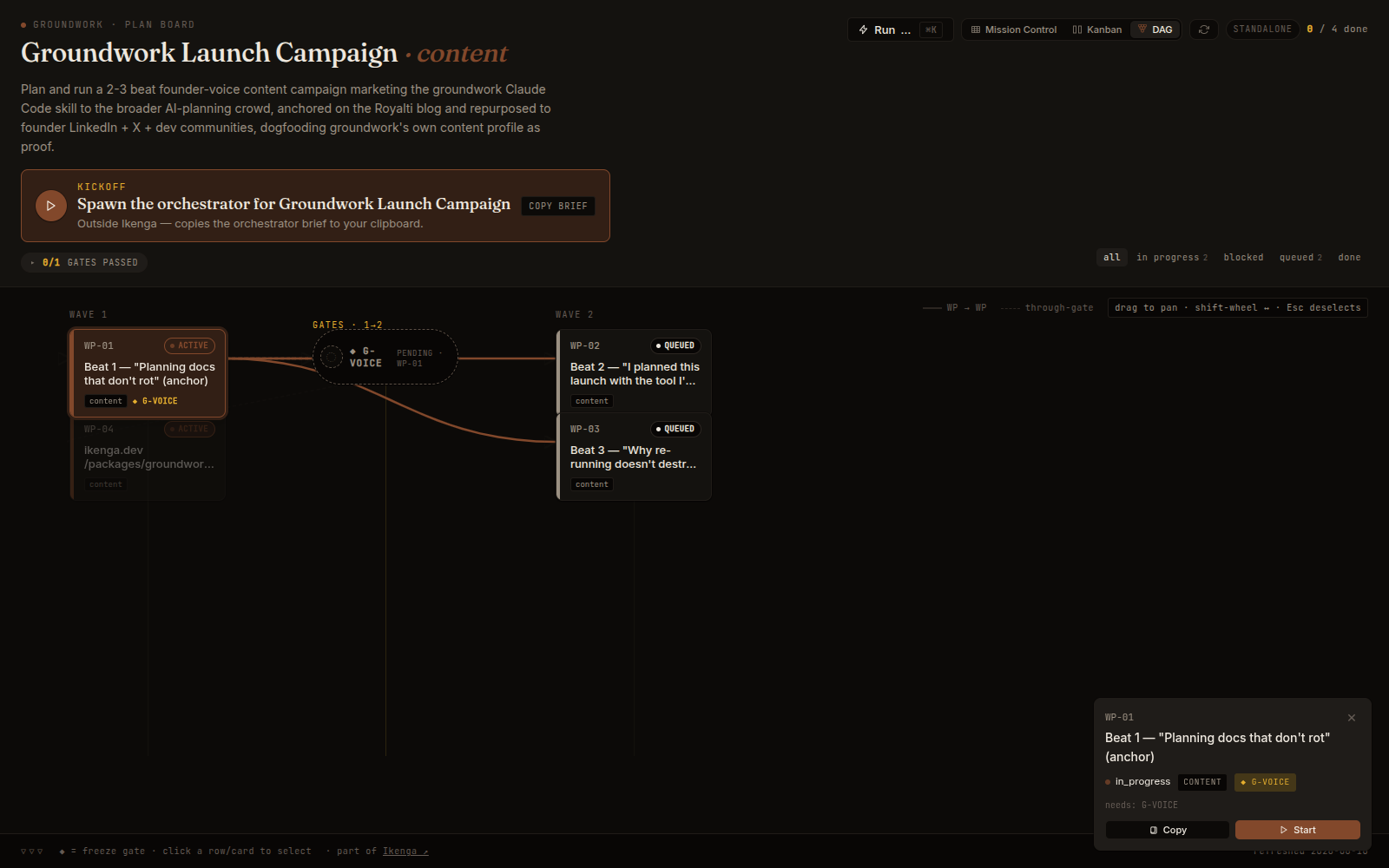
It is a self-contained HTML artifact: open it in any browser, no server needed. Inside the Ikenga workspace it renders live next to your running sessions.
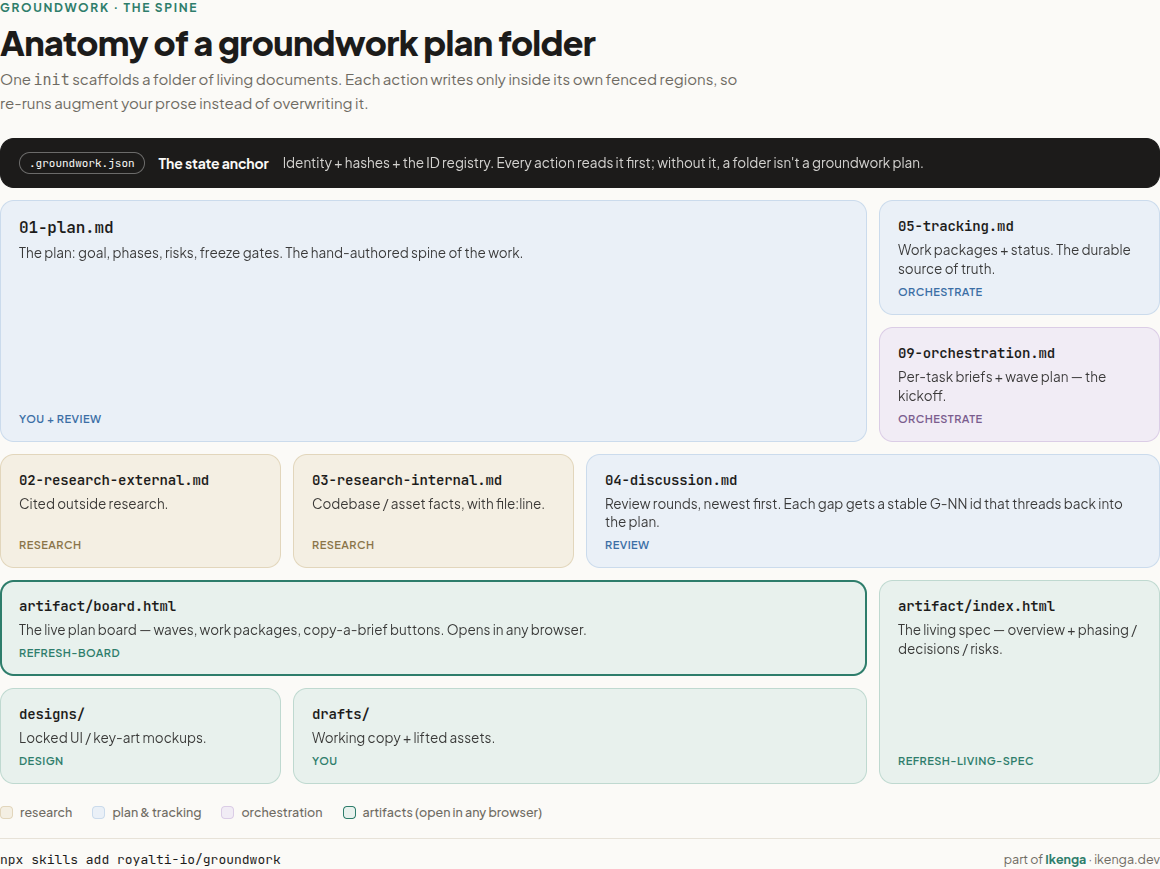
The folder shape
plans/your-feature/
├── .groundwork.json          ← identity + state anchor
├── 00-README.md              ← north star + links
├── 01-plan.md                ← goal, phases, architecture, risks
├── 02-research-external.md   ← prior art, competitors, libraries
├── 03-research-internal.md   ← codebase, schema, constraints
├── 04-discussion.md          ← review rounds, newest-first
├── 05-tracking.md            ← WPs, deps, DoDs, status
├── 09-orchestration.md       ← wave plan + per-WP kickoff briefs
└── artifact/
    └── board.html            ← standalone plan board
Profiles
A profile swaps vocabulary and optional blocks — not the spine. The safe-regeneration machinery is identical across all four.
| Profile | For | Work unit |
|---|---|---|
software | Features, code work | work package / PR |
general | Campaigns, org changes, non-code | workstream / deliverable |
content | Editorial work, content series | piece / asset |
design-system | Component/token systems | part |
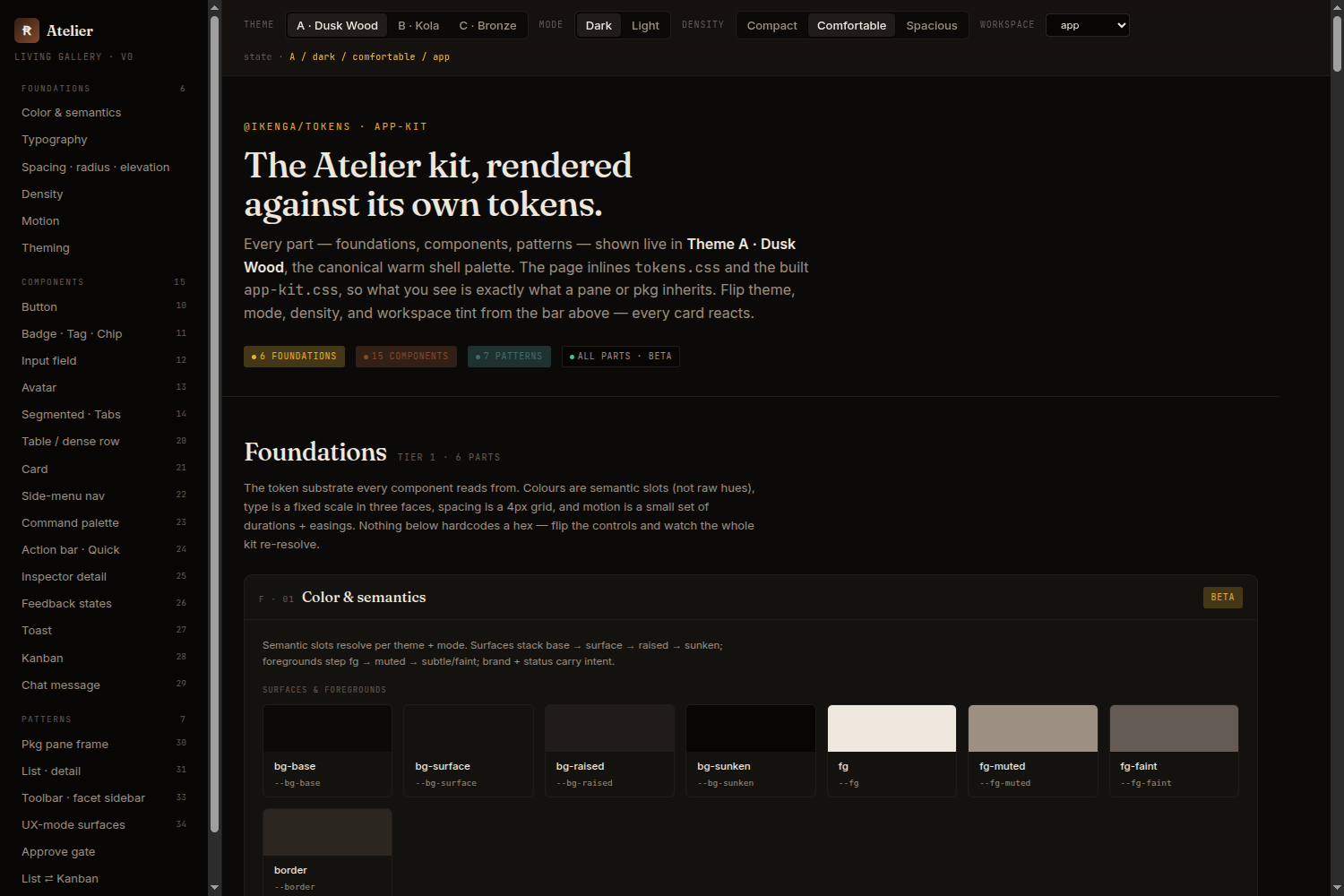
The design-system profile adds a parts gallery, token pipeline, and a per-part quality gate.
Action set
| Action | What it does |
|---|---|
init | Interview + scaffold the folder skeleton |
research | Fill 02/03 research files (external + internal) |
design | Produce ≥2 comparable design options, lock one |
subplan | Scaffold a focused sub-plan (diff-plan / decision-doc / bug-doc) |
review | Gap analysis → new Round in 04 → re-sync tracking |
clarify | Readiness gate before orchestrate |
orchestrate | Emit 09-orchestration.md with wave plan + WP briefs |
refresh-board | Regenerate artifact/board.html from current docs |
status | Read-only freshness + ID + coverage report |
Add --emit-workflow to orchestrate for a runnable Claude Code Workflow that fans waves out in parallel and turns freeze gates into sign-off barriers.
Install
npx skills (recommended)
# Global — available across all projects
npx skills add royalti-io/groundwork -g

# Project — committed with your repo, shared with the team
npx skills add royalti-io/groundwork
Git clone
git clone https://github.com/royalti-io/groundwork.git
cp -r groundwork/skills/groundwork ~/.claude/skills/
Curl one-liner
curl -sSL https://raw.githubusercontent.com/royalti-io/groundwork/main/install.sh | bash
The installer drops the skill into ~/.claude/skills/groundwork/ via symlink
against a cached clone in ~/.cache/ikenga-skills/, so git pull is the
update path.
Usage
After install, in any Claude Code session:
/groundwork init plans/<your-plan>/ --profile software --goal "…"
Then run actions as the work progresses:
/groundwork research plans/<your-plan>/
/groundwork review plans/<your-plan>/
/groundwork orchestrate plans/<your-plan>/
See skills/groundwork/SKILL.md for the full agent-facing spec.
Further reading
- Blog post: I built a planning skill because my plans kept rotting
- Docs: ikenga.dev/packages/groundwork
- Ikenga workspace: ikenga.dev
License
Apache-2.0. Copyright © 2026 Royalti.io.