
RepoMind
Pr1ncePandey/RepoMind
Transforme repositórios GitHub em mapas arquiteturais em segundos
Ver no GitHubSkill do Claude que transforma repositórios GitHub em mapas arquiteturais claros, explicações e insights estruturados. Analisa automaticamente a estrutura, identifica componentes-chave, explica o tech stack e gera documentação visual da arquitetura em segundos.
Instalação
npx convez-ai Pr1ncePandey/RepoMind1 comando no terminal: detecta o formato do repositório (marketplace ou plugin avulso) e instala via Claude Code. Requer Node 18+ e o Claude Code instalado.
Métricas
Casos de uso
- Explorar projetos open-source rapidamente
- Onboarding em novos codebases empresariais
- Analisar arquitetura de repositórios para pesquisa
- Documentar automaticamente estrutura de projetos
Veredito

RepoMind resolve um problema real: entender repositórios desconhecidos consome horas. A skill automatiza esse processo com análise estruturada e visualizações, ideal para exploradores de código e arquitetos. Implementação straightforward via upload direto no Claude.
README
A tradução para o português deste README ainda está na fila.
RepoMind — Claude Skill
Video Demo
See the full workflow below.
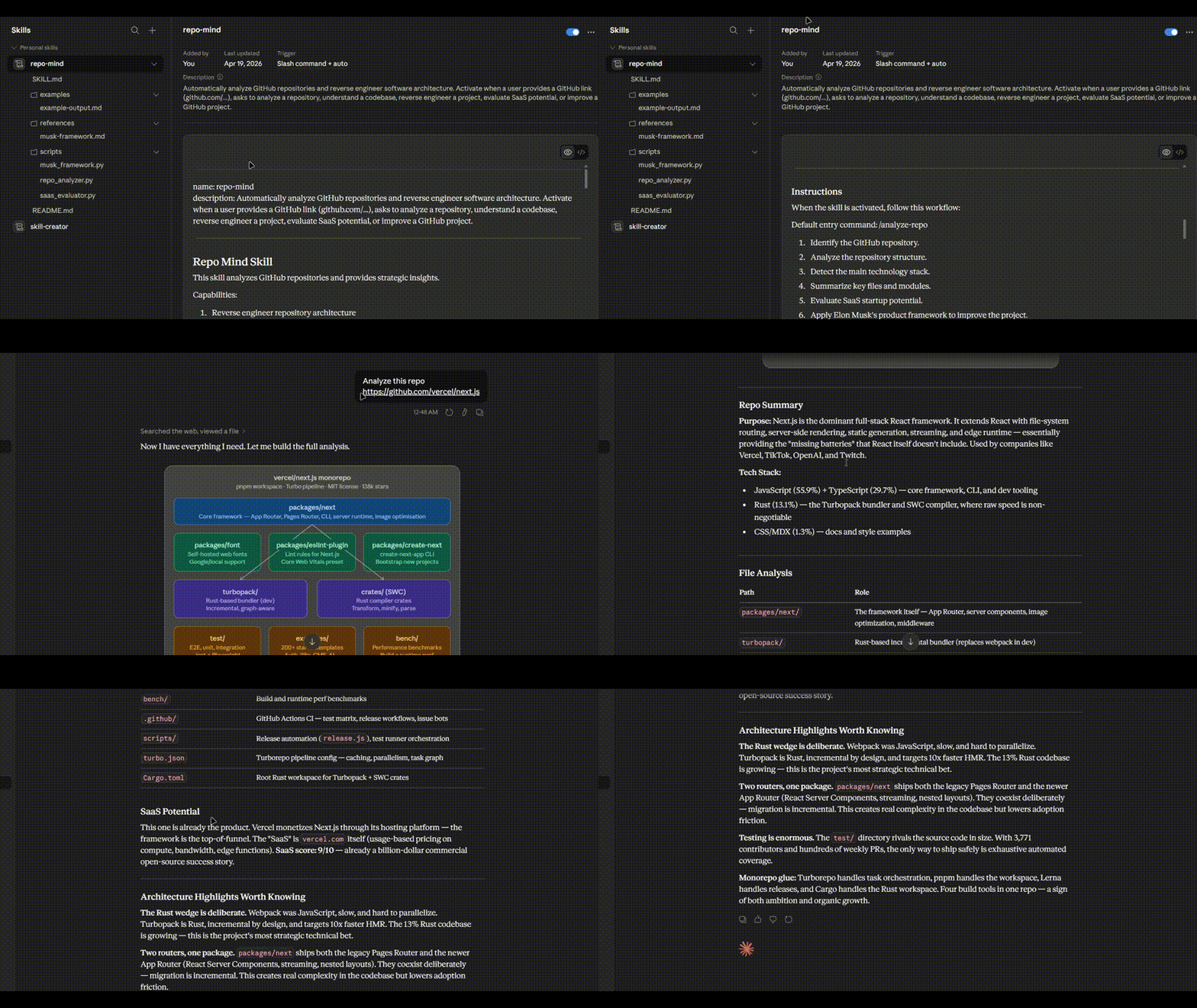
Turn any GitHub repository into a clear architecture map, explanation, and insights using Claude.
RepoMind is a Claude Skill that analyzes a GitHub repository and returns a structured breakdown of the project: architecture, key files, tech stack, and insights.
It is designed for developers who want to understand unfamiliar repositories in seconds instead of hours.
What is this?
RepoMind is a plug‑and‑play Claude Skill.
Upload the repo-mind folder to Claude Skills and then simply paste a GitHub repository link.
Claude will automatically:
• Scan the repository
• Detect the architecture
• Explain how the system works
• Identify key components
• Generate an architecture map
This makes exploring open‑source projects dramatically faster.
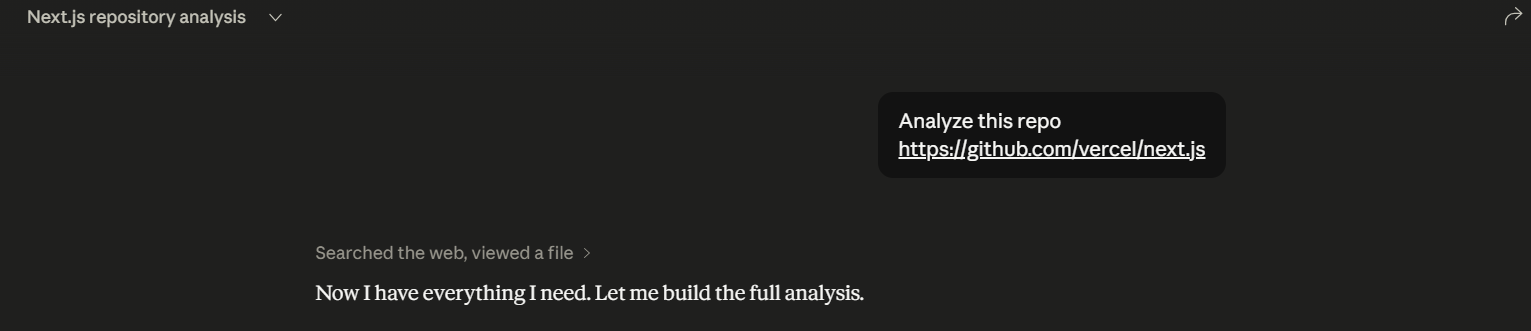
Demo
Skill Installation
Upload the repo-mind folder directly inside Claude's Skills page.
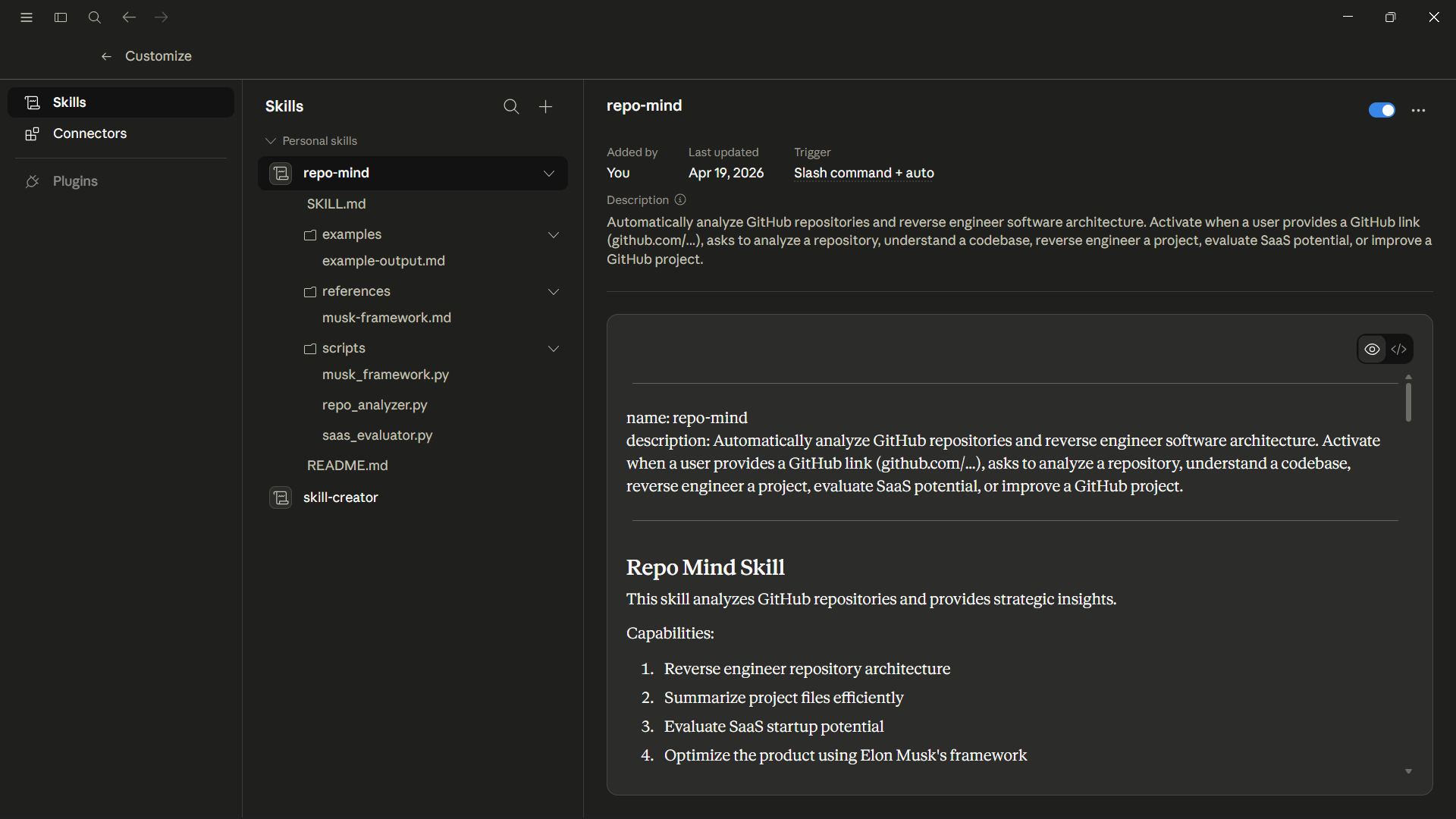
After upload, Claude automatically activates RepoMind when it detects a GitHub repository link.
How to Use
Simply paste a GitHub repository link in Claude.
Example:
Analyze this repository:

https://github.com/vercel/next.js
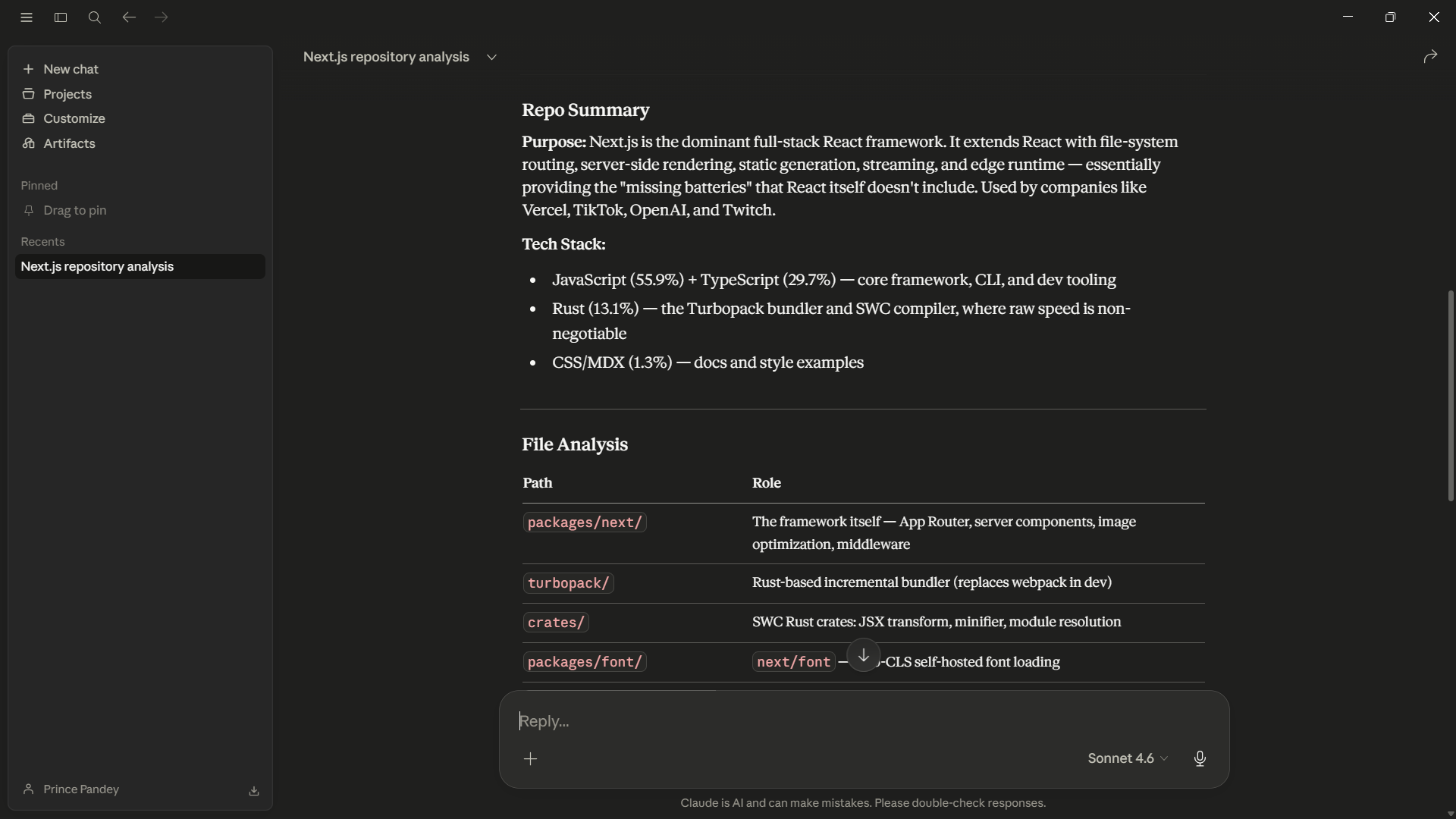
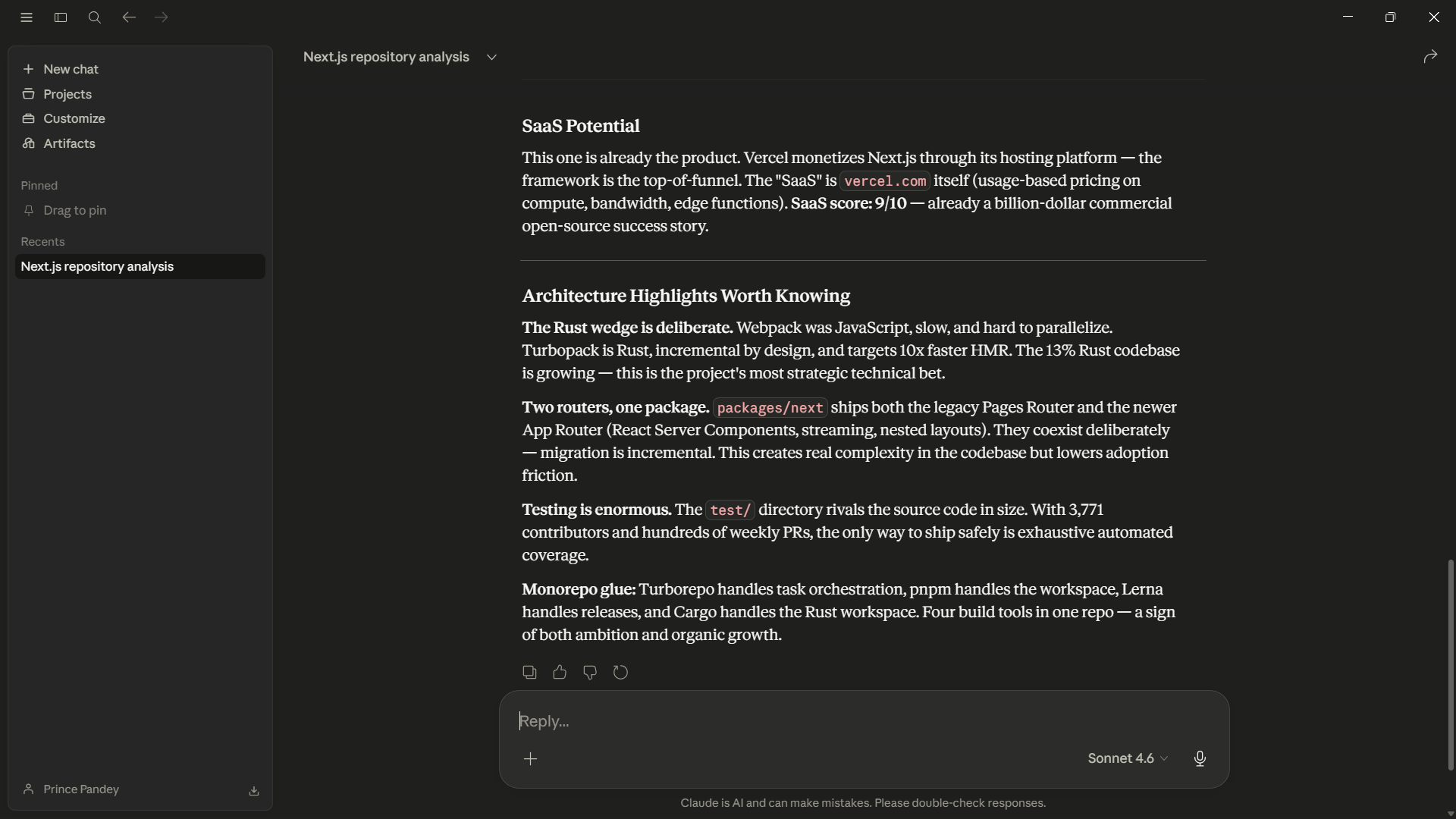
Claude will return:
• Repository summary
• Technology stack
• Architecture explanation
• Key directories
• Important files
• Design insights
Example Architecture Output
RepoMind can even generate visual architecture maps for large projects.
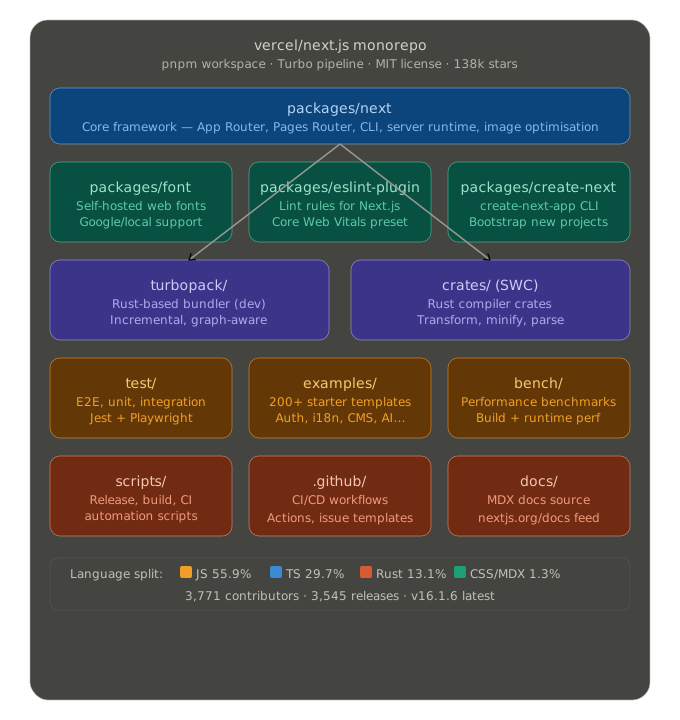
This helps developers understand complex codebases instantly.
Project Structure
repo-mind/
 ├─ SKILL.md
 ├─ prompts/
 ├─ rules/
 └─ README.md
This folder can be uploaded as‑is to Claude.
No changes required.
Why RepoMind Exists
Developers waste massive amounts of time trying to understand new repositories.
Typical workflow:
- Clone repo
- Read README
- Browse folders
- Open random files
- Try to mentally reconstruct architecture
RepoMind compresses that entire process into one prompt.
Who This Is For
• Developers exploring open source
• Engineers onboarding to new codebases
• Builders researching startup ideas
• AI engineers analyzing repos quickly
Future Upgrades
Planned improvements:
• One‑command repository analysis
• Startup‑idea mode from repos
• Automatic architecture diagrams
• Large‑repo token optimization
License
MIT License