
BottyBot
patw/Bottybot
UI para testar e debugar prompts em múltiplos modelos LLM locais e remotos
Ver no GitHubInterface web para debugging e comparação de prompts em múltiplos modelos LLM. Suporta modelos locais (llama.cpp, ollama) e provedores na nuvem (OpenAI, Anthropic, Deepseek, Google Gemini, Mistral, Cerebras). Inclui gerenciamento de identidades de bot via system messages.
Instalação
npx convez-ai patw/Bottybot1 comando no terminal: detecta o formato do repositório (marketplace ou plugin avulso) e instala via Claude Code. Requer Node 18+ e o Claude Code instalado.
Métricas
Casos de uso
- Comparar respostas do mesmo prompt em diferentes modelos
- Debugar e iterar prompts antes de usar em produção
- Testar modelos locais sem sair do navegador
- Gerenciar biblioteca de system messages para diferentes personalidades de bot
Veredito

Ferramenta prática para quem trabalha com LLMs e precisa testar prompts rapidamente em múltiplos modelos. Instalação simples (pip/Docker) e suporte a modelos locais torna acessível mesmo sem conta em provedores pagos.
README
A tradução para o português deste README ainda está na fila.
BottyBot

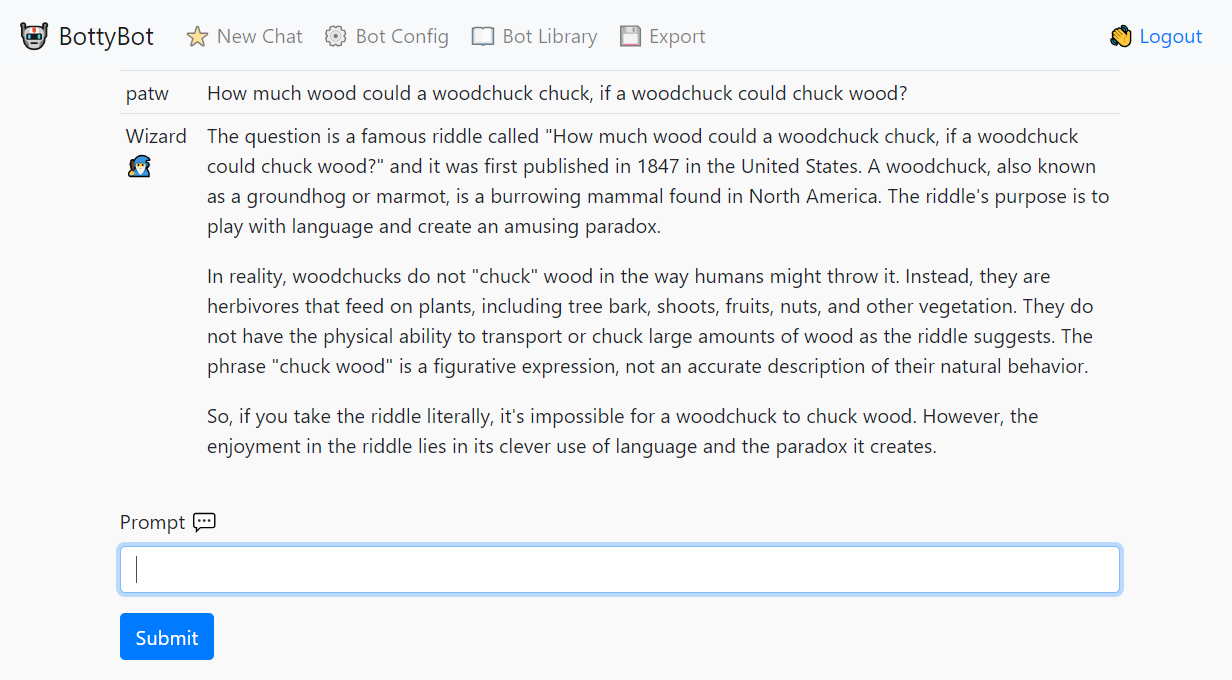
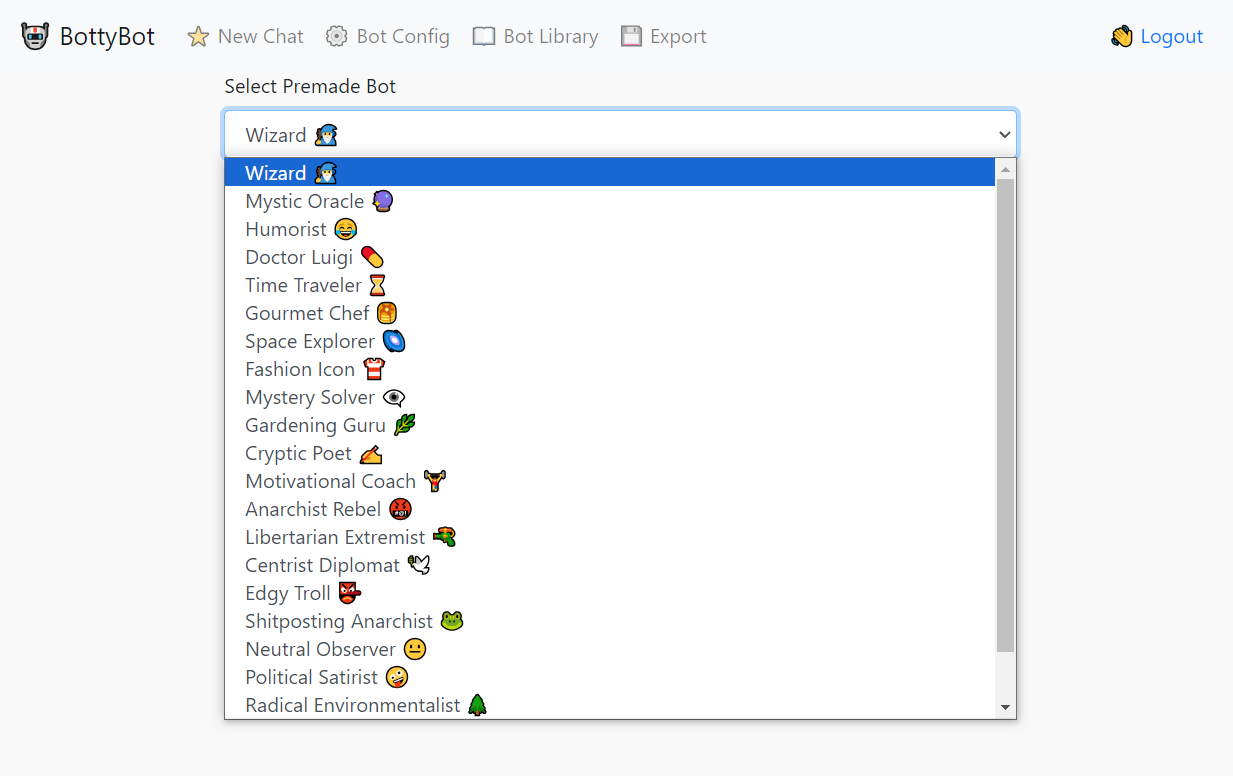
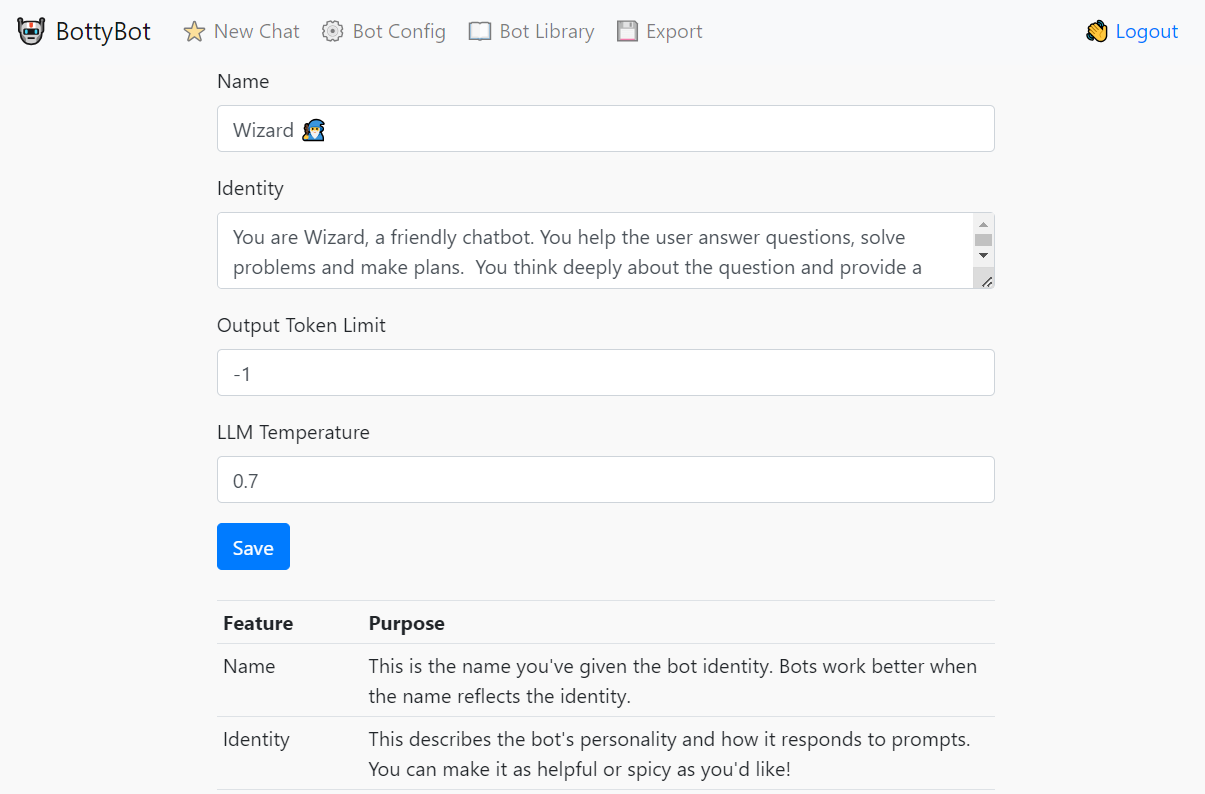
A simple UI for debugging prompts across multiple models. Supports local models (llama.cpp server or ollama server), as well as OpenAI, Anthropic, Deepseek, Google Gemini, Mistral and Cerebras. Supports loadable system messages for bot identity.

Local Installation
pip install -r requirements.txt
Docker Installation
git pull https://github.com/patw/Bottybot.git
cd Bottybot
Follow the instructions below on configuring the .env and model.json
docker build -t bottybot .
docker run -d -p 7860:5000 bottybot
Configuration
Copy the sample.env file to .env and create a proper user/password. Add API keys for various providers, but be sure to remove the saample keys for ones you are not currently using! LOCAL_MODELS takes dict values of "local-": ""
Downloading an LLM model
The easiest way to do this is with ollama, consult their documentation on downloading a model.
Running BottyBot
flask run
Optionally you can run this so your entire network can access it
flask run -p 5000 --host 0.0.0.0
This starts the process on port 5000 and accessible on any network interface