
tui-mcp
nvms/tui-mcp
Controle TUIs interativas como um humano sentado no terminal
Ver no GitHubMCP server que permite ao Claude controlar aplicações de terminal (TUI) interativas de forma persistente, capturando screenshots, enviando keystrokes e mantendo estado entre requisições. Funciona com qualquer framework TUI (vim, htop, lazygit, k9s, etc) ou CLI que exija terminal real.
Instalação
npx convez-ai nvms/tui-mcp1 comando no terminal: detecta o formato do repositório (marketplace ou plugin avulso) e instala via Claude Code. Requer Node 18+ e o Claude Code instalado.
Métricas
Casos de uso
- Operações em produção: SSH remoto, tail de logs, restart de serviços com feedback visual
- Interação com sistemas legados: CLIs ncurses, mysql, redis, psql sem APIs REST
- Orquestração multi-sessão: rodas dev server, testes, logs e debugger simultaneamente
Veredito

Ferramenta sofisticada que preenche lacuna real: permite ao Claude interagir com TUIs stateful como um operador humano faria, não apenas executar comandos isolados. Essencial para automação de sistemas legados e operações remotas complexas.
README
A tradução para o português deste README ainda está na fila.
tui-mcp
What Chrome DevTools MCP is for the browser, tui-mcp is for the terminal.
Launch any terminal app in a managed pty, take screenshots, read text, send keystrokes. The app thinks it's running in a real terminal. Works with any TUI framework or no framework at all - vim, htop, bubbletea, textual, ink, inquirer, trend, ncurses, whatever.
How is this different from a bash tool?
A bash tool runs discrete commands - each invocation is fire-and-forget. The process exits, the output comes back. tui-mcp maintains a persistent, interactive session. The pty stays alive between calls. This matters when:
- The tool has state - you're in a
mysqlshell, you'veUSEd a database, you're in a transaction. A bash tool can't hold that session open between calls. - The tool has UI - htop, vim, k9s, lazygit. A bash tool gets garbage back because these apps paint full-screen interfaces with ANSI escape codes. tui-mcp renders them into a readable screenshot or text snapshot through xterm emulation.
- The interaction is multi-step - SSH prompts for a password, then a 2FA code, then you're in. An interactive installer asks questions.
git rebase -idrops you into an editor. These are conversational flows that a stateless bash tool can't handle. - You need to watch something - tail a log, monitor a build, wait for a deploy to finish. The session stays open, the agent can snapshot whenever it wants to check progress.
- The tool requires a TTY - some CLIs behave differently (or refuse to run) without a real terminal. node-pty gives them a real pty with
xterm-256color, so everything works as expected.
A bash tool is exec(). tui-mcp is "sit down at a terminal and use it like a human." One runs commands, the other operates software.
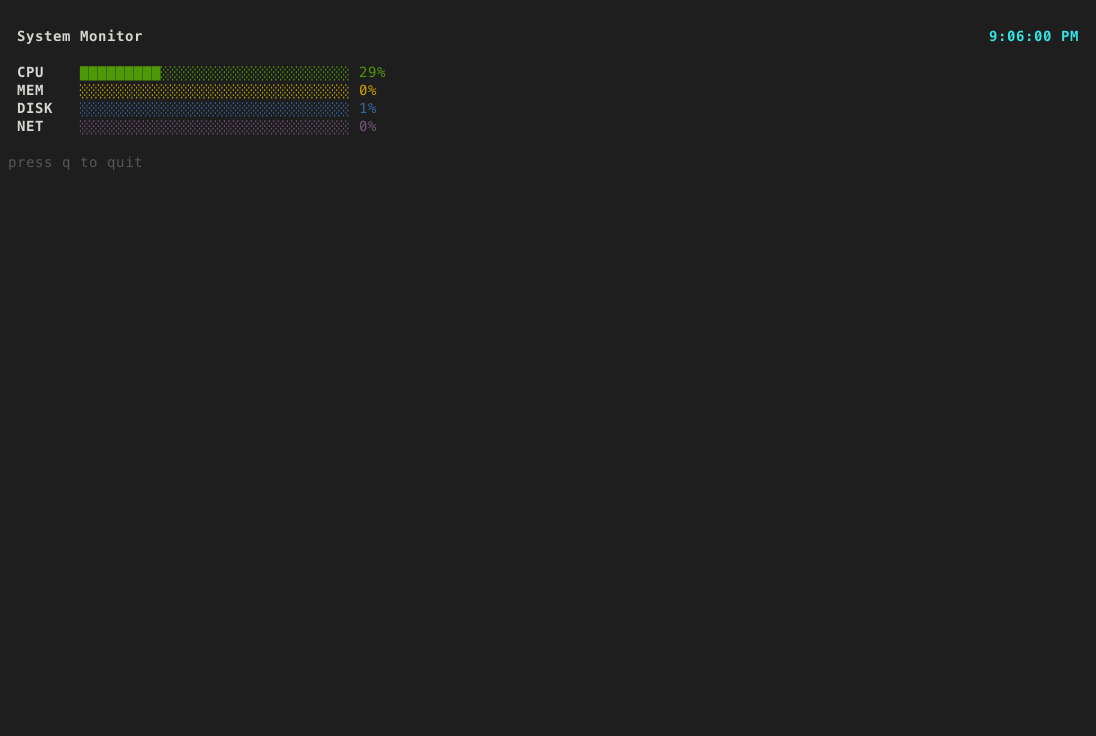
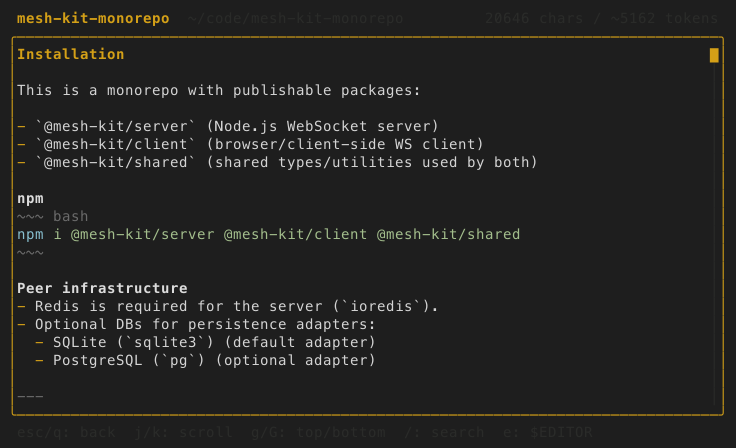
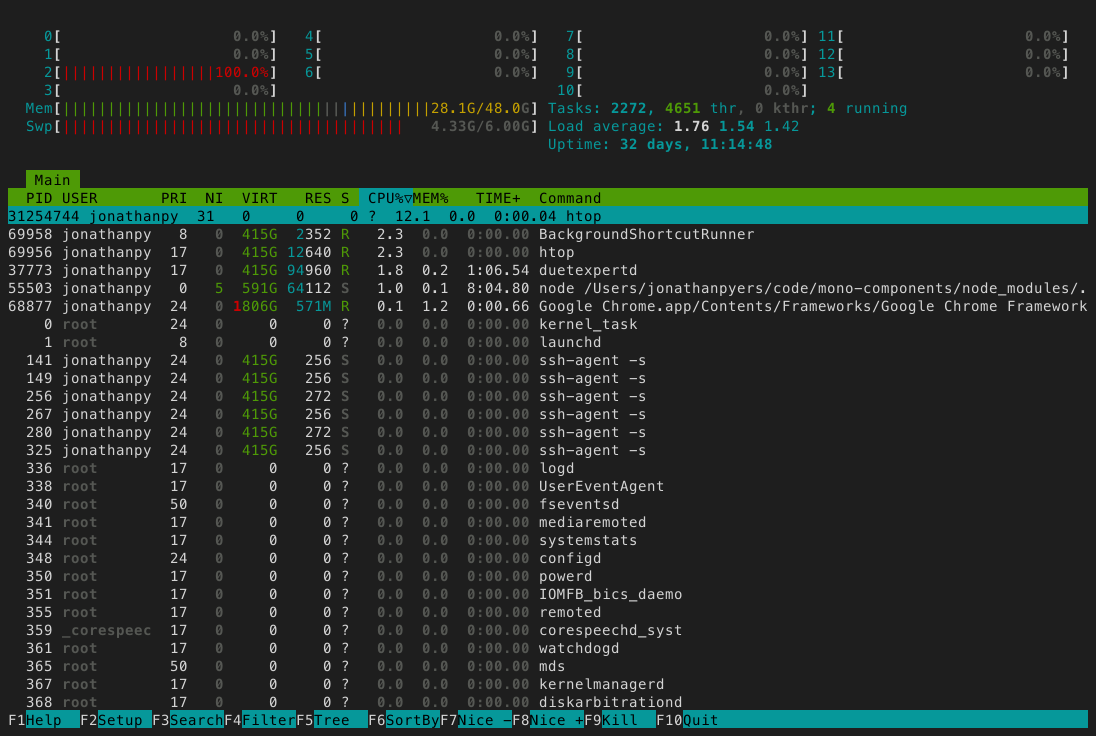
Some example outputs of the screenshot tool:
Setup
claude mcp add --scope user tui-mcp -- npx tui-mcp
Tools
| Tool | Description |
|---|---|
| launch | Spawn a TUI app in a managed pty |
| kill | Terminate a session |
| list_sessions | List active sessions |
| resize | Resize the terminal |
| screenshot | Capture terminal as PNG |
| snapshot | Capture terminal as plain text |
| read_region | Read a rectangular area of the buffer |
| cursor | Get cursor position |
| send_keys | Send a keystroke or combo (Enter, Ctrl+C, Up, q) |
| send_text | Type a string of characters |
| send_mouse | Send mouse events |
| wait_for_text | Wait for a regex pattern to appear |
| wait_for_idle | Wait until the terminal stops changing |
Interesting use cases
- remote ops: agent SSHs into a production box, tails logs, greps for errors, restarts a service, watches it come back up. it's reading the same terminal output a human SRE would see. no custom APIs needed.
- legacy system interaction: ncurses admin panels, mysql cli, redis-cli, psql - the agent can drive all of these. stuff that will never get a REST API.
- multi-session orchestration: agent launches 3-4 sessions simultaneously. one running a dev server, one running tests, one tailing logs, one in a debugger. it's basically pair programming with an extra set of hands.
- interactive debuggers: gdb, lldb, pdb, node --inspect. the agent can set breakpoints, step through code, inspect variables.
- infrastructure as conversation: kubectl, terraform, docker, aws cli. agent doesn't need the kubernetes MCP server or the AWS MCP server. it just uses the CLIs directly, same as a human would.
Most MCP servers wrap one specific tool or API. tui-mcp wraps the terminal itself, which is the universal interface that all tools already speak. It's MCP's eval().
Monitor
Watch all active sessions in real-time from your terminal:
npx tui-mcp monitor
Session list on the left, live ANSI-rendered terminal preview on the right. j/k to navigate sessions, Enter to toggle fullscreen, q to quit. Requires the MCP server to be running.
How it works
your app  <-->  node-pty  <-->  xterm-headless  <-->  MCP tools
                (pty)        (terminal emulator)    (screenshot, send_keys, etc.)
The app runs in a real pseudo-terminal via node-pty. Its output is parsed by xterm-headless (the same terminal emulator that powers VS Code's terminal, but without a DOM). The MCP tools read and interact with that parsed buffer.