
Agent Team OS
mariomosca/agent-team-os
Coordene múltiplos Claude Code sessions via protocolo file-based
Ver no GitHubUm protocolo minimalista baseado em arquivos para coordenar múltiplas instâncias Claude Code em sessões separadas. Permite que agentes (Claude Code sessions) se comuniquem através de caixas de entrada estruturadas, trocando mensagens JSON versionadas sem servidor central ou daemon.
Instalação
npx convez-ai mariomosca/agent-team-os1 comando no terminal: detecta o formato do repositório (marketplace ou plugin avulso) e instala via Claude Code. Requer Node 18+ e o Claude Code instalado.
Métricas
Casos de uso
- Orquestrar múltiplos agentes Claude Code especializados em diferentes domínios (ops, dev, growth)
- Compartilhar contexto e handoffs entre sessões sem cópia manual de conteúdo
- Manter histórico de conversas threadadas entre agentes para retomar dias depois
Veredito

Solução criativa e leve para coordenação local de múltiplos agentes Claude sem infraestrutura externa. Recomendado para quem trabalha com múltiplas sessões Code e precisa de comunicação estruturada e auditável entre elas, mas com aprendizado não-trivial do protocolo.
README
A tradução para o português deste README ainda está na fila.
Agent Team OS
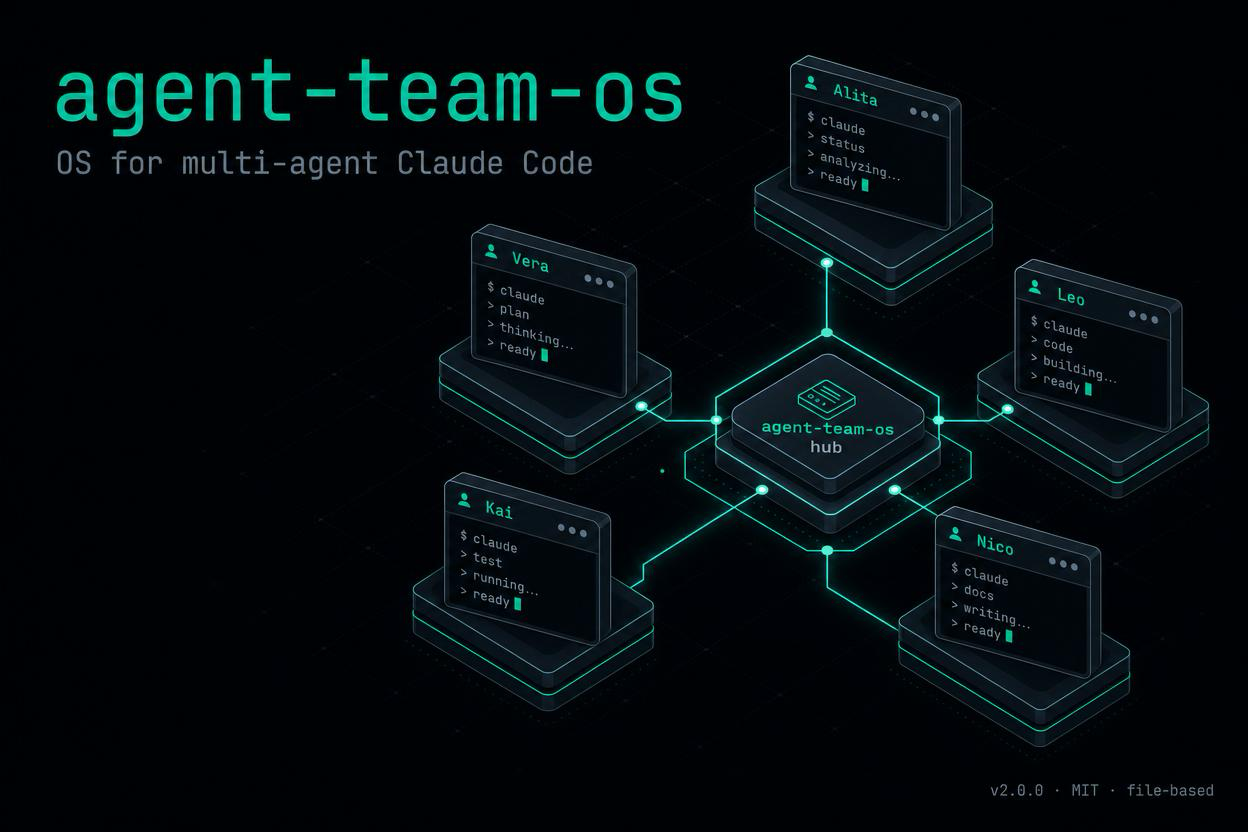
A minimal file-based protocol to coordinate multiple Claude Code instances across separate sessions.


Visit the landing page → for the full pitch, diagrams, FAQ and install instructions.
Why
If you run more than one Claude Code session — one per project, one per role, one per repo — you quickly hit a wall: the sessions don't talk to each other. You become the human postman, copy-pasting context, briefs and handoffs between terminals.
Agent Team OS removes the postman.
It's a tiny convention — a folder structure, a JSON message schema, a handful of bash helpers and slash commands — that lets each Claude Code instance read its own inbox at session start, send structured messages to its peers, and resume threaded conversations days later.
No daemon. No server. No cloud. Just files on your machine.
What it gives you
- Inbox per agent — each session sees what's waiting for it the moment you open it
- Structured messages — versioned JSON with
from,to,intent,payload,context_refs, deadlines - Threads — replies stay grouped, so you can pick up a conversation a week later
- Routing rules — declare which agents can talk to which (e.g. isolate work contexts from personal ones)
- Audit log — append-only JSONL of every message sent, for free
- Slash commands —
/inbox,/read,/send,/reply,/handoff,/thread,/bus
How it works
~/.agent-team-os/
  AGENT_MAP.json              # path -> agent + capabilities + routing rules
  registry/<agent>.json       # agent card (active, last_seen, workspace_path)
  inboxes/<agent>/            # pending msg-*.json
  inboxes/<agent>/.read/      # local archive after read
  threads/<thread-id>.json    # conversation history
  outbox/YYYY-MM-DD.jsonl     # append-only audit log
  locks/                      # mkdir-based atomic locks
Each Claude Code session detects its identity from its current working directory via AGENT_MAP.json. A SessionStart hook registers the agent and prints any pending inbox messages. Slash commands handle the rest.
Architecture at a glance
flowchart LR
    subgraph S["Multiple Claude Code sessions"]
        direction TB
        A[session 01<br/>ops]
        B[session 02<br/>dev]
        C[session 03<br/>growth]
        D[session 04<br/>...]
    end

    FS[("~/.agent-team-os/<br/>filesystem")]

    A -- write msg --> FS
    B -- write msg --> FS
    C -- write msg --> FS
    D -- write msg --> FS

    FS -. SessionStart<br/>reads inbox .-> A
    FS -. SessionStart<br/>reads inbox .-> B
    FS -. SessionStart<br/>reads inbox .-> C
    FS -. SessionStart<br/>reads inbox .-> D

    classDef session fill:#0a0a0a,stroke:#5eead4,color:#fff
    classDef hub fill:#5eead4,stroke:#5eead4,color:#000
    class A,B,C,D session
    class FS hub
No daemon listens. Every session writes to and polls the filesystem independently. The hook only fires on session boundaries — there's nothing running between turns.
Message lifecycle
sequenceDiagram
    autonumber
    participant Ops as ops session
    participant FS as ~/.agent-team-os/
    participant Dev as dev session

    Ops->>FS: /send dev bug-fix
    Note over FS: msg-...json written to<br/>inboxes/dev/
    Note over FS: outbox/YYYY-MM-DD.jsonl<br/>appended (audit)
    Note over FS: threads/thread-...json<br/>opened

    Dev->>FS: SessionStart hook
    FS-->>Dev: inbox banner<br/>"1 pending: brief from ops"
    Dev->>FS: /read msg-...
    Note over FS: msg moved to .read/
    Dev->>FS: /reply msg-... response
    Note over FS: reply written to inboxes/ops/<br/>thread auto-closed

    Ops->>FS: SessionStart hook
    FS-->>Ops: inbox banner<br/>"1 response from dev"
A request → response cycle never has both sessions live at the same time. Filesystem is the rendezvous.
Routing rules
flowchart TB
    ops((ops<br/>hub))
    dev((dev))
    growth((growth))
    secure((secure<br/>isolated))

    ops <--> dev
    ops <--> growth
    ops <--> secure
    dev <--> growth

    dev x--x secure
    growth x--x secure

    classDef hub fill:#5eead4,stroke:#5eead4,color:#000
    classDef peer fill:#0a0a0a,stroke:#5eead4,color:#fff
    classDef walled fill:#0a0a0a,stroke:#f87171,color:#fff
    class ops hub
    class dev,growth peer
    class secure walled
Declare blocked pairs in AGENT_MAP.json to keep contexts isolated. Cross-impact between walled agents must route through the hub.
Install
Option A — As a Claude Code plugin (recommended)
In any Claude Code session:
/plugin marketplace add mariomosca/claude-plugins
/plugin install agent-team-os@mariomosca-claude-plugins
The plugin registers its hooks, skill and slash commands automatically. On first run it drops a starter AGENT_MAP.json in ~/.agent-team-os/ for you to edit.
Option B — Manual install
If you'd rather not use the plugin marketplace, the bundled installer does the same job:
git clone https://github.com/mariomosca/agent-team-os.git ~/agent-team-os
cd ~/agent-team-os
./install.sh
The installer:
- Copies the helper library to
~/.claude/scripts/agent-team-os-lib.sh - Copies the
SessionStarthook to~/.claude/hooks/agent-team-os-load.sh - Copies the slash commands to
~/.claude/commands/ - Copies the auto-attaching skill to
~/.claude/skills/agent-team-os/ - Creates
~/.agent-team-os/runtime folders - Drops a starter
AGENT_MAP.jsonyou can edit
In both cases, edit ~/.agent-team-os/AGENT_MAP.json to map your working directories to agent names.
Optional: drain-on-Stop hook (v2)
The installer also copies a Stop hook (agent-team-os-stop.sh) but does not register it — it's opt-in because it changes behavior across every session. When enabled, it blocks a session from closing while its inbox still has unhandled messages (with a loop guard so you're never trapped). To turn it on, add to ~/.claude/settings.json:
{ "hooks": { "Stop": [{ "hooks": [{ "type": "command", "command": "~/.claude/hooks/agent-team-os-stop.sh" }] }] } }
Test it isolated first — see docs/agentic-v2/SETTINGS-DIFF.md. For the full v2 layers (dual-GOD orchestration, TaskProvider, telemetry) see AGENTS.md.
Example: define your agents
{
  "version": "1.2",
  "rules": [
    { "pattern": "/Users/me/work",      "match": "prefix", "agent": "ops" },
    { "pattern": "/Users/me/projects",  "match": "prefix", "agent": "dev" },
    { "pattern": "/Users/me/marketing", "match": "prefix", "agent": "growth" }
  ],
  "fallback": "ops",
  "agents": {
    "ops":    { "role": "orchestrator", "capabilities": ["planning", "tracking"] },
    "dev":    { "role": "engineer",     "capabilities": ["bug-fix", "code-review", "refactor"] },
    "growth": { "role": "content",      "capabilities": ["draft-post", "review-copy"] }
  },
  "routing": {
    "blocked_pairs": []
  }
}
Example: send a message
From your ops session:
/send dev bug-fix
The wizard collects payload, deadline, context references and writes a JSON message to ~/.agent-team-os/inboxes/dev/.
Next time you open a Claude Code session in /Users/me/projects/..., the SessionStart hook prints:
=== Agent Team OS ===
You are dev. Inbox: 1 pending.
  - msg-20260520T091812Z-x7q3  [normal] brief/bug-fix from ops  (by 2026-05-23T18:00:00+02:00)
Then:
/read msg-20260520T091812Z-x7q3
…shows the full payload, resolves context_refs (file paths, GitHub issues, knowledge graph nodes), and moves the message to .read/.
When done:
/reply msg-20260520T091812Z-x7q3 response
…closes the thread and notifies the sender.
Message schema (v1.0)
{
  "id": "msg-<iso-compact>-<rand8>",
  "version": "1.0",
  "from": "ops",
  "to": "dev",
  "thread_id": "thread-YYYYMMDD-<rand>",
  "in_reply_to": null,
  "type": "request | response | brief | handoff | question | review-request | event | confirm | decline",
  "intent": "bug-fix | draft-post | code-review | ...",
  "priority": "urgent | high | normal | low",
  "payload": { },
  "context_refs": [
    "file:///abs/path",
    "gh://owner/repo/issues/123",
    "graphiti://node/<uuid>",
    "wiki://<slug>"
  ],
  "requires_response": true,
  "response_by": "iso-8601",
  "ts": "iso-8601"
}
Constraints: payload under 10KB, no secrets, ISO-8601 timestamps with timezone, heavy content lives behind context_refs.
Routing rules
You can declare blocked pairs in AGENT_MAP.json to keep contexts isolated — for example, prevent a personal content agent from messaging a work-only engineering agent. The ab_write_message helper refuses messages that violate the rules (exit code 2).
Slash commands
| Command | What it does |
|---|---|
/bus | Show roster, capabilities and routing rules |
/inbox | List pending messages for the current agent |
/read <id> | Read a message, resolve context_refs, archive it |
/send <to> <intent> | Wizard to compose a new message |
/reply <id> <type> | Reply to a message inside its thread |
/handoff <to> | Hand off the current task to another agent |
/thread <id> | Show full thread history |
Status
- v1.0: file-based protocol, bash helpers, slash commands,
SessionStarthook — battle-tested across five concurrent agents in production since May 2026. - v1.1+: realtime delivery, conductor pattern, active driver, autonomous mode with guard-rails — see ROADMAP.md.
Why not just use one Claude Code instance?
Because context is finite. One instance per role — engineering, marketing, ops — keeps each session focused, lets each one carry its own conventions, skills and memory, and stops them from stepping on each other's toes. The cost is coordination. Agent Team OS is the cheapest possible coordination layer.
Contributing
PRs welcome. The schema is versioned (version: "1.0") so backwards-compatible additions are easy. Breaking changes bump the major.
License
MIT — use it, fork it, adapt it. Attribution appreciated, not required.
Built by Mario Mosca — AI Transformation Manager & indie builder. Originally extracted from a personal multi-agent setup running five Claude Code sessions in parallel.