
Paper to Storyboard
MaoranSun/paper-to-storyboard
Transforma PDFs acadêmicos em storyboards visuais interativos
Ver no GitHubConverte artigos acadêmicos em PDF para websites interativos de scroll único, com narrativa visual, figuras extraídas e capa gerada por IA. Mapeia o conteúdo do paper em um arco narrativo de 9 slots, gerando HTML/CSS/JS prontos para servir como site estático.
Instalação
npx convez-ai MaoranSun/paper-to-storyboard1 comando no terminal: detecta o formato do repositório (marketplace ou plugin avulso) e instala via Claude Code. Requer Node 18+ e o Claude Code instalado.
Métricas
Casos de uso
- Criar apresentações visuais de pesquisas acadêmicas
- Gerar websites interativos para divulgação científica
- Documentar metodologias de papers em formato scrollytelling
Veredito

Ferramenta sofisticada que combina extração de PDFs, processamento de imagens e geração de narrativa com IA. Requer Opus para resultados de qualidade e demanda compreensão técnica tanto de Python quanto do pipeline completo, mas entrega artefatos web profissionais e reutilizáveis.
README
A tradução para o português deste README ainda está na fila.
paper-to-storyboard
A Claude Code skill that turns an academic paper PDF into a single-page scroll-snap website — a "storyboard" of the paper's argument, with extracted figures, a generated cover image, and a fixed editorial chassis you can re-skin per paper.
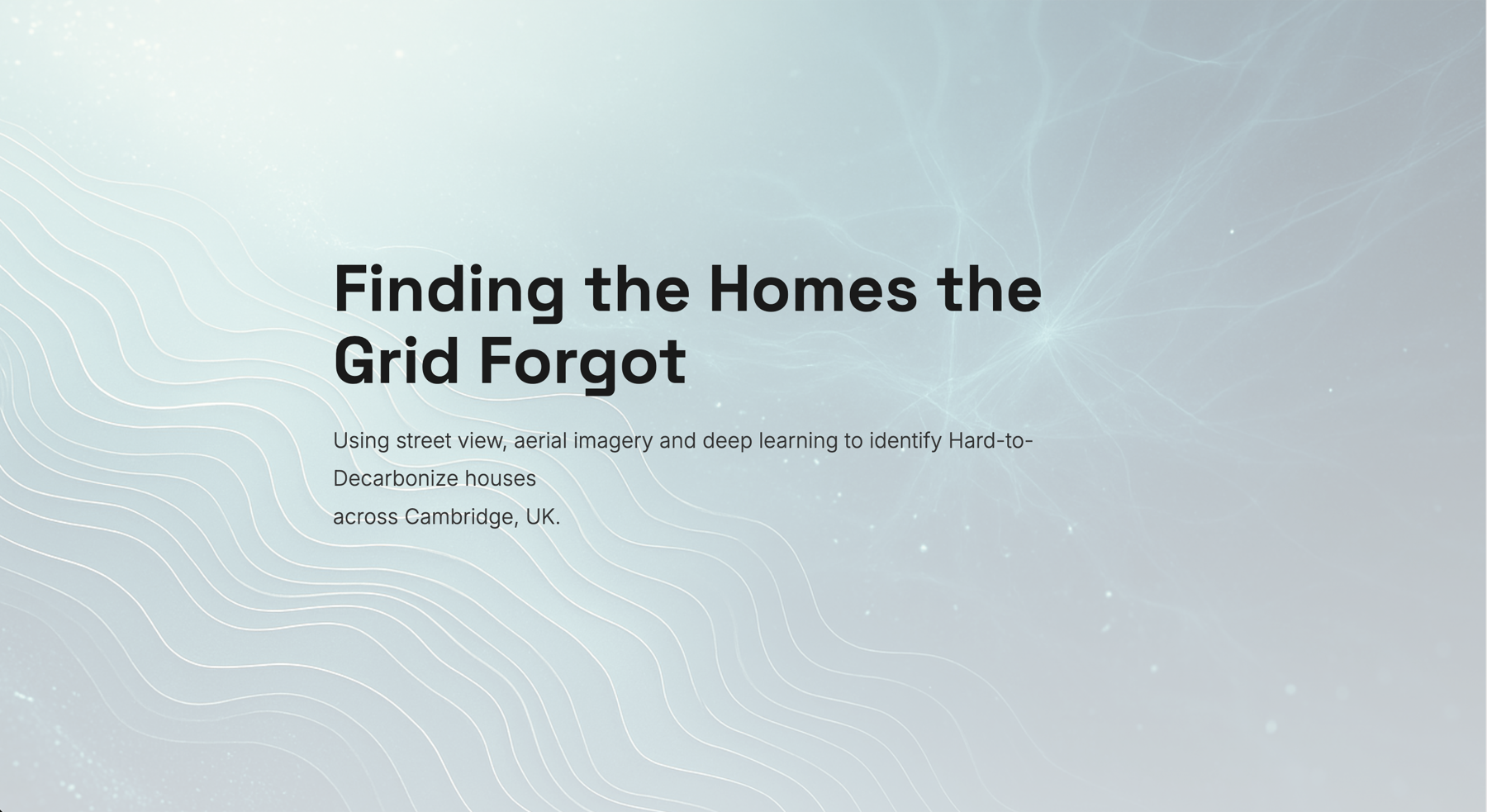
Above: title slot of examples/SCS_storyboard/ — Sun & Bardhan 2024 "Identifying Hard-to-Decarbonize houses", rendered with cool / light / modern and an AI-generated cover.
academic PDF ─► content.json + figureN.png ─► Claude composes storyboard.json ─► index.html + style.css + script.js
What it does
- Extracts the paper's text structure (sections, abstract, DOI, candidate stats, and ruled data tables) with
pdfplumber. Tables taggedchart_readycan feed an interactivechartslot with ground-truth values. - Pulls embedded figures via PyMuPDF, falls back to page-region crops for composite figures.
- Removes figure backgrounds (corner flood-fill, or
rembgfor photos) so they blend into the page. - Optionally generates a stylized data-art cover via OpenAI
gpt-image-1. - Maps the paper onto a 7–9 slot narrative arc (
title → hook → problem → method → keyFinding → dataNarrative → secondaryFinding → insight → credits) — Claude writes this from the extracted content. - Renders the final site through a fixed HTML/CSS/JS chassis. Only the palette, mode, typography and per-section content vary per paper.
Output
A self-contained directory you can serve as a static site:
out/
├── index.html        # scroll-snap, IntersectionObserver-driven theme switching
├── style.css         # palette + mode + typography injected via CSS variables
├── script.js         # vanilla JS, no framework
├── cover.png         # optional AI-generated title cover
├── figure1.png …     # transparent PNGs from the paper
├── content.json      # raw text extraction
├── figures/          # raw figure extraction + captions
└── storyboard.json   # the editable narrative — re-render after edits
Browseable example outputs live under examples/ — each subdirectory is a self-contained static site (index.html + style.css + script.js + transparent figures + optional cover).
Install
Clone, install Python deps, and install the skill into Claude Code:
git clone https://github.com/MaoranSun/paper-to-storyboard.git
cd paper-to-storyboard

python3 -m venv .venv
source .venv/bin/activate
pip install -r requirements.txt

./install.sh          # copies ./skill/ to ~/.claude/skills/paper-to-storyboard/
# or
./install.sh --symlink   # live-edits go straight to Claude Code
Then in Claude Code: convert /path/to/paper.pdf to a storyboard.
Run this skill on a strong model (Opus). The hard part isn't the scripts — it's the judgement: mapping a paper onto the 9-slot narrative arc, rewriting body copy to fit display type, picking layouts and a palette, and composing the cover concept. Weaker models (e.g. Sonnet) tend to produce flat narratives, mis-assigned layouts, and verbatim-dumped paragraphs. Switch with
/model opusbefore invoking.
The skill's SKILL.md tells Claude the pipeline to run; you should rarely need to invoke scripts manually.
Style options
| Knob | Values |
|---|---|
| palette | warm (heat/energy) · cool (water/climate) · earth (biology/ecology) · clinical (medicine) · tech (CS/AI) |
| mode | dark (default, animated gradient + noise) · light (inverted, muted) |
| typography | editorial (Playfair + Inter) · modern (Space Grotesk + Inter) · tech (JetBrains Mono + Inter) · academic (Crimson Pro + Source Sans) |
| layouts | title, split, split_reverse, split_no_image, stacked, quote, impact, impact_single, stats_grid, chart, comparison, insight, credits |
Each section in storyboard.json declares its own layout and theme, so the same chassis can mix big-number panels, pull-quotes, two-column comparisons and side-by-side figure layouts in one page.
Manual usage (without Claude Code)
You can run the pipeline yourself:
PY=.venv/bin/python3
SKILL=./skill
PDF=/path/to/paper.pdf
OUT=./out

$PY $SKILL/scripts/extract_text.py    $PDF $OUT/content.json
$PY $SKILL/scripts/extract_figures.py $PDF $OUT/figures/
for f in $OUT/figures/figure*.png; do
  $PY $SKILL/scripts/make_transparent.py "$f" "$OUT/$(basename "$f")"
done

# Optional cover (requires OPENAI_API_KEY)
$PY $SKILL/scripts/generate_cover.py --concept "..." --palette cool --mode dark --out $OUT/cover.png

# Hand-author $OUT/storyboard.json against skill/schemas/storyboard.schema.json
# (or copy skill/examples/reference_storyboard.json and edit)

$PY $SKILL/scripts/render.py --storyboard $OUT/storyboard.json --palette cool --mode dark --typography academic --out $OUT
$PY $SKILL/scripts/preview.py $OUT 8765
Repo layout
paper-to-storyboard/
├── skill/
│   ├── SKILL.md                  # skill manifest — Claude reads this on invocation
│   ├── templates/                # HTML/CSS/JS templates with {{MUSTACHE}} placeholders
│   ├── scripts/                  # extract_text, extract_figures, make_transparent,
│   │                             # generate_cover, render, preview
│   ├── palettes/themes.json      # 5 palettes × 2 modes + 4 typography presets
│   ├── schemas/storyboard.schema.json
│   └── examples/reference_storyboard.json
├── examples/                     # self-contained rendered storyboards
│   └── <paper-shortname>/        # index.html, style.css, script.js, figures, cover
├── install.sh
├── requirements.txt
├── CLAUDE.md                     # context for Claude Code sessions in this repo
├── LICENSE                       # MIT
└── README.md
Known limitations
- Figure background removal is imperfect.
make_transparent.pyuses corner flood-fill, which works well on plot figures with clean near-white backgrounds but can leave visible halos around anti-aliased lines, text edges, or in figures with non-uniform / textured backgrounds (gradients, photographs, dark plots). For these cases you'll likely want to manually clean up the figure in an external editor (Photoshop, GIMP, Affinity,magick, etc.) and drop the correctedfigureN.pngback into the output directory before re-runningrender.py. We evaluatedrembg(u2net, isnet, birefnet-general) and OpenAIgpt-image-1image-edit as alternatives — seeCLAUDE.mdfor why flood-fill stayed the default despite the rough edges. - Text/figure extraction is brittle on multi-column journal layouts.
pdfplumber's section heuristics sometimes fuse running headers or fragment columns; expect to inspectcontent.jsonbefore mapping. Embedded figures usually extract cleanly via PyMuPDF; rasterized-vector composites occasionally need a page-region crop fallback. - AI cover images can ignore palette/mode hints.
gpt-image-1interprets the concept loosely; if the cover doesn't fit your section's lighting, regenerate with a more constrained prompt or skip the cover entirely (the title slot has a gradient fallback).
Conventions
- The chassis is fixed. Per-paper variation is restricted to palette + mode + typography + per-section content + cover image. Never regenerate the HTML/CSS/JS freeform; always go through
render.py. - Body copy is rewritten for display type. Headline numbers and key definitions are lifted verbatim.
fullbleedis reserved for atmospheric photos. Don't use it for paper figures — scientific charts don't read well at viewport scale.- Figures must be transparent PNGs. They get composited onto palette-tinted backgrounds; an opaque white background ruins the effect.
License
MIT — see LICENSE.