
Design System Extractor
KunalKumarkkr01/design-system-extractor
Reverse-engineer design systems de sites ao vivo para documentação pronta
Ver no GitHubExtrai o sistema de design de qualquer website em produção, gerando um design.md pronto para implementação e screenshots anotadas. Funciona navegando em tempo real com Chrome DevTools MCP para ler estilos computados, variáveis CSS e comportamento responsivo, em vez de adivinhar a partir de screenshots.
Instalação
npx convez-ai KunalKumarkkr01/design-system-extractor1 comando no terminal: detecta o formato do repositório (marketplace ou plugin avulso) e instala via Claude Code. Requer Node 18+ e o Claude Code instalado.
Métricas
Casos de uso
- Documentar e replicar design systems de websites existentes
- Extrair especificações de design para implementação em outros projetos
- Analisar padrões de design e variáveis CSS de sites concorrentes
Veredito

Ferramenta bem pensada que usa Chrome DevTools MCP para capturar a verdade de um site em produção, não suposições visuais. Requer setup prévio do Chrome DevTools MCP e é ideal para equipes que precisam documentar ou replicar design systems rapidamente.
README
A tradução para o português deste README ainda está na fila.
design-system-extractor


Reverse-engineer the design system of any live website into an implementation-ready
design.md+ annotated screenshots that an LLM (or a developer) can follow to faithfully recreate the look and feel.
It works by driving a real browser through the Chrome DevTools MCP and reading the ground truth out of the running page — computed styles, CSS custom properties, fonts, responsive behavior — instead of guessing styles from a screenshot. The output is a spec another agent can build from without ever seeing the original site.
This is an agent skill. Point your agent at a URL and ask it to extract the design system; it explores the site and writes the reference for you.
⚠️ Requirement: Chrome DevTools for agents
This skill cannot run without Chrome DevTools for agents —
the official Chrome offering that ships both an MCP server and agent skills
(chrome-devtools-mcp, by the Chrome DevTools team). It's what lets the agent navigate
pages, read computed styles, and screenshot from a real Chrome instance.
You need Node.js LTS and Chrome (current stable or newer). Wire it up any one of:
- Official Chrome DevTools plugin (recommended) — MCP + Chrome's own usage skills:
/plugin marketplace add ChromeDevTools/chrome-devtools-mcp /plugin install chrome-devtools-mcp@chrome-devtools-plugins - This package's Claude Code plugin (below) bundles a
chrome-devtoolsMCP server entry, so installing it sets up the driver too. Use either this or the official plugin for the MCP — not both — to avoid a duplicate server. - Manual MCP config for any agent:
{
  "mcpServers": {
    "chrome-devtools": { "command": "npx", "args": ["-y", "chrome-devtools-mcp@latest", "--isolated"] }
  }
}
No Chrome installed? chrome-devtools-mcp uses your system Chrome and won't silently
download one. Install Chrome normally, or grab a Chrome for Testing build and point the
server at it:
npx puppeteer browsers install chrome # then pass --executablePath <path> or --channel stable
If the MCP tools aren't present, the skill tells you and stops rather than guessing.
Install
Pick whichever matches your setup. All three install the same skill.
1. Via the skills.sh ecosystem (npx skills)
Install straight from this GitHub repo — this is the example using the repo itself:
npx skills add https://github.com/KunalKumarkkr01/design-system-extractor --skill design-system-extractor
2. Via npm (standalone npx installer)
# into the current project (./.claude/skills)
npx design-system-extractor

# or globally (~/.claude/skills)
npx design-system-extractor --global

# or a custom skills directory
npx design-system-extractor --dir path/to/skills
3. As a Claude Code plugin (bundles the Chrome DevTools MCP)
/plugin marketplace add KunalKumarkkr01/design-system-extractor
/plugin install design-system-extractor@design-system-extractor
Then restart Claude Code so the bundled chrome-devtools MCP server starts.
Usage
Once installed (and the Chrome DevTools MCP is running), just ask:
Extract the design system of https://stripe.com into a design reference.
I want my app to look like linear.app — document their design tokens and components.
The skill will explore the site, capture screenshots at desktop and mobile, read the
real tokens, and write a design.md you can hand to any implementer.
What you get
A self-contained folder you can drop into another project or feed to another agent:
<site>-design-reference/
├── design.md            # the reference spec
└── screenshots/
    ├── 01-hero.png
    ├── 02-nav.png
    └── ...
design.md includes:
- Aesthetic direction + explicit "do NOT" guardrails (keeps an implementer from drifting back to generic defaults)
- Color tokens — the resolved theme palette and any
--tokenscales, as hex - Typography — families, the full scale, and which font maps to which role
- Layout & spacing — container width, grid, radius, borders, rhythm
- Components — one section each, with a screenshot
- Interaction & motion — hover/focus/active, transitions
- Responsive behavior — what changes per breakpoint
- Implementation notes — detected stack, fonts, icons
- A drop-in token block (CSS
:rootvariables) so implementation starts in one paste
Example: a real extraction
See examples/pico-css/ for a complete run against
Pico CSS (MIT-licensed, open source) — exactly the kind of output
you get back:
examples/pico-css/design.md— the full reference: dark and light--pico-*token tables (resolved to hex), the typography scale (Figtree / system-ui / Fira Code), components, responsive notes, and a drop-in CSS block.examples/pico-css/screenshots/— the captured frames.
| Hero — light | Hero — dark |
|---|---|
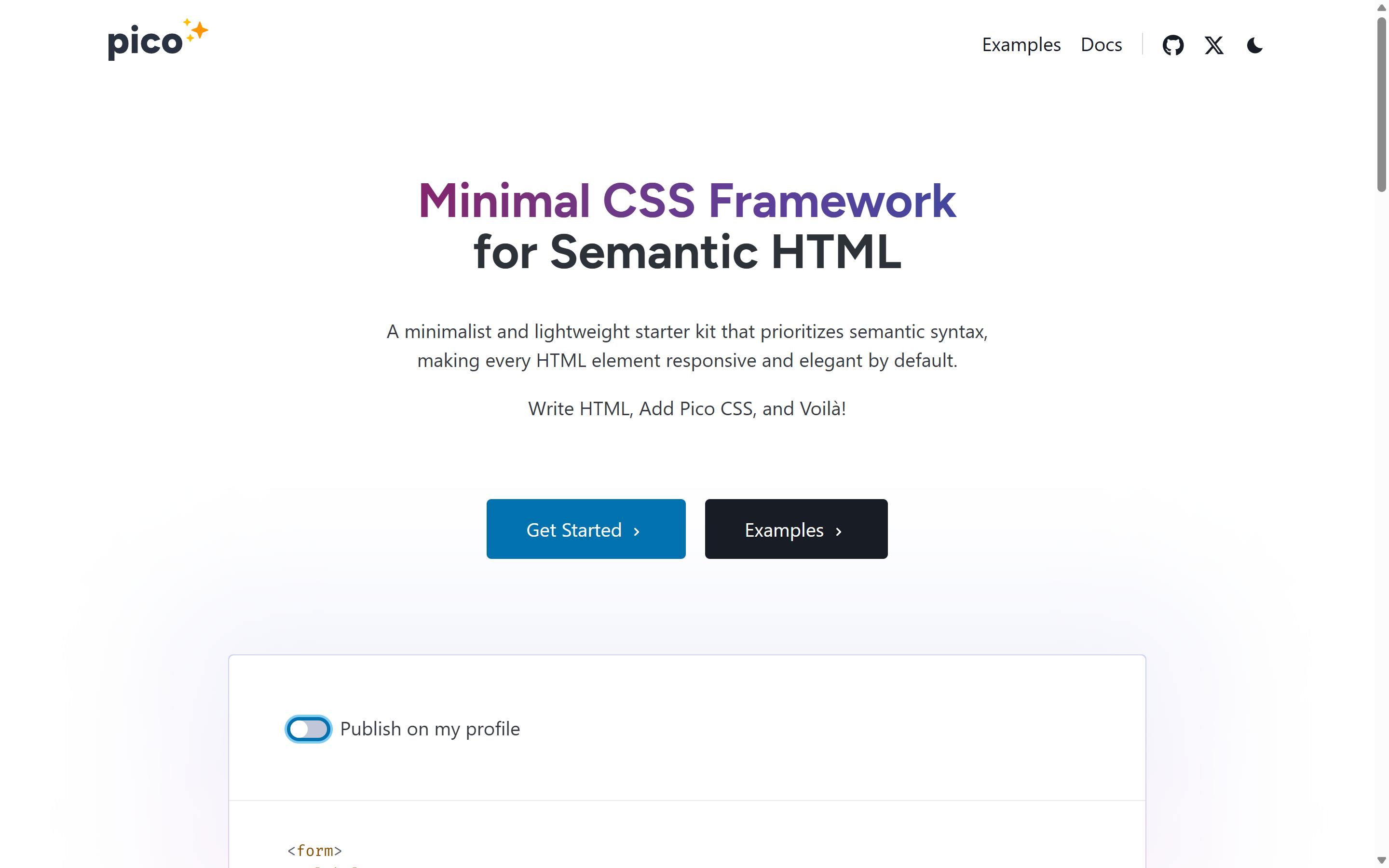 | 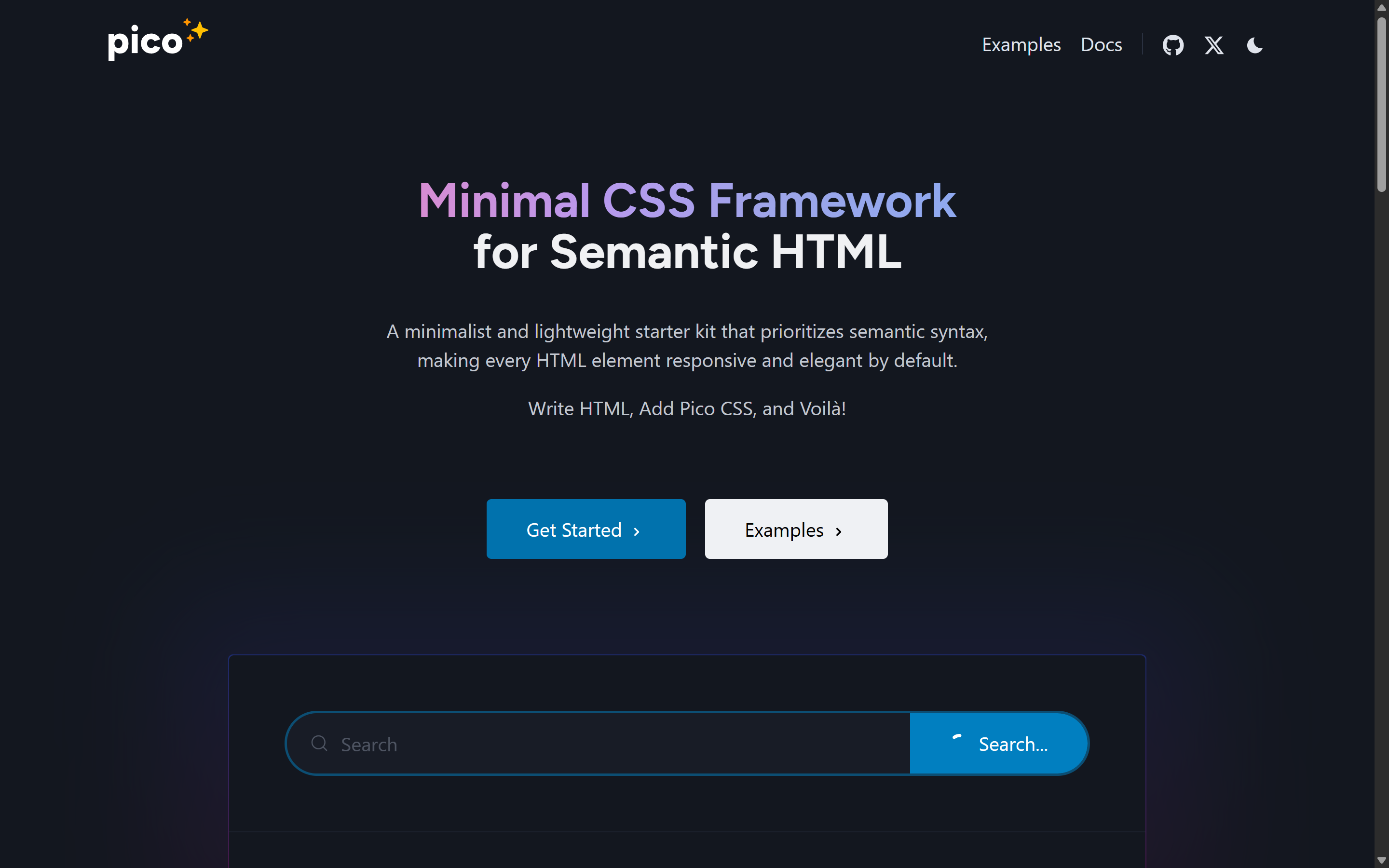 |
Produced by running "extract the design system of picocss.com" through this skill.
How it works
- Navigate to the URL and set a canonical desktop viewport.
- Snapshot the accessibility tree to map structure and find sub-pages.
- Read design tokens via
evaluate_script—:rootcustom properties and resolved computed styles — converting modernlab()/oklch()colors to portable hex. - Capture screenshots per component, plus a mobile breakpoint.
- Explore states (hover/focus) and key secondary pages, noting intentional exceptions.
- Write
design.mdagainst a strict template aimed at an implementer who never sees the original.
The extraction snippets and the design.md template live in
skills/design-system-extractor/references/.
Repository layout
design-system-extractor/
├── .claude-plugin/
│   ├── plugin.json          # Claude Code plugin manifest (bundles chrome-devtools MCP)
│   └── marketplace.json     # so `/plugin marketplace add` works on this repo
├── skills/
│   └── design-system-extractor/
│       ├── SKILL.md         # the skill
│       └── references/      # extraction snippets + design.md template
├── bin/cli.js               # the `npx design-system-extractor` installer
├── package.json
├── LICENSE                  # MIT
└── README.md
License
MIT © 2026 Kunal Kumar
Acknowledgements
Built by Kunal Kumar with Claude Code (Anthropic).
Relies on Chrome DevTools for agents
(chrome-devtools-mcp) by the
Chrome DevTools team.