Open Computer Use
iFurySt/open-codex-computer-use
Automação de desktop para agentes IA via MCP, alternativa open-source
Ver no GitHubMCP server de código aberto que funciona como alternativa ao Computer Use do Codex. Permite que agentes de IA controlem computador (macOS, Linux, Windows) via APIs acessíveis, capturando tela, movimentando mouse e executando cliques para automação de tarefas.
Instalação
npx convez-ai iFurySt/open-codex-computer-use1 comando no terminal: detecta o formato do repositório (marketplace ou plugin avulso) e instala via Claude Code. Requer Node 18+ e o Claude Code instalado.
Métricas
Casos de uso
- Automação de tarefas repetitivas no desktop
- Controle remoto de computador por agentes IA
- Integração com Codex, Claude e outros clientes MCP
- Testes automatizados com interação visual
Veredito

Ferramenta robusta e bem-mantida que democratiza o Computer Use de forma open-source. Implementação sólida em Swift com suporte multiplataforma, ideal para quem precisa automação desktop native com agentes IA.
README
A tradução para o português deste README ainda está na fila.
open-computer-use




[!TIP] Interested in Browser Use? Check out open-browser-use.
open-computer-use is an open-source Computer Use service wrapped as MCP. Any AI agent or MCP client can use it to run Computer Use on macOS, Linux, and Windows.
This project was inspired by OpenAI's Codex Computer Use. It showed that non-intrusive CUA can be built on top of Accessibility, so I decided to build an open-source version.
I started this repo with my harness template, a template for quickly spinning up AI-first projects. It has been one of our most useful workflows lately, especially for nearly 100% AI-generated projects. I also wrote a post about the methodology behind it.
Demos
Codex App and Codex CLI
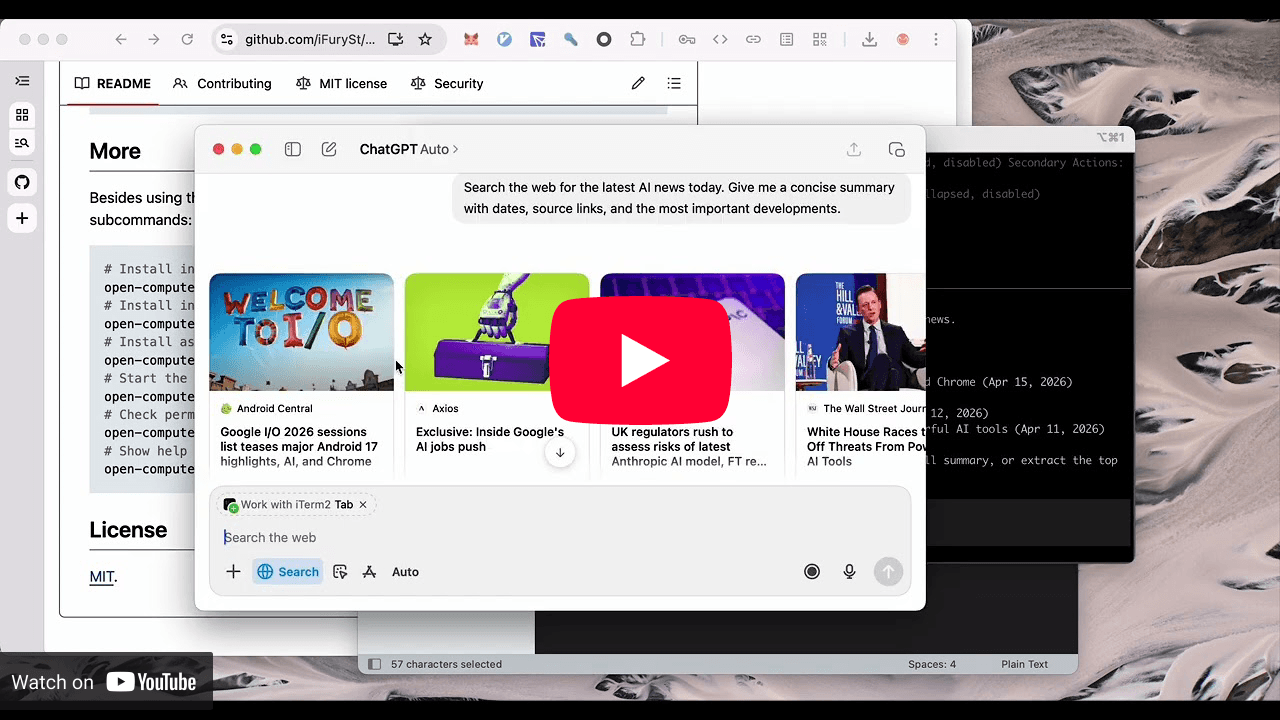
open-computer-use used as Computer Use in Codex App and Codex CLI, matching the official experience.
Gemini CLI
https://github.com/user-attachments/assets/eacb3b15-f939-46c7-b3b3-6f876977a58d
Gemini CLI connects to open-computer-use through MCP and runs full Computer Use actions.
Linux
https://github.com/user-attachments/assets/e036b1c8-2200-4896-abd4-19225915cf66
open-computer-use running on Linux.
Quick Start
npm i -g open-computer-use
On macOS, run it once and grant Accessibility and Screen Recording. Windows and Linux do not need this step.
open-computer-use
Before using it, install it into your agent:
# Install into Codex by writing to ~/.codex/config.toml
open-computer-use install-codex-mcp
Or add it to your own client manually:
{
  "mcpServers": {
    "open-computer-use": {
      "command": "open-computer-use",
      "args": ["mcp"]
    }
  }
}
Skill
Install the skill directly:
# Install for Codex
npx skills add iFurySt/open-codex-computer-use -g -a codex --skill open-computer-use -y
npx skills ls -g -a codex | rg 'open-computer-use'
Install for Claude Code:
npx skills add iFurySt/open-codex-computer-use -g -a claude-code --skill open-computer-use -y
Update an existing global install, including the Codex install created above:
npx skills update open-computer-use -g -y
You can also manually download and install the
open-computer-use skill.
More
Besides the MCP JSON config above, you can also use the built-in commands:
# Install into Codex by writing to ~/.codex/config.toml
open-computer-use install-codex-mcp

# Install as a Codex plugin, mainly for Codex App
open-computer-use install-codex-plugin

# Install into Claude Code by writing to ~/.claude.json
open-computer-use install-claude-mcp

# Install into Gemini CLI for the current project by writing to ./.gemini/settings.json
open-computer-use install-gemini-mcp

# Install into Gemini CLI user config instead
open-computer-use install-gemini-mcp --scope user

# Install into opencode by writing to ~/.config/opencode/opencode.json (or the active config file)
open-computer-use install-opencode-mcp

# Call a single Computer Use tool and print the MCP-style JSON result
open-computer-use call list_apps
open-computer-use call get_app_state --args '{"app":"TextEdit"}'

# Run a sequence in one process so element_index state can be reused
# Sequence runs sleep 1s between successful operations by default
open-computer-use call --calls '[{"tool":"get_app_state","args":{"app":"TextEdit"}},{"tool":"press_key","args":{"app":"TextEdit","key":"Return"}}]'
open-computer-use call --calls-file examples/textedit-overlay-seq.json --sleep 0.5

# Check permissions; onboarding only opens when something is missing
open-computer-use doctor

# Run local validation from a source checkout
make smoke
OPEN_COMPUTER_USE_STRESS_LOOPS=20 make stress
make agent-smoke
make agent-smoke SCENARIO=fixture-full
node ./scripts/run-agent-smoke-tests.mjs --agents=claude,codex --command=open-computer-use
node ./scripts/run-agent-smoke-tests.mjs --scenario=fixture --agents=claude,codex --command=open-computer-use
node ./scripts/run-agent-smoke-tests.mjs --scenario=fixture-full --agents=claude,codex --command=open-computer-use
OPEN_COMPUTER_USE_HERMES_PROVIDER=anthropic OPEN_COMPUTER_USE_HERMES_MODEL=claude-opus-4-20250514 make agent-smoke AGENTS=hermes SCENARIO=fixture-full
node ./scripts/run-agent-smoke-tests.mjs --agents=hermes --hermes-provider=anthropic --hermes-model=claude-opus-4-20250514
node ./scripts/run-agent-smoke-tests.mjs --scenario=fixture --agents=hermes --hermes-provider=anthropic --hermes-model=claude-opus-4-20250514
node ./scripts/run-agent-smoke-tests.mjs --scenario=fixture-full --agents=hermes --hermes-provider=anthropic --hermes-model=claude-opus-4-20250514 --hermes-max-turns=12

# Show help
open-computer-use -h
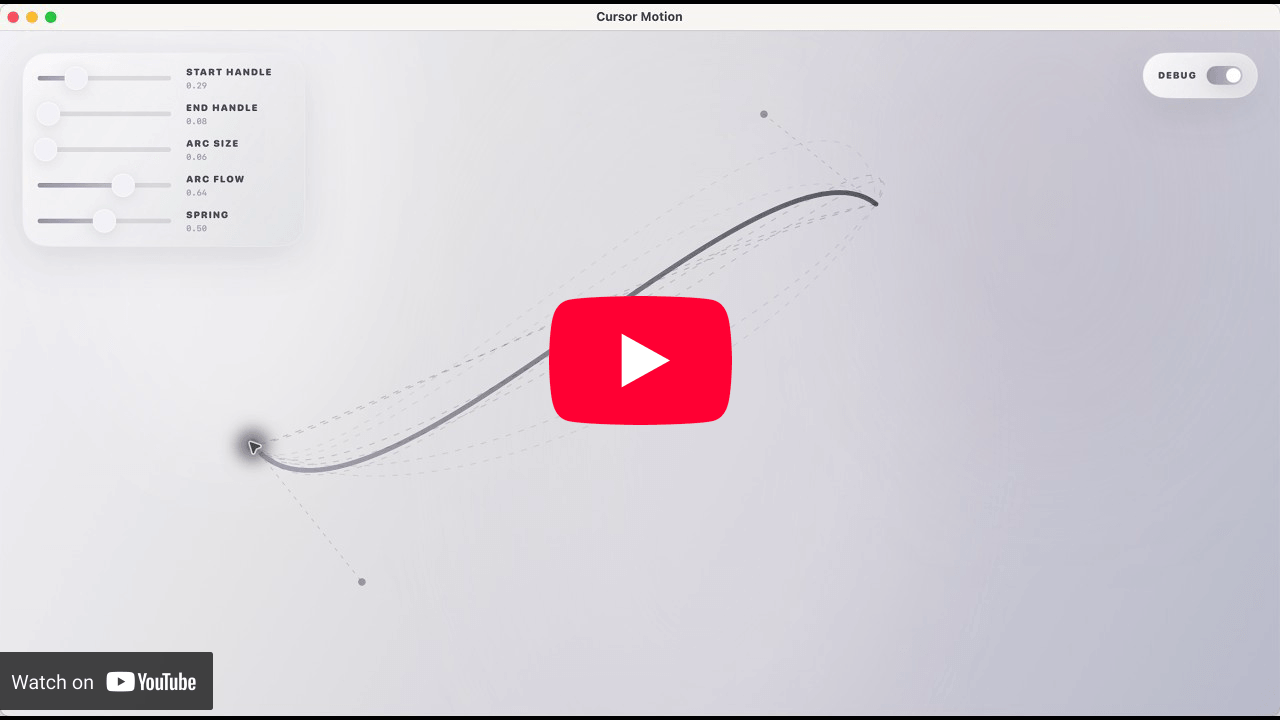
Cursor Motion
Cursor Motion is an open-source cursor motion system for macOS, based on public information shared by members of the Software.Inc team. You can download the app from the Releases page.