
Framelink MCP para Figma
GLips/Figma-Context-MCP
Acesso direto a dados Figma para agentes de IA implementarem designs
Ver no GitHubMCP server que fornece dados de layout e design do Figma para agentes de IA como Cursor, permitindo implementação de interfaces em um único prompt. Simplifica a resposta da API Figma para contexto otimizado, focando apenas em informações de layout e estilo relevantes para geração de código.
Instalação
npx convez-ai GLips/Figma-Context-MCP1 comando no terminal: detecta o formato do repositório (marketplace ou plugin avulso) e instala via Claude Code. Requer Node 18+ e o Claude Code instalado.
Métricas
Casos de uso
- Implementar designs Figma em frameworks frontend automaticamente
- Gerar código HTML/CSS/React a partir de protótipos Figma
- Agilizar o fluxo designer-desenvolvedor com IA
Veredito

Solução prática que elimina o gargalo entre design e desenvolvimento ao dar contexto estruturado de Figma aos agentes. Reduz significativamente o tempo de implementação manual de interfaces, especialmente útil em workflows com Cursor e ferramentas similares.
README
A tradução para o português deste README ainda está na fila.
Give Cursor and other AI-powered coding tools access to your Figma files with this Model Context Protocol server.
When Cursor has access to Figma design data, it's way better at one-shotting designs accurately than alternative approaches like pasting screenshots.
Demo
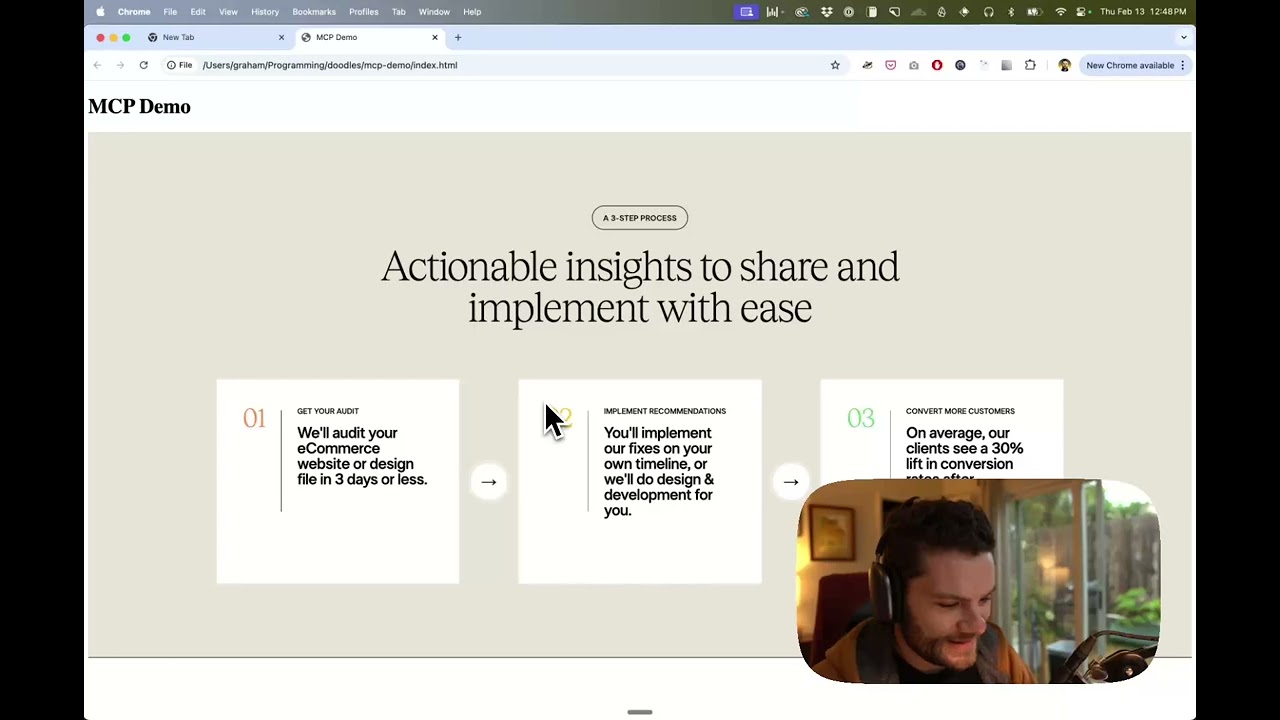
Watch a demo of building a UI in Cursor with Figma design data
How it works
- Open your IDE's chat (e.g. agent mode in Cursor).
- Paste a link to a Figma file, frame, or group.
- Ask Cursor to do something with the Figma file—e.g. implement the design.
- Cursor will fetch the relevant metadata from Figma and use it to write your code.
This MCP server is specifically designed for use with Cursor. Before responding with context from the Figma API, it simplifies and translates the response so only the most relevant layout and styling information is provided to the model.
Reducing the amount of context provided to the model helps make the AI more accurate and the responses more relevant.
Getting Started
Many code editors and other AI clients use a configuration file to manage MCP servers.
The figma-developer-mcp server can be configured by adding the following to your configuration file.
NOTE: You will need to create a Figma access token to use this server. Instructions on how to create a Figma API access token can be found here.
MacOS / Linux
{
  "mcpServers": {
    "Framelink MCP for Figma": {
      "command": "npx",
      "args": ["-y", "figma-developer-mcp", "--figma-api-key=YOUR-KEY", "--stdio"]
    }
  }
}
Windows
{
  "mcpServers": {
    "Framelink MCP for Figma": {
      "command": "cmd",
      "args": ["/c", "npx", "-y", "figma-developer-mcp", "--figma-api-key=YOUR-KEY", "--stdio"]
    }
  }
}
Or you can set FIGMA_API_KEY and PORT in the env field.
If you need more information on how to configure the Framelink MCP for Figma, see the Framelink docs.
Star History
Learn More
The Framelink MCP for Figma is simple but powerful. Get the most out of it by learning more at the Framelink site.