
Inbox Zero
elie222/inbox-zero
Assistente IA para atingir inbox zero e organizar emails automaticamente
Ver no GitHubAssistente de IA pessoal 24/7 para email que organiza sua caixa de entrada, gera respostas automáticas, gerencia calendário e arquivos. Alternativa open source com integração Slack/Telegram para gerenciar emails em movimento.
Instalação
npx convez-ai elie222/inbox-zero1 comando no terminal: detecta o formato do repositório (marketplace ou plugin avulso) e instala via Claude Code. Requer Node 18+ e o Claude Code instalado.
Métricas
Casos de uso
- Automatizar respostas e organização de emails em massa
- Bloqueio de cold emails e gerenciamento de inscrições
- Integração com Slack/Telegram para gerenciar inbox remotamente
- Análise de padrões de email e briefings antes de reuniões
Veredito

Solução robusta e open source para automação de email com IA. Bastante funcional para quem quer controle total sobre processamento de mensagens, mas requer setup técnico (Next.js, Prisma, Upstash).
README
A tradução para o português deste README ainda está na fila.
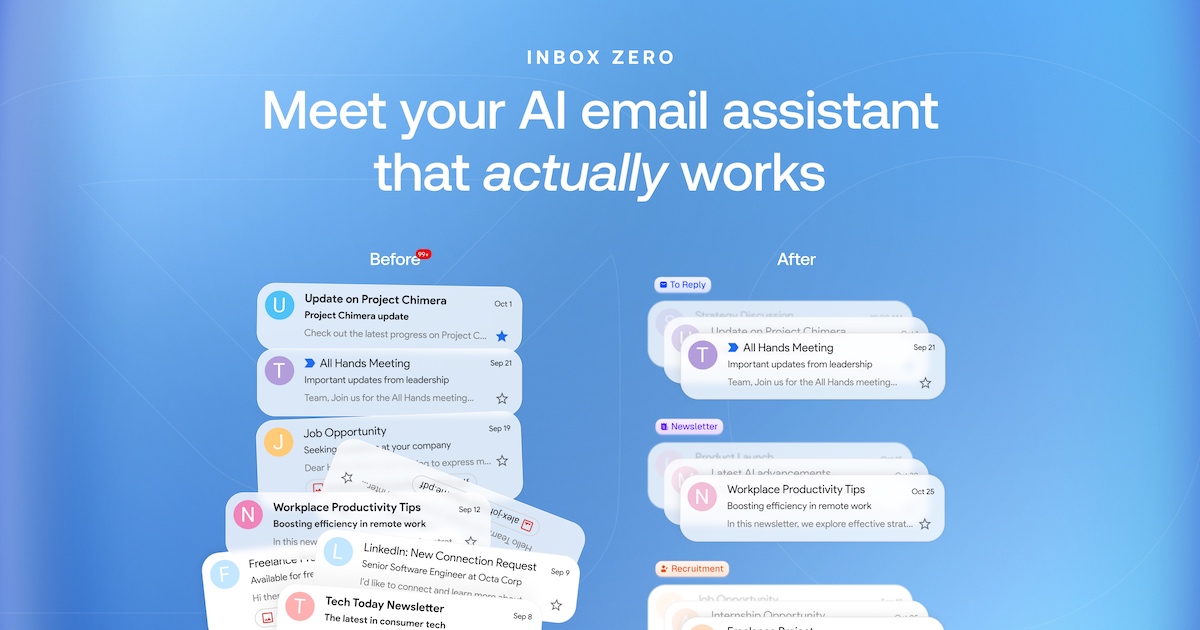


Mission
To help you spend less time in your inbox, so you can focus on what matters most.
Features
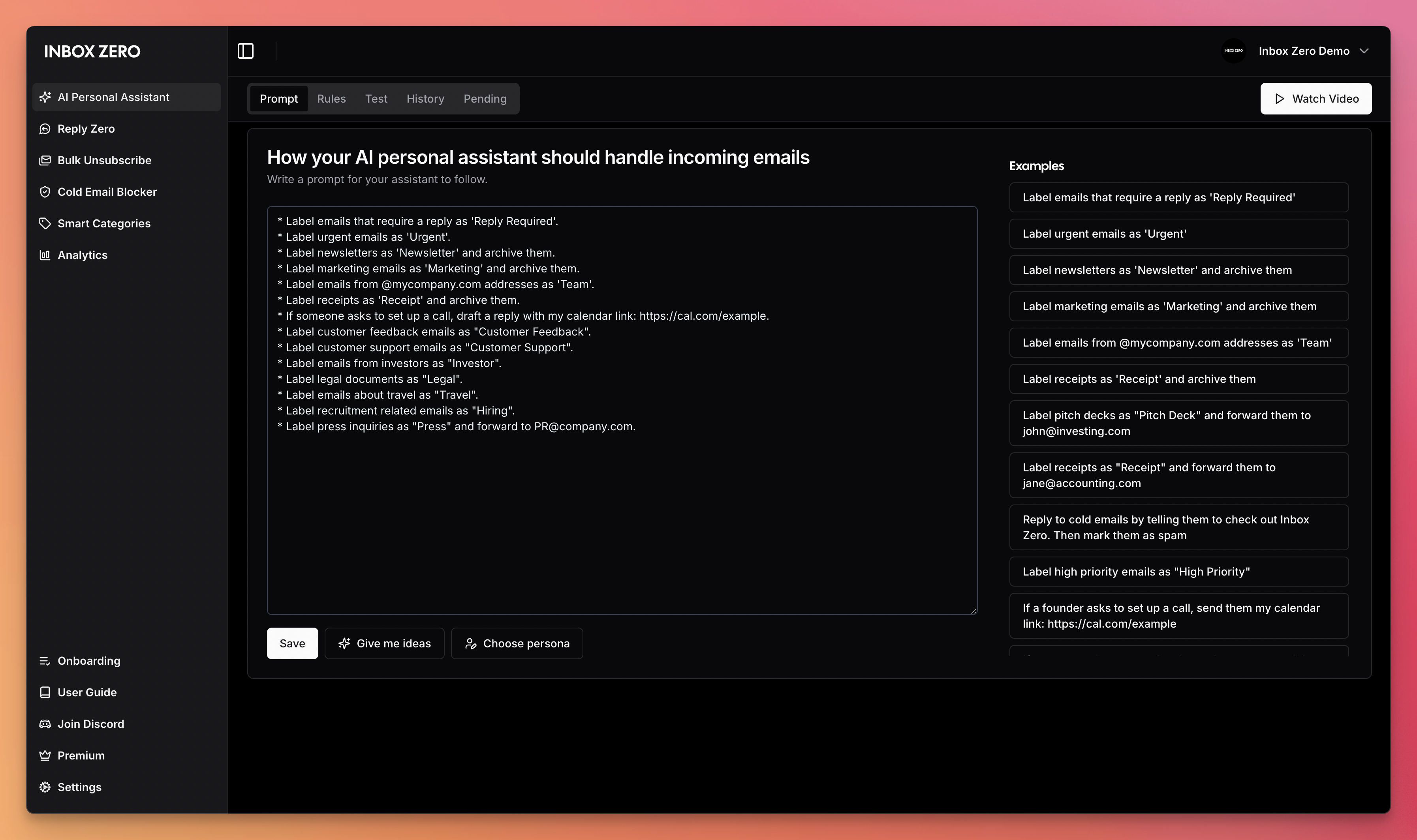
- AI Personal Assistant: Organizes your inbox and pre-drafts replies in your tone and style.
- AI Rules for email: Explain in plain English how your AI should handle your inbox.
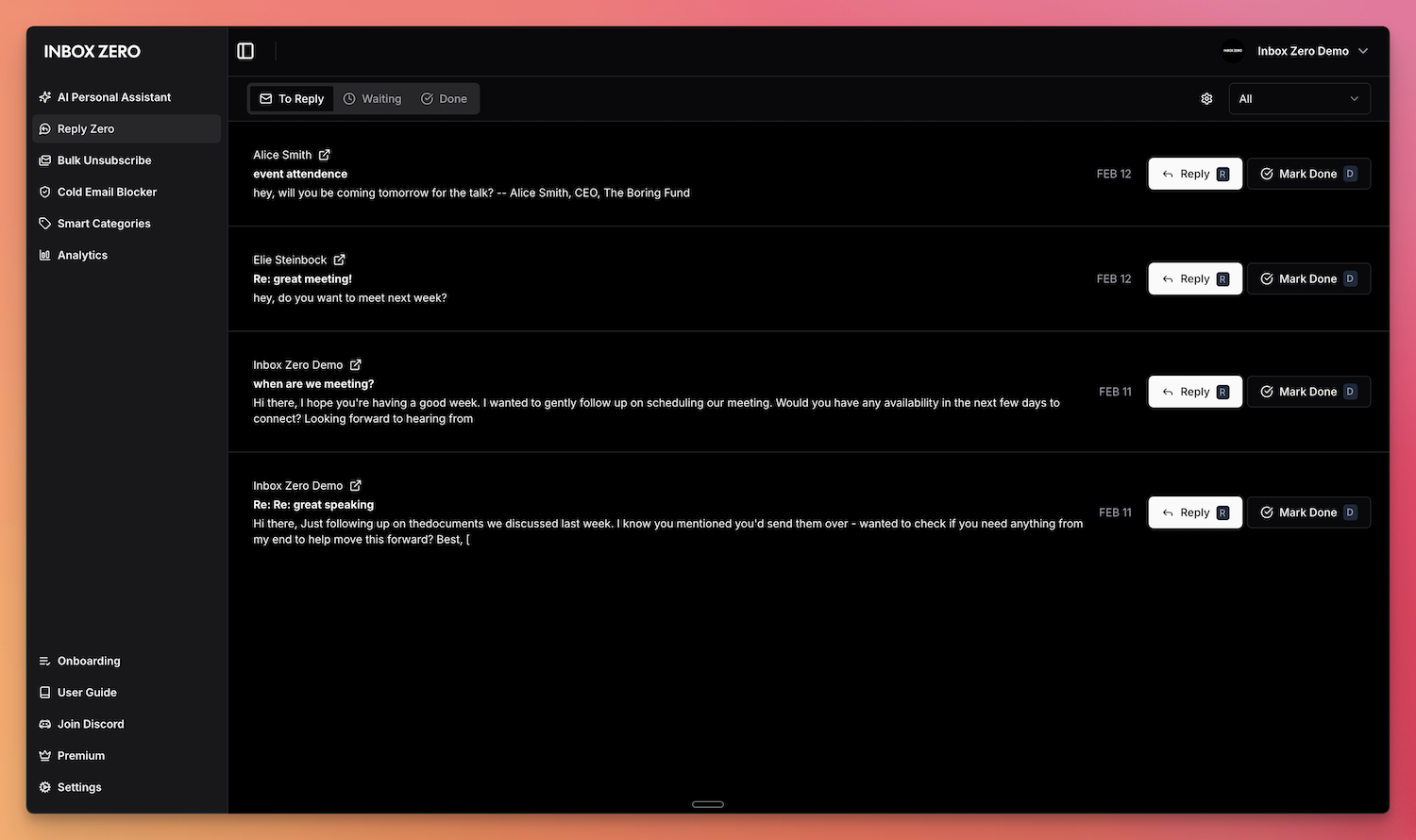
- Reply Zero: Track emails to reply to and those awaiting responses.
- Bulk Unsubscriber: One-click unsubscribe and archive emails you never read.
- Bulk Archiver: Clean up your inbox by bulk archiving old emails.
- Cold Email Blocker: Auto‑block cold emails.
- Email Analytics: Track your activity and trends over time.
- Meeting Briefs: Get personalized briefings before every meeting, pulling context from your email and calendar.
- Smart Filing: Automatically save email attachments to Google Drive or OneDrive.
- Slack & Telegram Integration: Chat with your AI assistant from Slack or Telegram to manage your inbox without leaving the apps you already use.
Learn more in our docs.
Feature Screenshots
 |  |
|---|---|
| AI Assistant | Reply Zero |
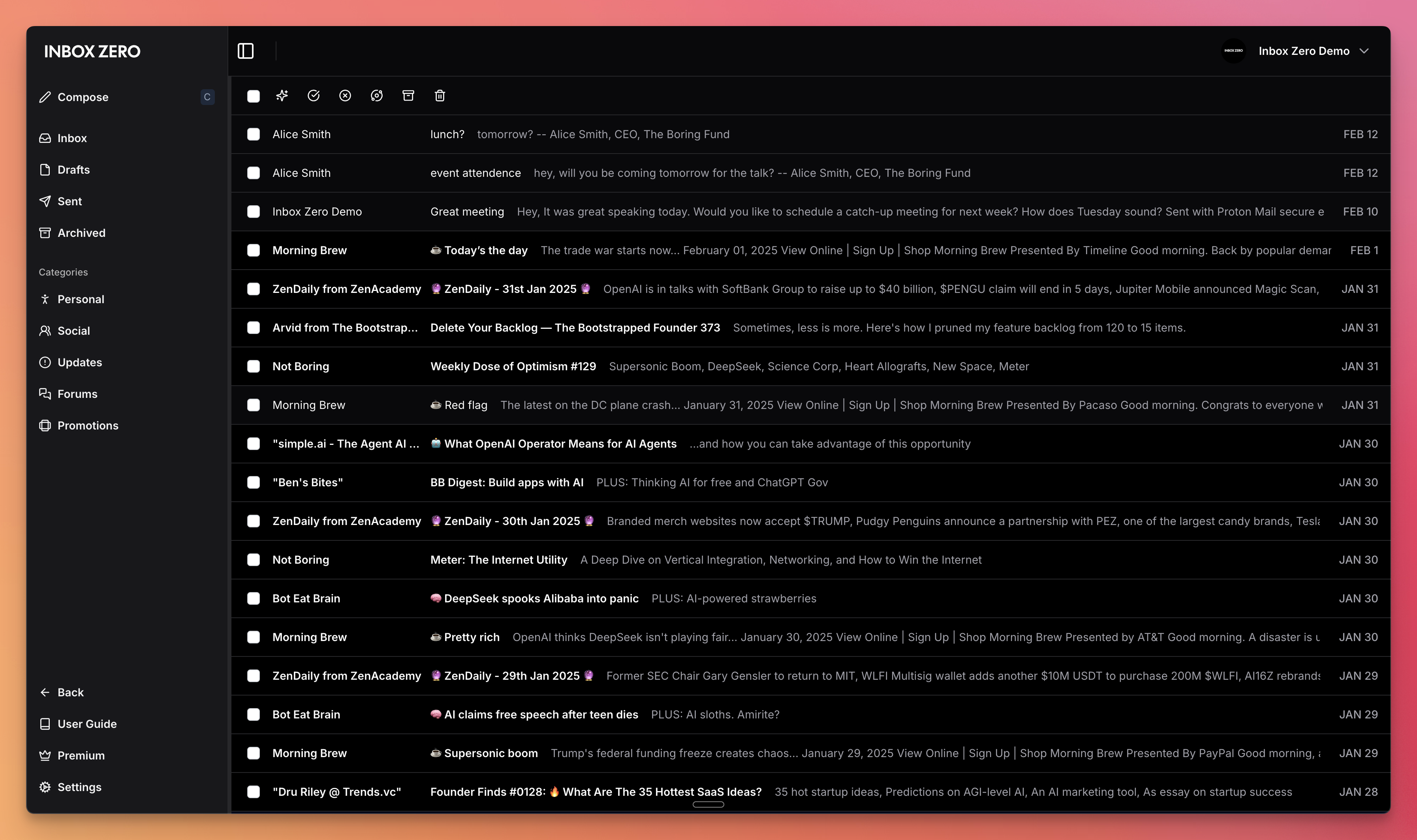 | 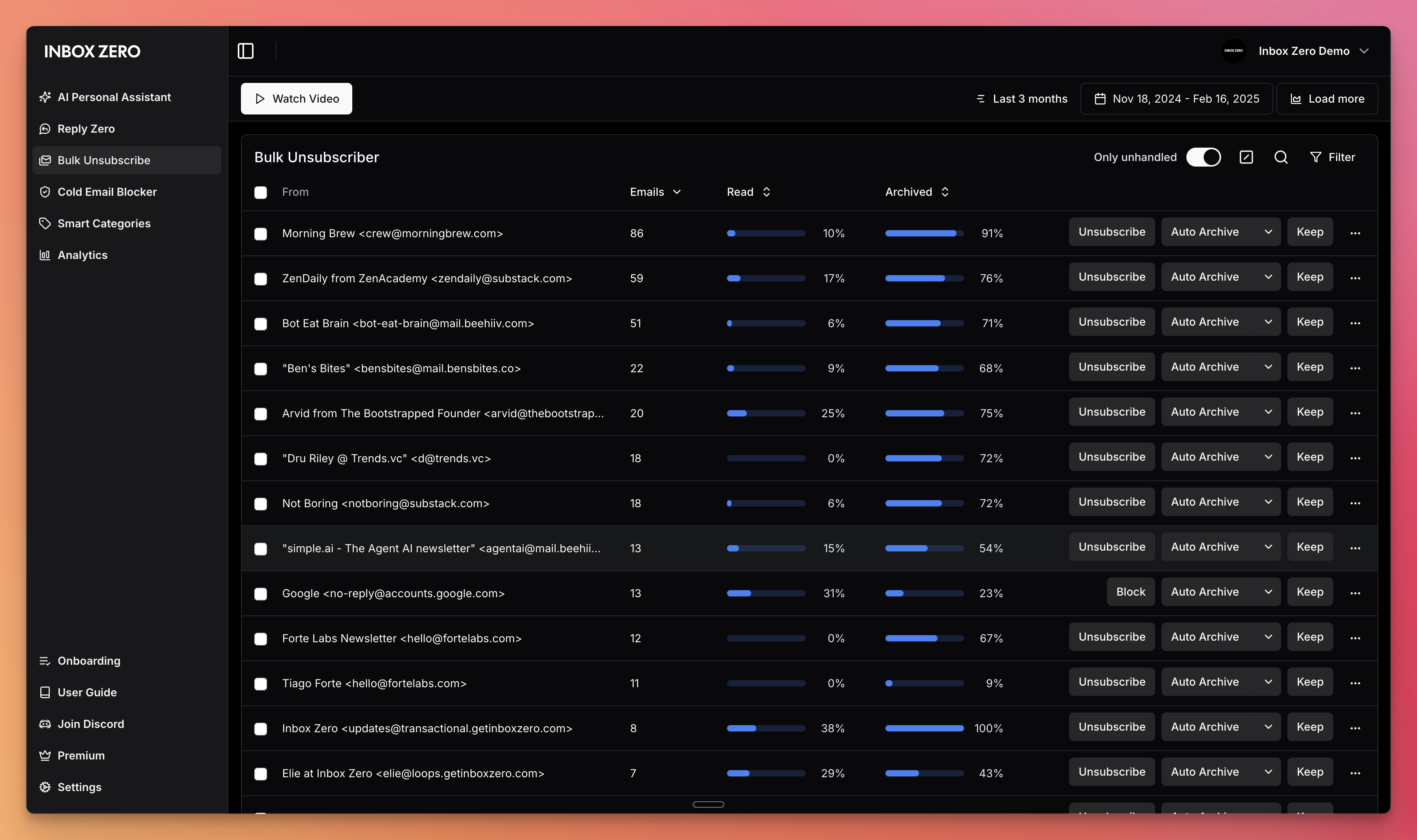 |
| Gmail client | Bulk Unsubscriber |
Demo Video
Built with
Star History
Feature Requests
To request a feature open a GitHub issue, or join our Discord.
Getting Started
We offer a hosted version of Inbox Zero at getinboxzero.com.
Self-Hosting
The fastest way to self-host Inbox Zero is with the CLI:
npx @inbox-zero/cli setup      # One-time setup wizard
npx @inbox-zero/cli start      # Start containers
For complete self-hosting instructions, production deployment, OAuth setup, and configuration options, see our Self-Hosting Docs.
Local Development
git clone https://github.com/elie222/inbox-zero.git
cd inbox-zero
docker compose -f docker-compose.dev.yml up -d   # Postgres + Redis
pnpm install
npm run setup                                     # Interactive env setup
cd apps/web && pnpm prisma migrate dev && cd ../..
pnpm dev
After pnpm install, if you want to use the local Google emulator, start it with:
docker compose -f docker-compose.dev.yml --profile google-emulator up -d
Then point apps/web/.env at it with:
GOOGLE_BASE_URL=http://localhost:4002
GOOGLE_CLIENT_ID=emulate-google-client.apps.googleusercontent.com
GOOGLE_CLIENT_SECRET=emulate-google-secret
If you want to use the local Microsoft emulator, start it with:
docker compose -f docker-compose.dev.yml --profile microsoft-emulator up -d
Then point apps/web/.env at it with:
MICROSOFT_BASE_URL=http://localhost:4003
MICROSOFT_CLIENT_ID=emulate-microsoft-client-id
MICROSOFT_CLIENT_SECRET=emulate-microsoft-secret
See the Contributing Guide for more details including devcontainer setup.
Contributing
View open tasks in GitHub Issues and join our Discord to discuss what's being worked on.
Docker images are automatically built on every push to main and tagged with the commit SHA (e.g., elie222/inbox-zero:abc1234). The latest tag always points to the most recent main build. Formal releases use version tags (e.g., v2.26.0).