
Contorium - Camada de Memória Persistente para IA
ContoriumLabs/contorium
Memória persistente e conhecimento compartilhado para IA em desenvolvimento
Ver no GitHubMCP server que cria uma camada de memória persistente e contexto compartilhado para projetos de desenvolvimento, permitindo que múltiplas ferramentas de IA (Claude, Gemini, Codex, Cursor) trabalhem no mesmo projeto mantendo continuidade de contexto através de sessões e mudanças de ferramentas.
Instalação
npx convez-ai ContoriumLabs/contorium1 comando no terminal: detecta o formato do repositório (marketplace ou plugin avulso) e instala via Claude Code. Requer Node 18+ e o Claude Code instalado.
Métricas
Casos de uso
- Manter continuidade de contexto ao trocar entre ferramentas de IA diferentes
- Evitar re-explicar arquitetura e intenção do projeto em cada nova conversa
- Mapear relacionamento entre módulos, funções e arquivos automaticamente
- Identificar hotspots e caminhos críticos do código em tempo real
Veredito

Ferramenta estratégica que resolve um problema real do desenvolvimento IA-assistido: perda de contexto entre sessões. A abordagem local-first com snapshot automático é prudente, mas depende de integração nativa com cada IDE/ferramenta para valor máximo.
README
A tradução para o português deste README ainda está na fila.
Contorium
The Runtime Continuity Layer for AI Coding
AI coding tools have context windows.
Projects need continuity.
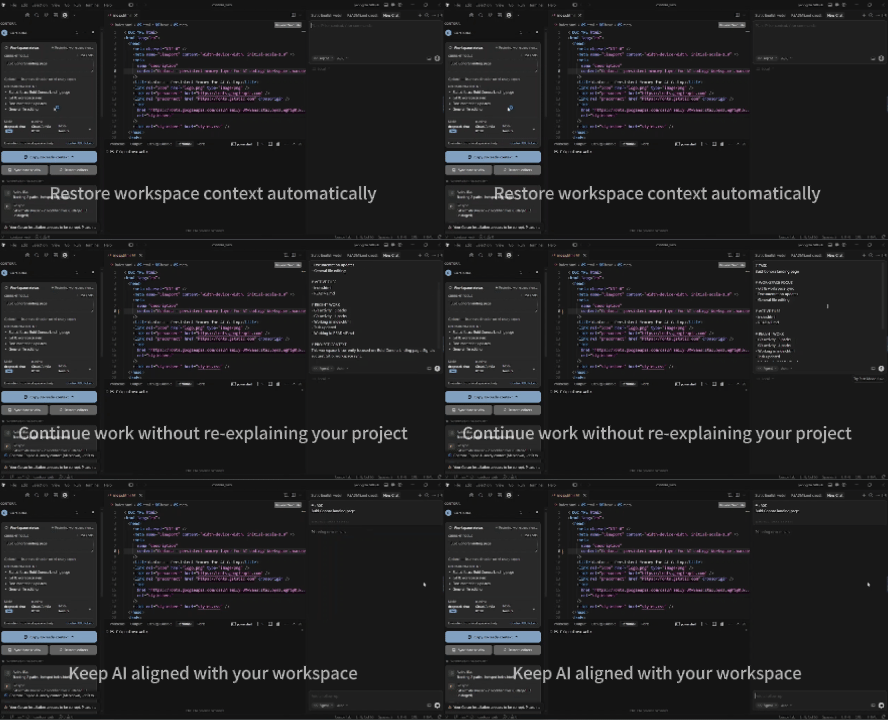
Contorium provides a persistent runtime and project memory layer that keeps AI aligned with your codebase across sessions, tools, and models.
Works with:
- Claude Code
- Codex
- Cursor
- Gemini CLI
- VS Code
- Any MCP-compatible AI tool
Why Contorium
Modern AI coding tools are powerful.
But they all share the same limitation:
Every new conversation starts with less understanding than your project actually contains.
Developers constantly re-explain:
- architecture
- intent
- priorities
- module relationships
- active work
Switching tools often means losing continuity.
Contorium solves this problem by maintaining a continuously updated understanding of your project and exposing it through IDEs, MCP servers, dashboards, and AI handoffs.
What Contorium Does
Contorium creates a shared runtime understanding layer between:
- IDEs
- MCP agents
- AI coding tools
- CLI workflows
Instead of:
AI → forgets project
   → re-learns context
   → repeats work
You get:
AI → understands project
   → continues work
   → stays aligned
What You Get
Persistent Project Memory
Project understanding survives:
- sessions
- AI chats
- model switches
- tool changes
- long development cycles
Runtime Dashboard
Live project awareness while you code.
Passive Mode:
[●] task: fix MCP bootstrap | last: calculateRisk() | agent: mcp
Expanded Mode:
- Impact Graph
- Function Call Chains
- Runtime Handoff
- Project Status
- Copy To AI
Available in:
- CLI
- VS Code
- Cursor
AI Handoff
Open a new AI conversation.
Contorium detects active runtime context and asks:
[?] Runtime active.
Inject current project state? (Y/n)
Choose:
Enter → Continue current work
N      → Start fresh
You stay in control.
No automatic prompt injection.
No hidden behavior.
Cross-Tool Continuity
Move freely between:
- Claude Code
- Codex
- Cursor
- Gemini CLI
- VS Code
Without losing project understanding.
Knowledge Graph
Contorium continuously maps:
Intent
  ↓
Module
  ↓
File
  ↓
Function
Creating a structured understanding layer rather than isolated files.
Hotspot Detection
Highlights what matters right now:
- frequently edited files
- active modules
- critical functions
- high-impact code paths
Runtime Snapshot
AI-ready project state including:
- current goal
- active task
- recent changes
- important functions
- project intent
Used for:
- AI handoff
- model switching
- new chat continuity
Works With
| Tool | Support |
|---|---|
| Claude Code | ✅ |
| Codex | ✅ |
| Cursor | ✅ |
| Gemini CLI | ✅ |
| VS Code | ✅ |
| MCP Hosts | ✅ |
How It Works
Workspace Activity
        ↓
Runtime Understanding Layer
        ↓
Knowledge Graph
        ↓
Hotspot Detection
        ↓
Runtime Snapshot
        ↓
AI Handoff
        ↓
Any AI Tool
Local-first.
Everything is stored under:
.contora/
Runtime Dashboard
Passive Mode
Low-interruption status line.
[●] task: fix MCP bootstrap
    last: calculateRisk()
    agent: mcp
Optional mini graph:
⤷ calculateRisk()
    → tradeSignal()
    → decisionEngine()
Expanded Mode
Full runtime view:
- Impact Graph
- Function Call Tree
- Runtime Timeline
- AI Handoff
- Copy To AI
Open anytime using:
Space
inside the Contorium dashboard.
New Chat Handoff
When a runtime is active and a new AI conversation starts:
[?] Runtime active.
Inject current project state? (Y/n)
Options:
Enter / Y
Inject runtime context.
N / Esc
Start with a clean conversation.
This gives developers control while preserving continuity.
Architecture Overview
Workspace Events
        ↓
Parser
        ↓
Function Graph
        ↓
Knowledge Graph
        ↓
Intent Mapping
        ↓
Hotspot Analysis
        ↓
Runtime Snapshot
        ↓
AI Handoff
Quick Start
Install MCP
npm install -g @contorium/mcp
Configure MCP Host
{
  "mcpServers": {
    "contorium": {
      "command": "npx",
      "args": ["@contorium/mcp"],
      "env": {
        "CONTORIUM_WORKSPACE": "/path/to/project"
      }
    }
  }
}
Open Claude / Codex / Cursor
Contorium starts automatically.
No manual runtime commands required.
Install Options
MCP
Recommended for:
- Claude Code
- Codex
- Cursor Agent
- Gemini CLI
See:
docs/MCP.md
IDE Extension
Supported:
- VS Code
- Cursor
Install:
npm run vsix
Then:
Extensions
→ Install From VSIX
→ Reload Window
See:
docs/IDE_EXTENSION.md
CLI
Initialize:
npx contorium init .
Sync:
npx contorium sync .
Generate handoff:
npx contorium handoff
Copy runtime to AI:
npx contorium handoff --copy-to-ai
See:
docs/CLI.md
Latest Runtime Features
| Feature | Status |
|---|---|
| Runtime Dashboard | ✅ |
| Passive Status Line | ✅ |
| Expanded Impact Graph | ✅ |
| AI Handoff | ✅ |
| Semi-auto Runtime Injection | ✅ |
| MCP Integration | ✅ |
| Cross-tool Continuity | ✅ |
| Knowledge Graph | ✅ |
Documentation
| Resource | Link |
|---|---|
| Installation | docs/INSTALL.md |
| MCP Setup | docs/MCP.md |
| CLI Guide | docs/CLI.md |
| Dashboard | docs/DASHBOARD.md |
| IDE Extension | docs/IDE_EXTENSION.md |
| Architecture | docs/ARCHITECTURE_V3.md |
| Docs Index | docs/README.md |
What Contorium Is Not
Contorium is not:
- an autonomous coding agent
- a task generator
- an AI replacement
- a planning system
Contorium does not decide what to build.
Developers stay in control.
Contorium preserves understanding, not decisions.
Vision
AI tools have context windows.
Projects need continuity.
Contorium provides the missing runtime layer between your project and your AI tools.
Because conversations end.
Project understanding should not.
Links
Website:
GitHub:
https://github.com/ContoriumLabs/contorium
License
See LICENSE.