
Compound Deck Kit
chrisshon/compound-deck-kit
Crie e apresente decks HTML animados e edináveis direto no Claude Code
Ver no GitHubSkill para criar apresentações HTML autocontidas, animadas e editáveis diretamente no Claude Code. Oferece 3 temas visuais, edição em tempo real, anotações, notas do apresentador e exportação para PDF ou HTML independente.
Instalação
npx convez-ai chrisshon/compound-deck-kit1 comando no terminal: detecta o formato do repositório (marketplace ou plugin avulso) e instala via Claude Code. Requer Node 18+ e o Claude Code instalado.
Métricas
Casos de uso
- Criar pitch decks profissionais sem sair do Claude Code
- Apresentações com animações e efeitos visuais prontos
- Exportar decks independentes para compartilhar offline
Veredito

Ferramenta prática e bem pensada que reduz fricção na criação de apresentações. Entrega real: decks de verdade, três estilos sólidos, e o workflow de edição no navegador é fluido. Gratuito e sem dependências externas.
README
A tradução para o português deste README ainda está na fila.
Compound Deck Kit
Build decks that present, edit, and export themselves, right inside Claude Code.
A free Claude Code skill from Compound Systems. Describe your slides, and Claude builds a full-page, animated HTML deck you can edit live in the browser, mark up, present from, and export. One folder, zero dependencies, three looks.
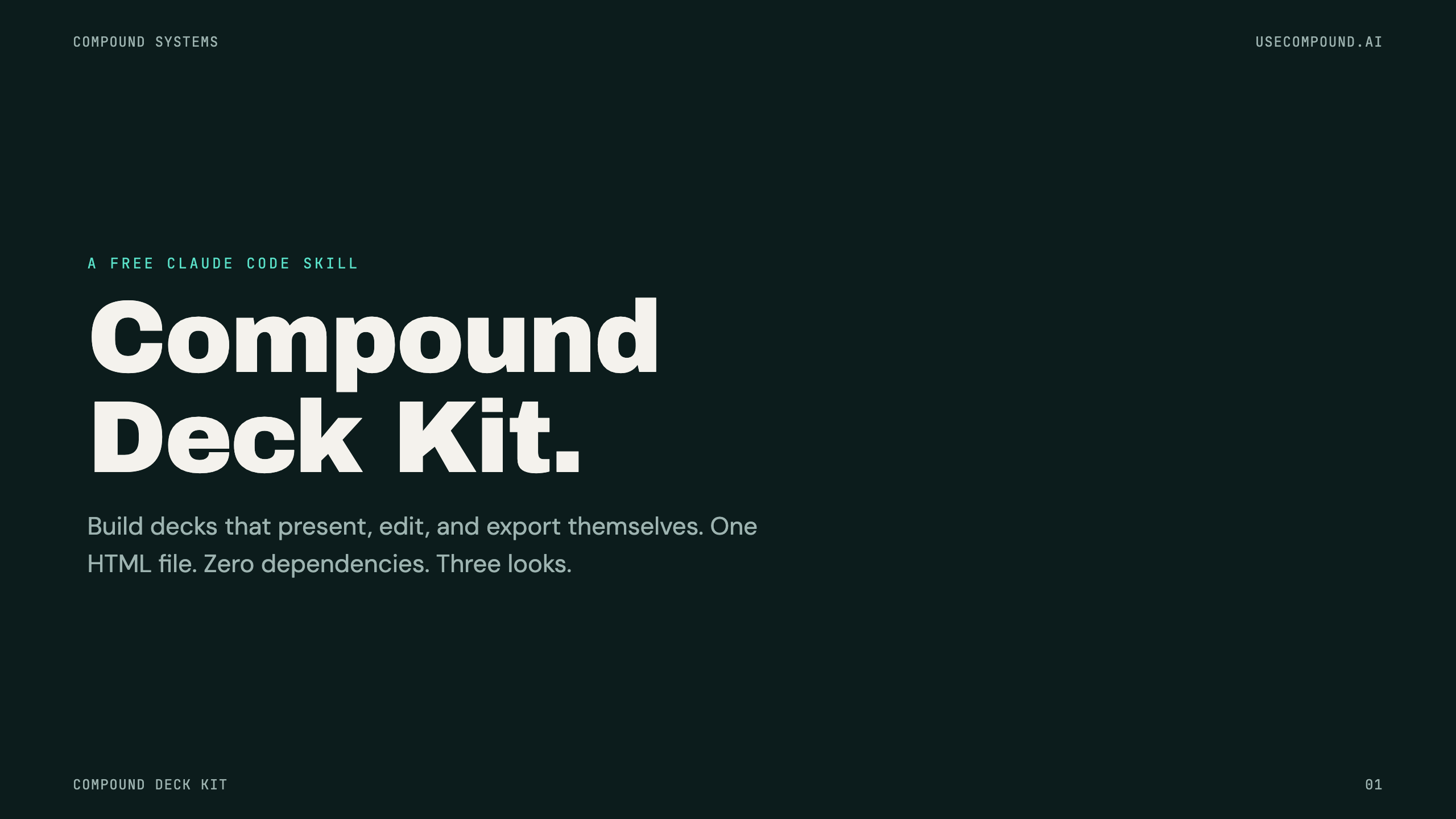
One deck, three looks
| 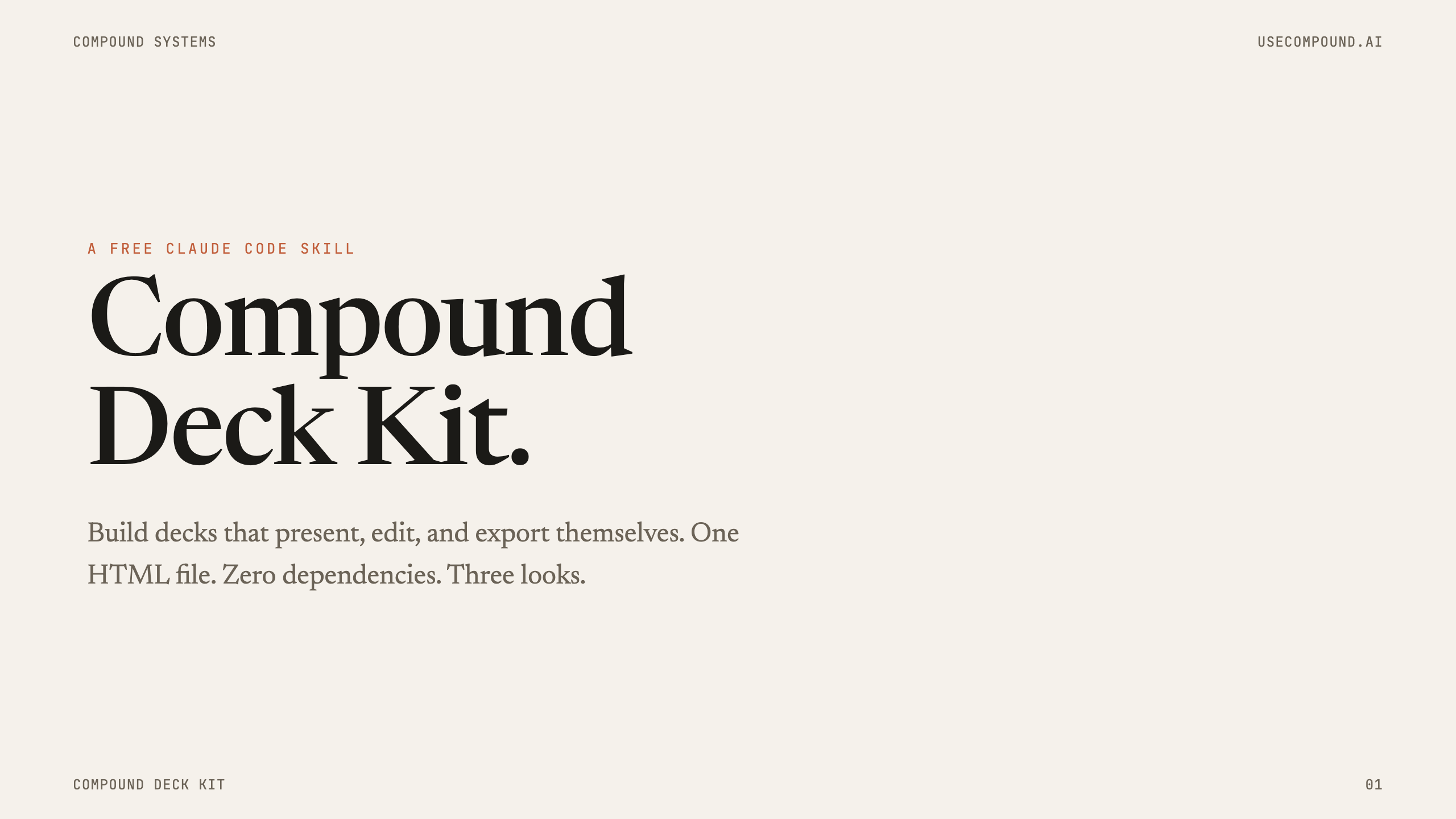 |
| Compound — deep-teal authority, gold CTAs | Claude — warm cream paper, editorial serif |
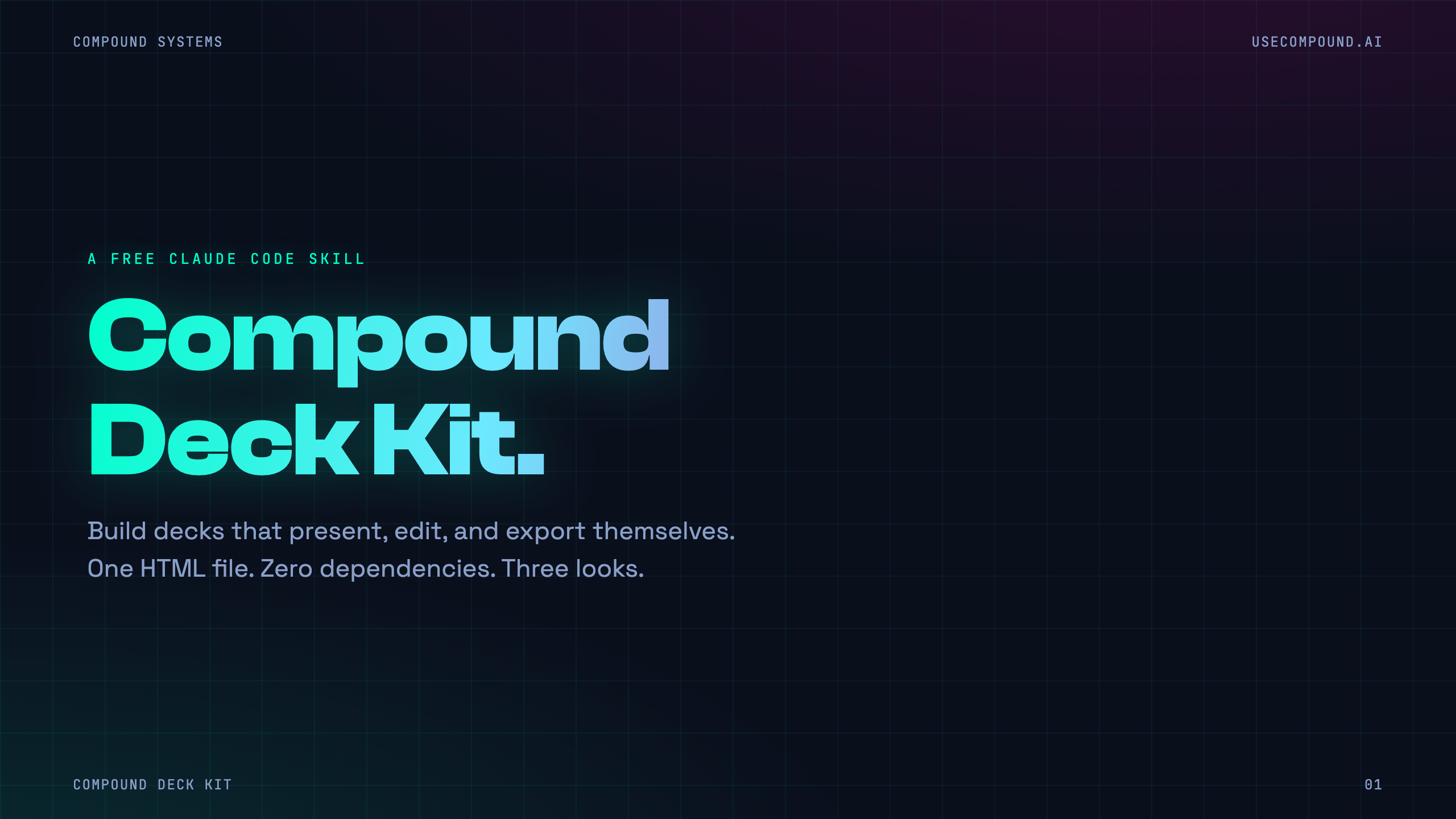 | 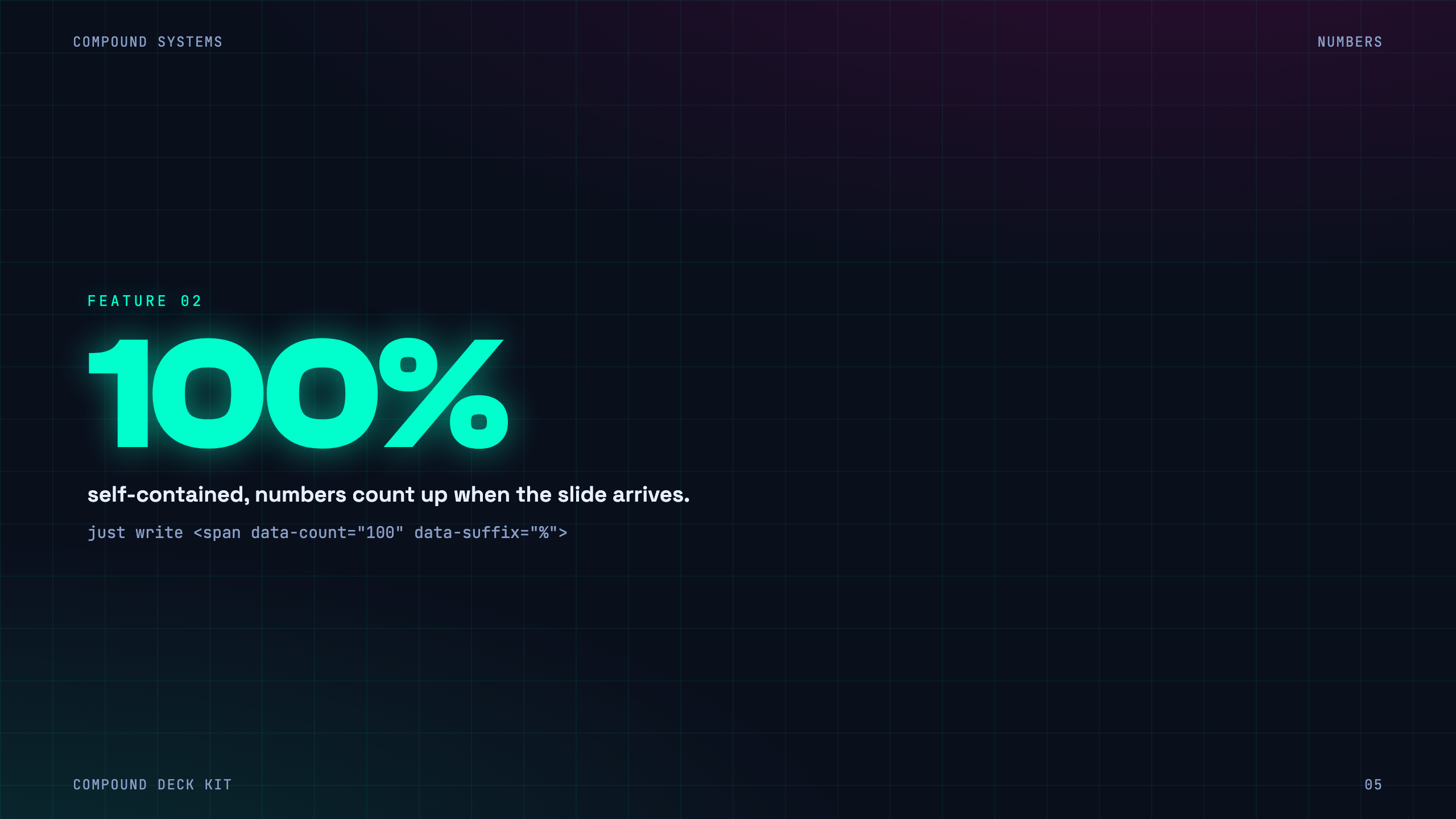 |
| Neon — cyber cyan + magenta on navy, grid & glow | Count-up stats animate as each slide arrives |
What every deck gets, for free
- Full-page motion, scroll-snap slides, progress bar, nav dots, ease-out-expo reveals
- Count-up numbers,
data-countanimates stats as each slide arrives - Live Edit (
E), click any text and type; saves to the browser, survives reload - Mark up (
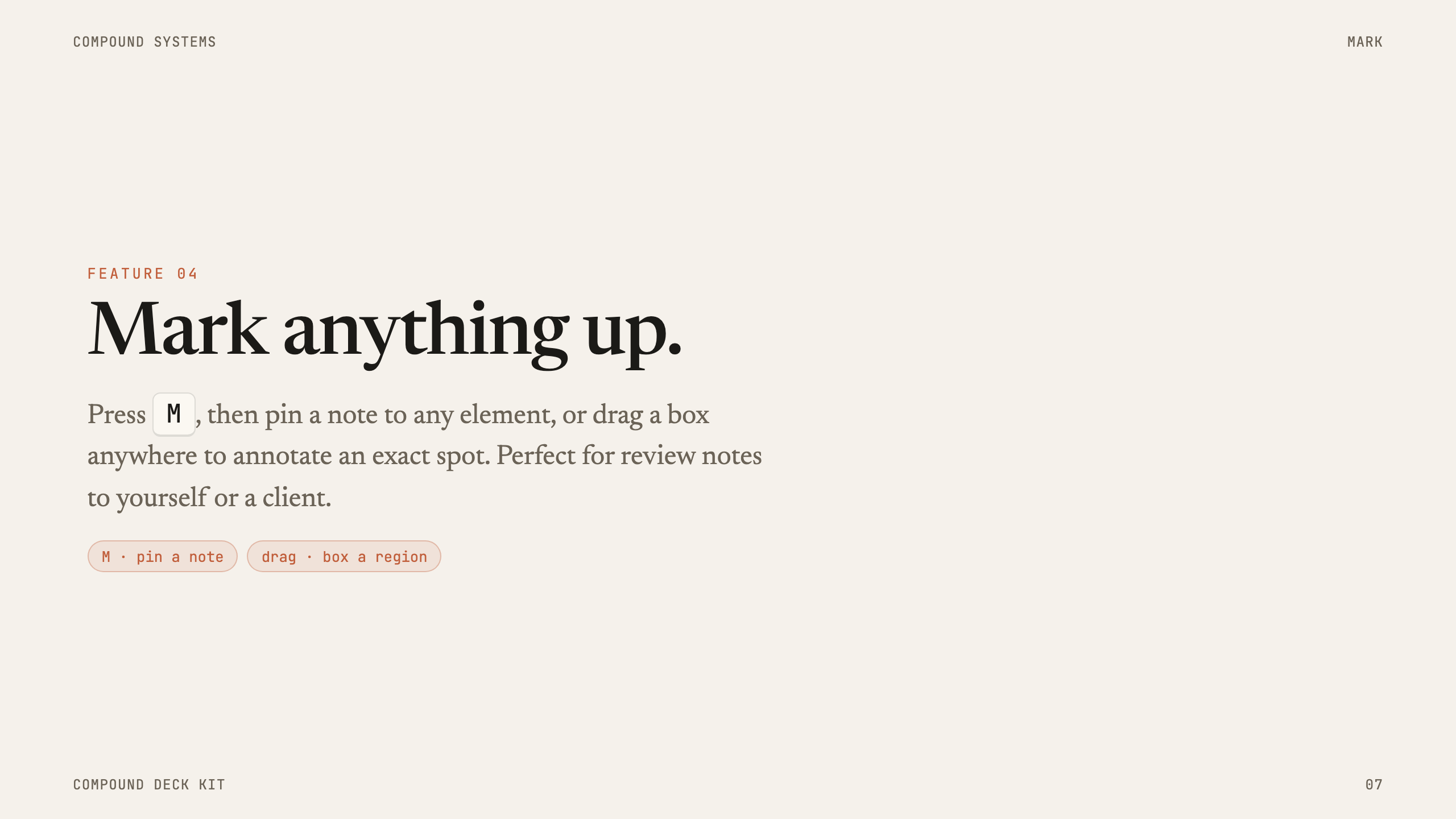
M), pin a note to anything, or drag a box to annotate a spot - Speaker notes (
N), editable, in a clean inline panel - Presenter window (
P), current note, next slide, and a timer; share only the deck window - Tap-to-reveal, hold a beat in a pitch, then reveal the answer on click
- Export, self-contained HTML or one-slide-per-page PDF; edits and notes bake in
Three themes
| Theme | Vibe |
|---|---|
| Compound | Deep-teal authority, gold CTAs |
| Claude | Warm cream paper, clay accent, editorial serif |
| Neon | Cyber cyan + magenta on navy, grid & glow |
One deck, three looks, flip data-theme to switch the whole thing.
Install
Claude Code skill:
# clone, then point Claude Code at it
git clone https://github.com/chrisshon/compound-deck-kit ~/.claude/skills/compound-deck-kit
Then just ask: "Build me a 10-slide pitch deck with the Compound Deck Kit, neon theme."
Or use it by hand: starter.html is a single self-contained file — copy it, rename it, open it in a browser, and start editing (press E). No assets folder, no server.
Try the showcase
Just open examples/showcase.html in any browser (double-click works — it's self-contained). Press E, M, N, P. Hit the Theme button (bottom-left) to flip all three looks live.
Self-contained vs. modular
Decks ship as single self-contained files so they work offline, export a one-file HTML, and print a colored PDF. The editable sources live alongside:
examples/showcase.html/starter.html— baked single files (what you open/copy/share).examples/showcase.modular.html/starter.modular.html— source (linkedassets/+themes/, easy to edit).build-standalone.mjs— bake a modular deck into a single file:node build-standalone.mjs deck.modular.html deck.html.
Why: browsers block a
file://page from reading sibling.css/.js, so a double-clicked modular deck renders blank. Always hand someone the baked file.
How it's structured
compound-deck-kit/
├─ SKILL.md               # instructions Claude Code follows
├─ build-standalone.mjs   # bake a modular deck → single self-contained file
├─ assets/
│  ├─ deck-kit.css        # engine, behavior + author chrome
│  └─ deck-kit.js         # engine, nav, reveals, edit, mark, notes, presenter, export
├─ themes/
│  ├─ compound.css  claude.css  neon.css
├─ starter.html           # baked skeleton (copy this)
├─ starter.modular.html   # editable source for the skeleton
└─ examples/
   ├─ showcase.html         # baked demo — every feature, all three themes
   └─ showcase.modular.html # editable source for the demo
Each .slide is plain HTML. The engine wires the rest. Your design lives in the theme, never edit the engine per deck.
License
MIT, use it, ship it, charge for the decks. Keep the footer credit when you share the kit itself.
Made by Compound Systems · AI workflow automation for service businesses.