
Manufacturing QA Assistant
barkhajava/manufacturing-qa-assistant
Agent que consulta dados de qualidade manufatureira em linguagem natural
Ver no GitHubAgent LangChain que responde perguntas em linguagem natural sobre dados de qualidade em manufatura. Integra Claude com SQLite para análise de linhas de produção, taxas de defeitos e tendências — sem serviços externos, tudo rodando localmente.
Instalação
npx convez-ai barkhajava/manufacturing-qa-assistant1 comando no terminal: detecta o formato do repositório (marketplace ou plugin avulso) e instala via Claude Code. Requer Node 18+ e o Claude Code instalado.
Métricas
Casos de uso
- Análise rápida de taxas de defeito por linha de produção
- Comparação de performance entre linhas em períodos específicos
- Investigação de tendências de qualidade ao longo do tempo
Veredito

Implementação sólida de agent LangChain para contexto manufatureiro real. Demonstra padrões production-ready (tool-calling, FastAPI, SQLite) mas ainda com dados mock — útil como template para empresas que precisem de similar em seu próprio stack.
README
A tradução para o português deste README ainda está na fila.
Manufacturing QA Assistant
A LangChain agent that answers plain-English questions about manufacturing quality data. Ask things like "Which line had the highest defect rate last week?" and get a direct, data-grounded answer.
Screenshots
| Home | Thinking | Response |
|---|---|---|
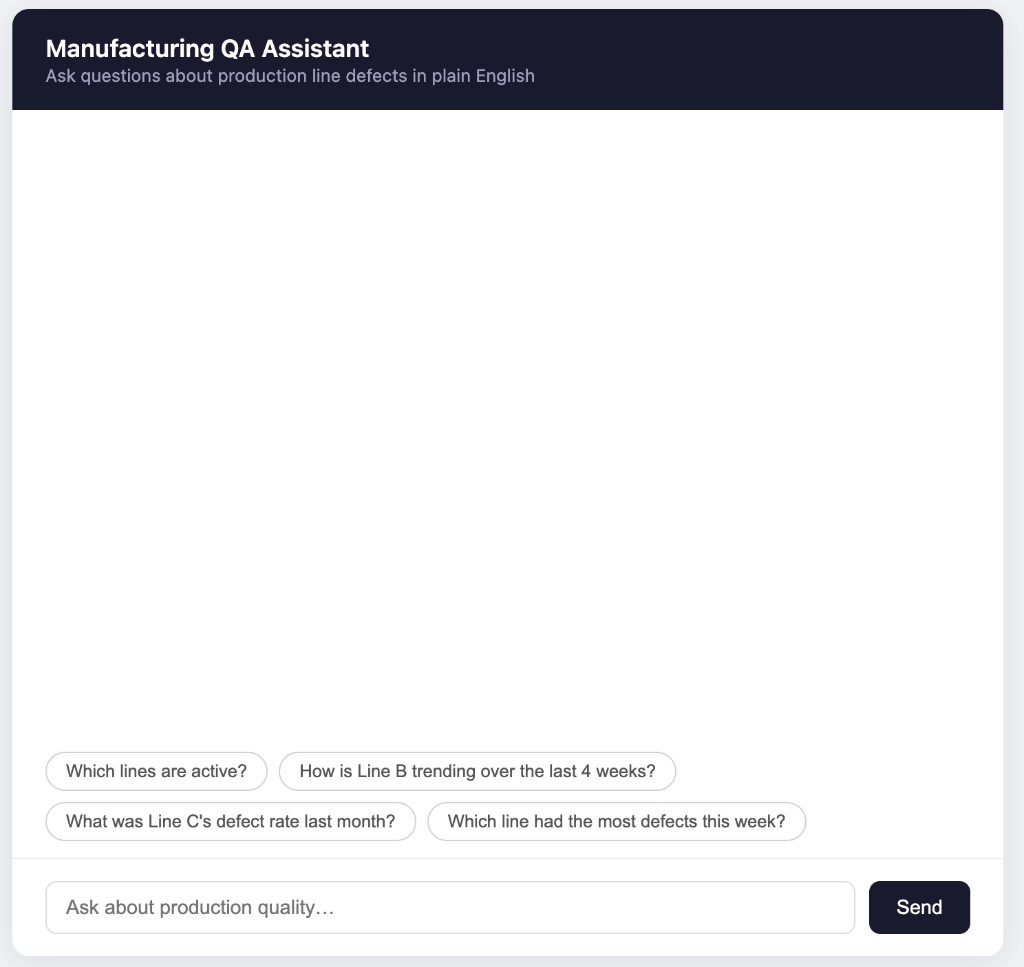 | 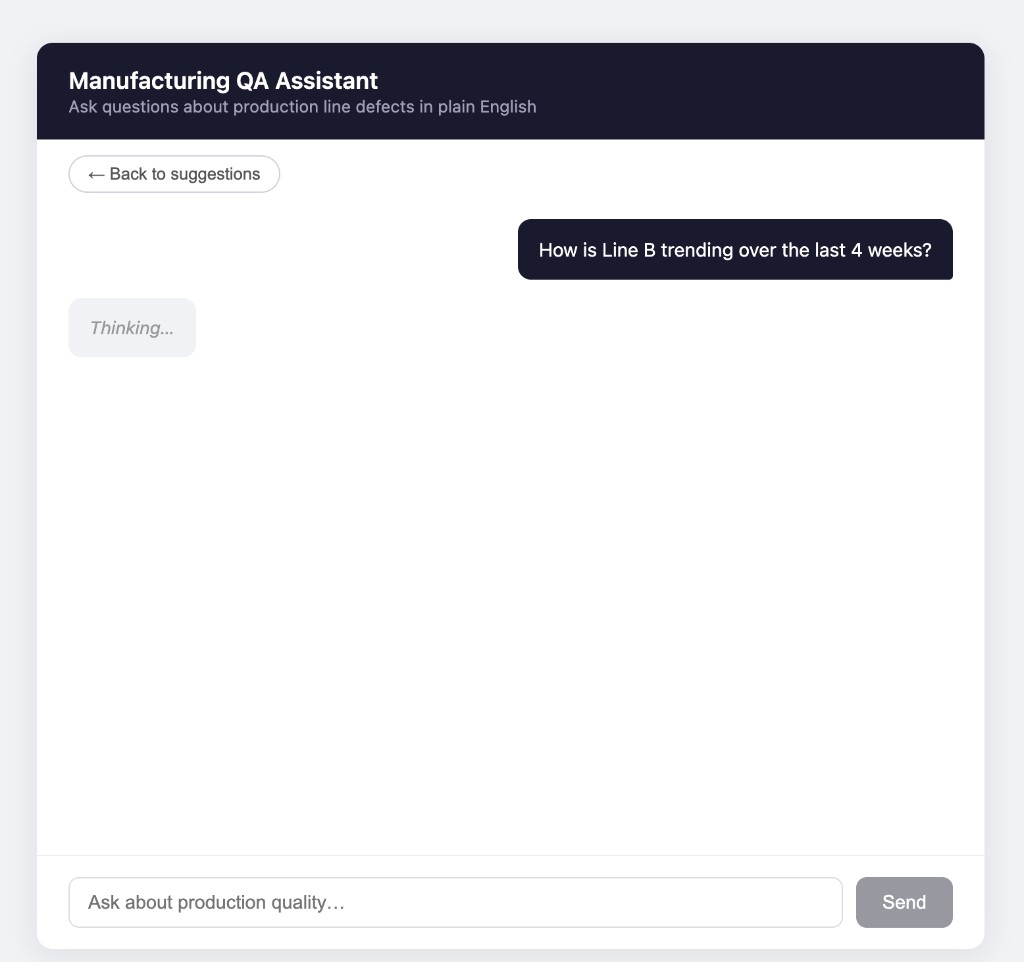 | 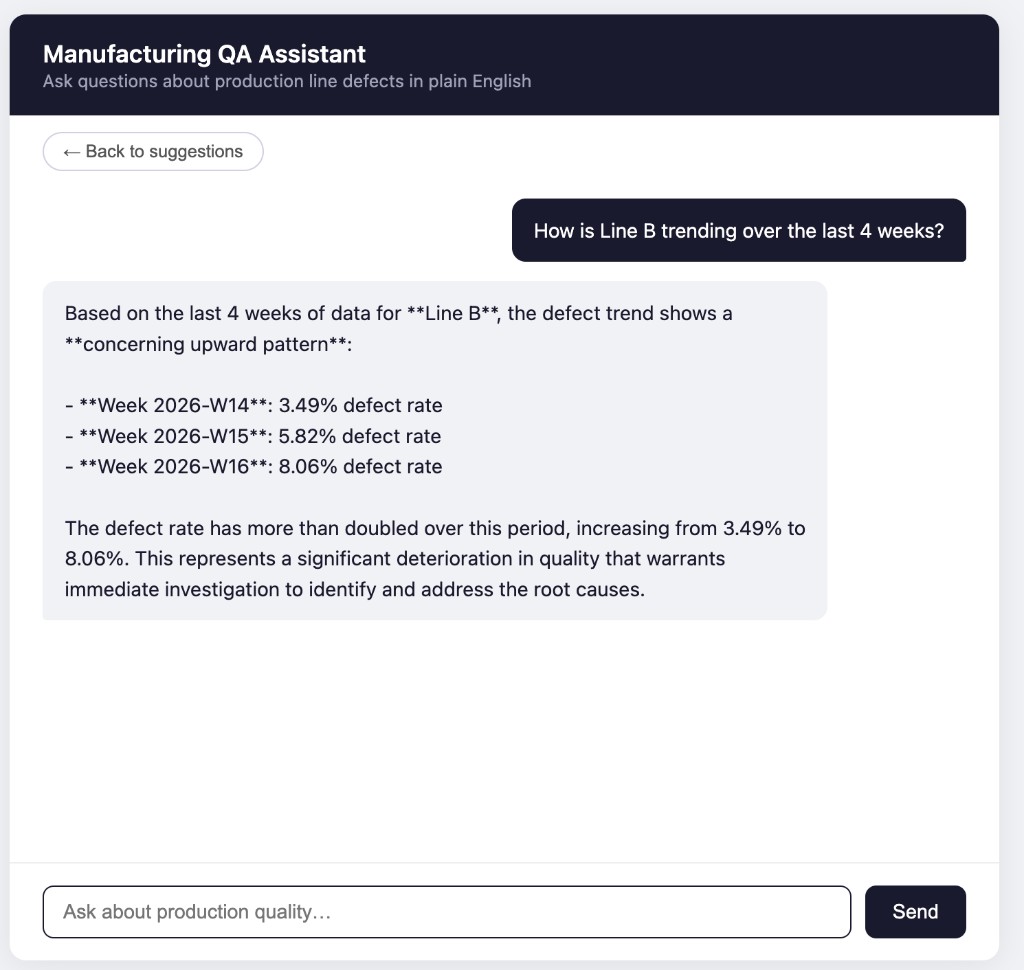 |
Why I built this
I've spent 5+ years building production ML systems — but agent frameworks like LangChain were missing from my toolkit. This project is my hands-on dive into agentic LLM patterns, tool-calling, and the MLOps realities of shipping LLM apps.
Stack
| Layer | Tech |
|---|---|
| Backend | Python 3.11, FastAPI |
| Agent | LangChain + Anthropic Claude (claude-sonnet-4-5) |
| Database | SQLite (stdlib sqlite3) |
| Frontend | Single HTML file, vanilla JS |
| Config | python-dotenv |
Project layout
app/
  main.py        – FastAPI app, /chat endpoint, serves UI
  agent.py       – LangChain agent setup + run logic
  tools.py       – 3 @tool-decorated functions
  db.py          – SQLite helpers
  static/
    index.html   – Chat UI
scripts/
  seed_data.py   – Generates mock data into SQLite
data/            – SQLite file lives here (gitignored)
Quick start
# 1. Add your Anthropic API key
cp .env.example .env
# open .env and set ANTHROPIC_API_KEY

# 2. Run everything in one command
./start.sh
start.sh creates the virtualenv, installs dependencies, seeds the database
(90 days × 4 lines of mock data — only on first run), and starts the server.
Open http://localhost:8000 in your browser.
How it works
┌──────────────┐
│   Browser    │  HTML + vanilla JS
└──────┬───────┘
       │ POST /chat
       ↓
┌──────────────┐
│   FastAPI    │
└──────┬───────┘
       │
       ↓
┌──────────────────────────────────────┐
│      LangChain AgentExecutor         │
│  (Claude decides which tool to call) │
└──┬─────────────┬───────────────┬─────┘
   ↓             ↓               ↓
 list_lines  query_metrics  get_defect_trends
   └─────────────┴───────────────┘
                 ↓
            ┌─────────┐
            │ SQLite  │
            └─────────┘
The three tools are plain Python functions registered with @tool. LangChain
reads their docstrings to decide which one(s) to call for a given question.
No external services — everything runs locally.
Example questions to try
- "List all production lines"
- "How is Line B trending over the last 4 weeks?"
- "What was the defect rate on Line C six weeks ago?"
- "Which line had the most defects this week?"
- "Compare Line A and Line D for the past month"
Limitations
- Mock data only — real integration with production systems would require a proper data pipeline and auth layer
- No eval harness yet (planned) — agent responses are verified manually
- Single-user, stateless between page refreshes