
Nogon - Seu próprio mecanismo de busca
asciimoo/hister
Mecanismo de busca privado para páginas e arquivos pessoais
Ver no GitHubMCP server que indexa e permite buscar o conteúdo completo de páginas visitadas e arquivos locais com privacidade total. Oferece busca full-text, importação de histórico do navegador, suporte a buscas semânticas opcionais e interfaces web, terminal e IA. Funciona 100% localmente sem telemetria ou serviços na nuvem obrigatórios.
Instalação
npx convez-ai asciimoo/hister1 comando no terminal: detecta o formato do repositório (marketplace ou plugin avulso) e instala via Claude Code. Requer Node 18+ e o Claude Code instalado.
Métricas
Casos de uso
- Indexar e buscar conteúdo de páginas visitadas
- Pesquisar arquivos locais e histórico do navegador
- Integrar busca semântica com assistentes de IA via MCP
Veredito

Solução robusta e bem arquitetada para busca pessoal privada. O suporte MCP o torna especialmente valioso para quem quer estender capacidades de IA com acesso a conhecimento pessoal indexado. Excelente para desenvolvedores e usuários que priorizam privacidade.
README
A tradução para o português deste README ainda está na fila.
Nogon
Your own search engine
Nogon was formerly known as Hister
Nogon is a private search engine for the pages you visit and the files you keep. It indexes their full contents so you can find information again from the web interface, terminal, or an AI assistant connected through MCP.
Try the demo · Download Nogon · Read the quickstart · Documentation · Support the development
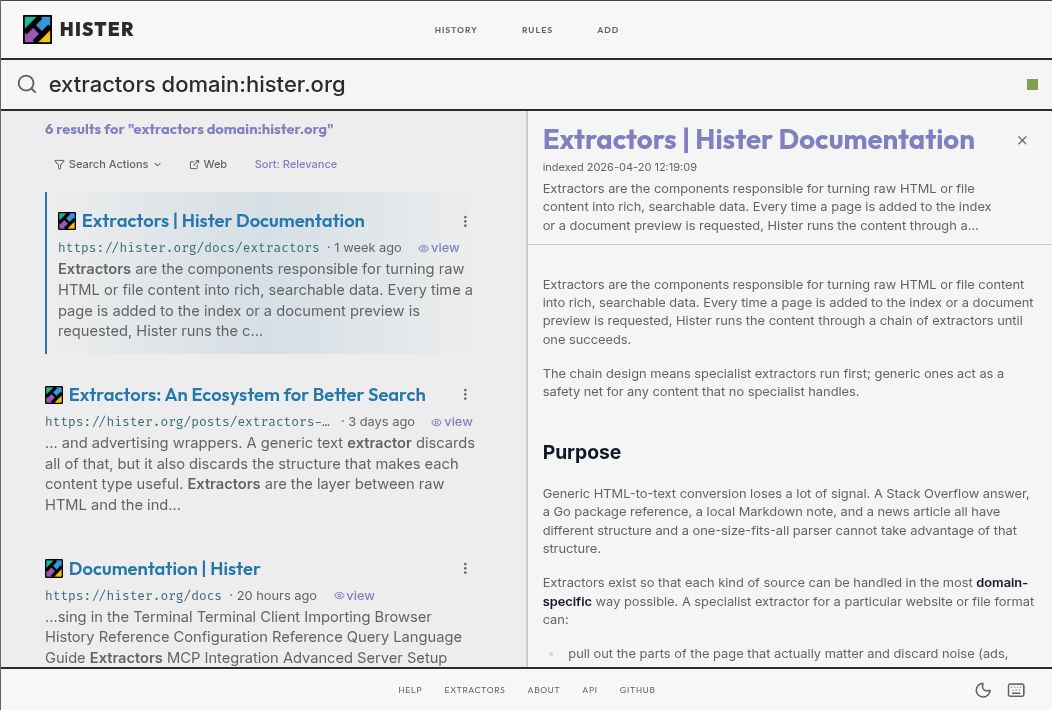
Quickstart
-
Download the binary for your platform from the latest release, then rename it to
nogon(nogon.exeon Windows). -
On Linux or macOS, make it executable:
chmod +x nogon -
Start Nogon on Linux or macOS:
./nogon listenOn Windows, run
.\nogon.exe listenin PowerShell.Keep this terminal open while using Nogon. The server must be running to index pages and search them.
-
Open http://127.0.0.1:4433 and install the browser extension for Firefox or Chrome.
-
Visit a web page with the extension enabled, then return to Nogon and search for a phrase from that page to find your first indexed result.
No configuration is required for a local personal setup. See the complete quickstart to choose what Nogon indexes.
To search existing content, import browser history, import browser bookmarks, index local directories, or import files.
Alternative installation methods include Homebrew (brew install hister), Docker, and Nix. See the installation guide for instructions.
Features
- Privacy focused: No telemetry or mandatory cloud service. Run Nogon locally or on infrastructure you control.
- Full text indexing: Search the actual contents of visited pages and local files, not only titles and URLs.
- Automatic browser indexing: Save newly visited pages with the Firefox or Chrome extension.
- Powerful queries: Use field filters, phrases, wildcards, negation, aliases, and result priorities.
- Optional semantic search: Find documents by meaning through an embeddings endpoint you configure.
- Crawler and browser import: Index websites or bring in existing browser history and bookmarks.
- Web, terminal, and MCP clients: Search from the browser, TUI, command line, or an AI assistant.
- Multi user support: Keep each user's documents and search results separate on a shared server.
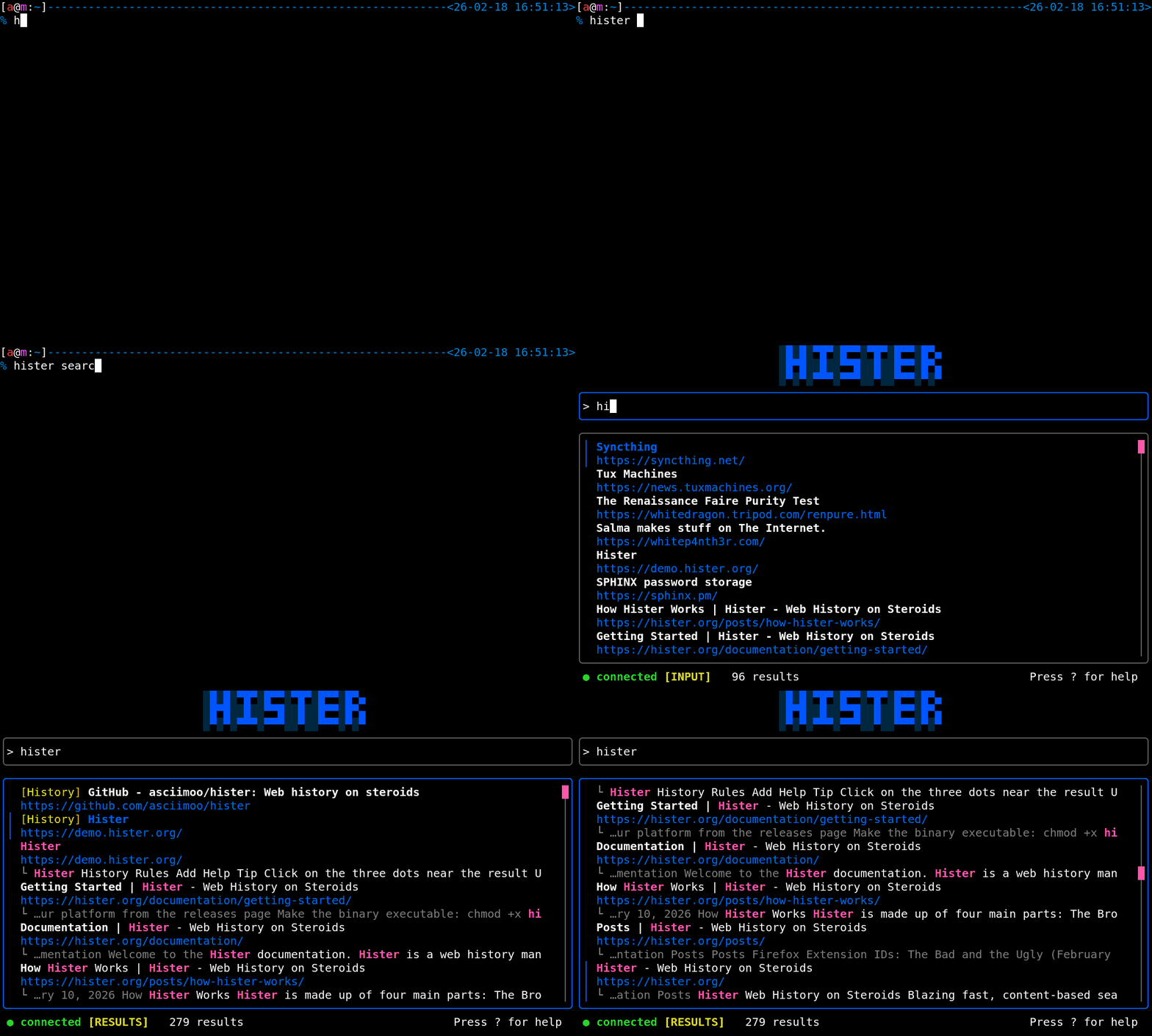
Privacy
By default, Nogon has no telemetry and no cloud sync. The browser extension sends indexed page content only to the Nogon server you configure, apart from downloading page favicons. The server stores documents and search indexes on that server.
Optional semantic search sends document text to the embeddings endpoint you choose. Review the privacy overview and semantic search configuration before enabling remote integrations.
Why Nogon?
Unlike traditional search engines, Nogon builds a personal search index from the web pages and files you choose to keep. Your content stays on your Nogon server, making it useful for finding information you've already encountered without relying on a third-party search provider.
Development
Requirements are Go 1.26, npm, and a C compiler for CGO dependencies.
git clone https://github.com/asciimoo/nogon.git
cd nogon
./manage.sh build
To work on the web app with hot reload and automatic Go rebuilds:
npm run serve:app
This starts a Vite development server and the Go backend with automatic rebuilds through air.
Community and contributing
Join us on IRCNet in #hister or on Discord.
Read CONTRIBUTING.md before submitting a change. Bugs and suggestions belong in the issue tracker. For security reports, see SECURITY.md.
Sponsors

License
AGPLv3 or any later version