
Claude Code Available Tools
AndreaBonn/claude-code-available-tools
Visualize toda sua configuração do Claude Code em tempo real
Ver no GitHubExplorador interativo que escaneia e exibe todos os slash commands, subagents, skills, servidores MCP, hooks e variáveis de ambiente configurados no Claude Code. Oferece três modos de visualização (TUI fullscreen, relatório inline e janela de terminal) com filtragem ao vivo e atualização automática. Zero configuração necessária.
Instalação
npx convez-ai AndreaBonn/claude-code-available-tools1 comando no terminal: detecta o formato do repositório (marketplace ou plugin avulso) e instala via Claude Code. Requer Node 18+ e o Claude Code instalado.
Métricas
Casos de uso
- Auditar rapidamente slash commands e skills disponíveis no Claude Code
- Descobrir e gerenciar servidores MCP configurados globalmente e por projeto
- Debugging de configurações e variáveis de ambiente em ambiente de desenvolvimento
Veredito

Ferramenta bem construída que resolve um problema real: visibilidade sobre a configuração do Claude Code. Implementação sólida com suporte cross-platform e três modos de visualização, ideal para quem usa intensamente o ecossistema Claude Code.
README
A tradução para o português deste README ainda está na fila.
English | Italiano
Claude Code Available Tools by Bonn
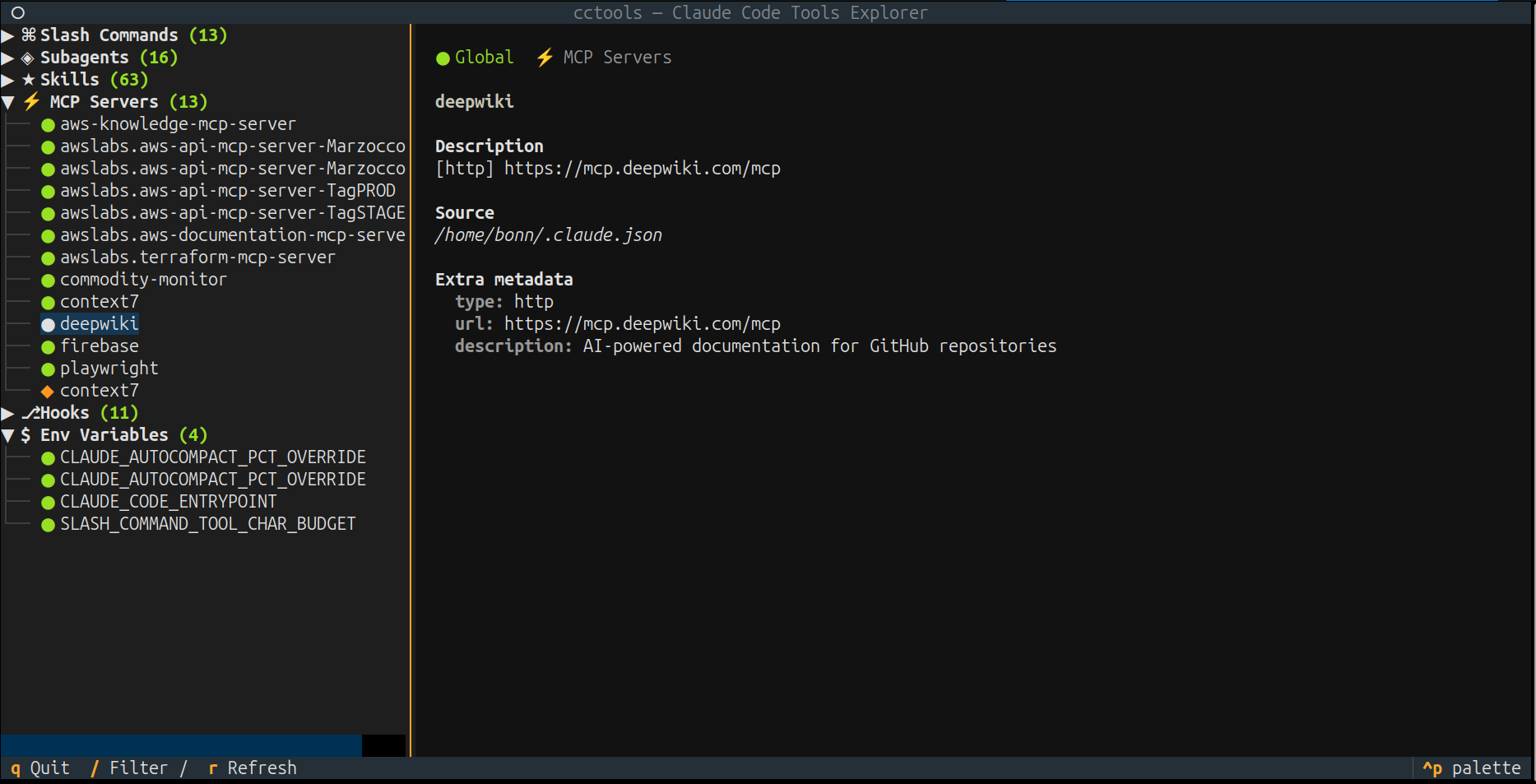
Interactive explorer for Claude Code tools and configuration. Scans and displays slash commands, subagents, skills, MCP servers, hooks, and environment variables from both global (~/.claude/) and project-level (.claude/) configurations.


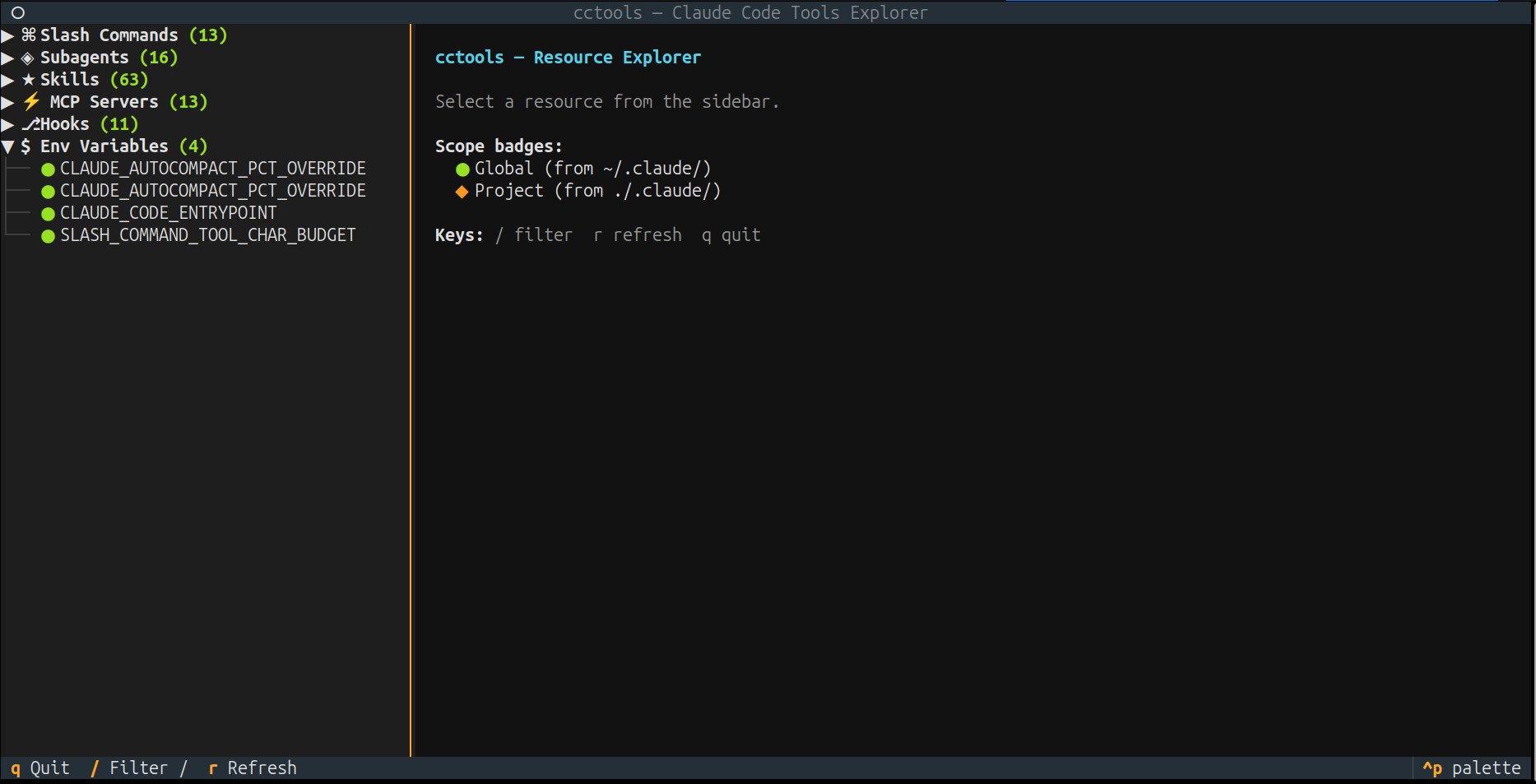
Features
- Three display modes: full-screen TUI (Textual), inline text report (Rich), and external terminal window
- Scans global and project-level Claude Code configurations
- Visual scope indicators: green for global, yellow for project resources
- Live filtering and auto-refresh (3s interval) in TUI mode
- Minimal YAML frontmatter parser with no external YAML dependency
- Cross-platform: Linux, macOS, Windows
- Integrates as
/toolsslash command inside Claude Code sessions
| Slash Commands | Subagents |
|---|---|
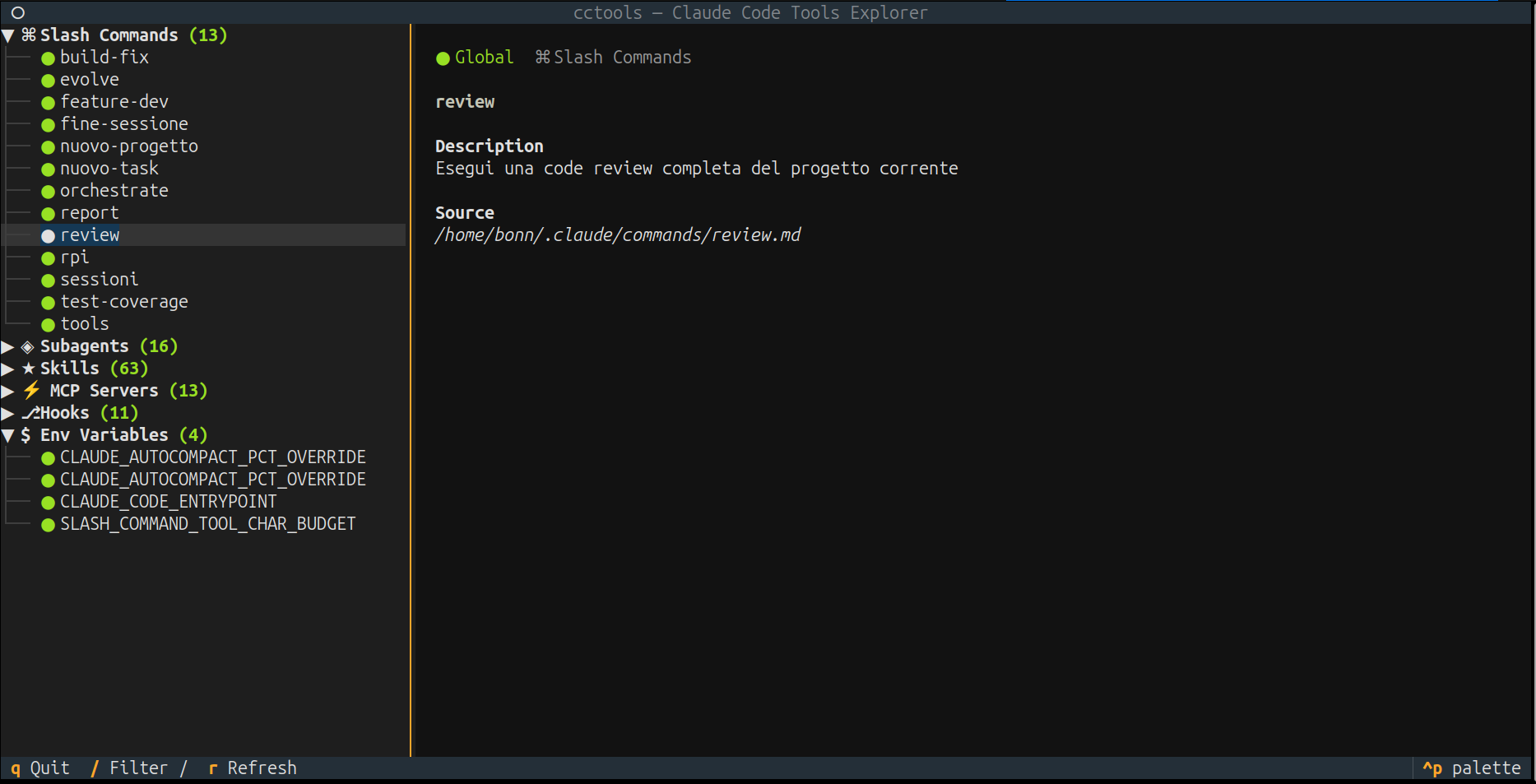 | 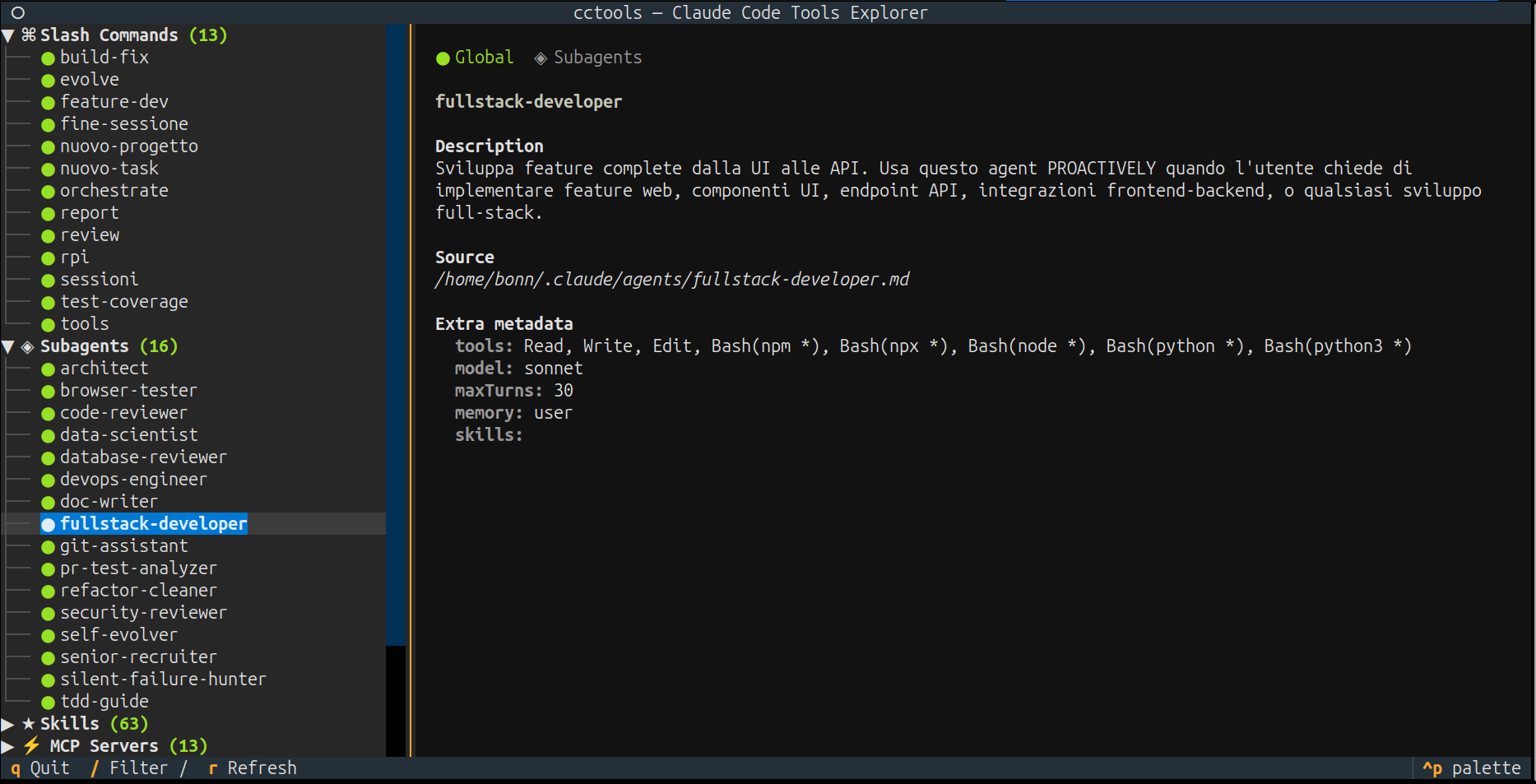 |
| Skills | MCP Servers |
|---|---|
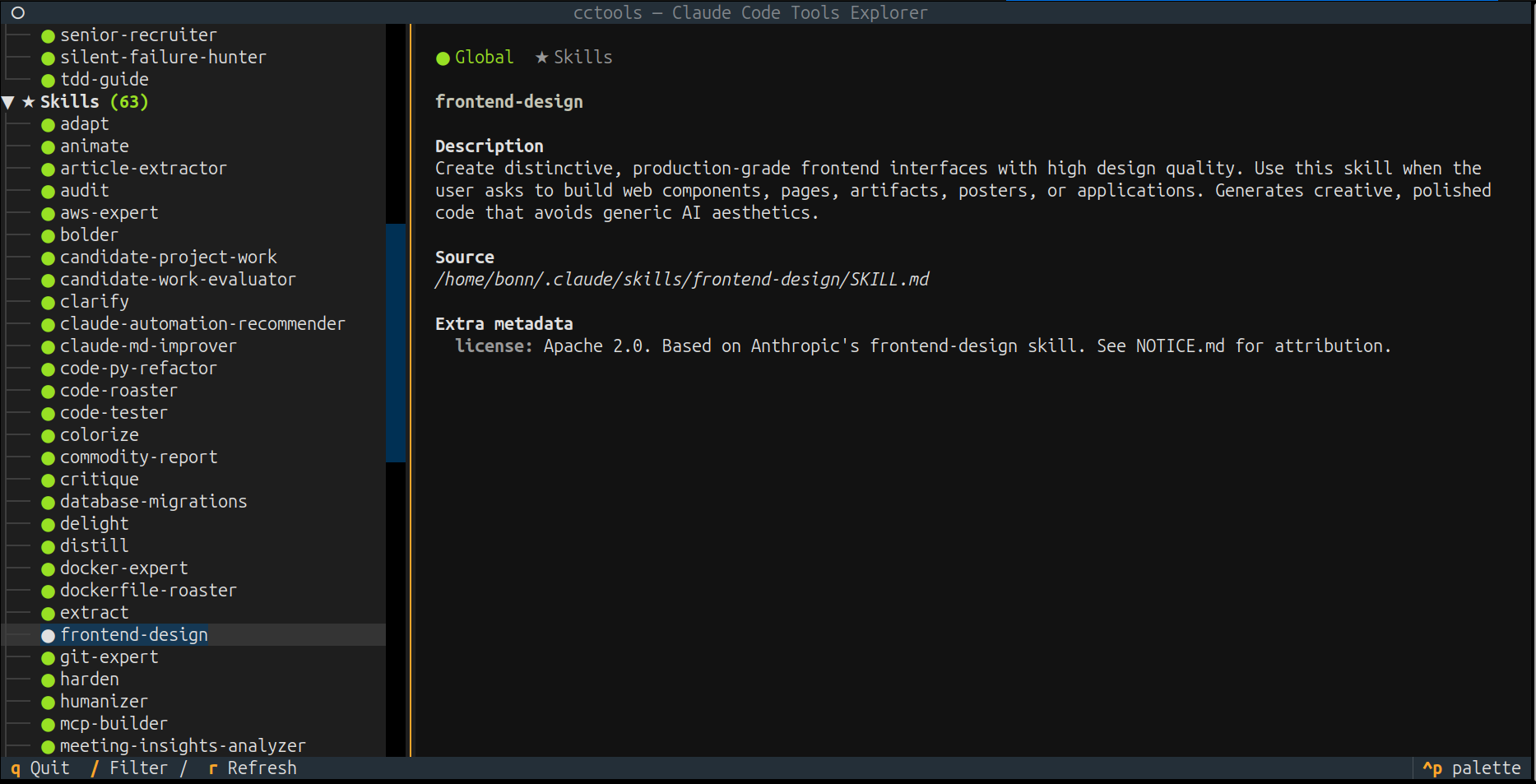 |  |
Architecture
%%{init: {'theme': 'default'}}%%
graph LR
    classDef core fill:#2563eb,stroke:#1d4ed8,color:#fff
    classDef engine fill:#059669,stroke:#047857,color:#fff
    classDef data fill:#d97706,stroke:#b45309,color:#fff
    classDef ext fill:#6b7280,stroke:#4b5563,color:#fff

    cli["cli.py<br/>Entry Point"]:::core

    subgraph display["Display Backends"]
        direction TB
        tui["tui.py<br/>Textual TUI"]:::core
        inline_mod["inline.py<br/>Rich Report"]:::core
    end

    terminal["terminal.py<br/>Terminal Detection"]:::ext
    ext_term(["External Terminal"]):::ext

    scanner["scanner.py<br/>Discovery Engine"]:::engine

    subgraph config["Configuration Sources"]
        direction TB
        global_cfg["~/.claude/<br/>Global Config"]:::data
        project_cfg[".claude/<br/>Project Config"]:::data
    end

    cli --> tui
    cli --> inline_mod
    cli --> terminal
    terminal -.-> ext_term

    tui --> scanner
    inline_mod --> scanner

    scanner --> global_cfg
    scanner --> project_cfg
For detailed diagrams (scanner discovery, CLI dispatch, CI pipeline) see Architecture docs.
Installation
Requires Python 3.10+ and one of: pipx, uv, or pip.
# Clone the repository
git clone https://github.com/AndreaBonn/claude-code-available-tools.git
cd claude-code-available-tools

# Run the universal installer (auto-detects OS)
./install.sh

# Or use platform-specific installers
./installers/install_linux.sh       # Linux
./installers/install_macos.sh       # macOS
.\install.bat                       # Windows
The installer does four things:
- Checks for Python 3.10+
- Installs the
cctoolspackage (via pipx, uv, or pip) - Copies the
/toolsslash command to~/.claude/commands/tools.md - Runs a smoke test
Manual installation:
pip install .
# or
pipx install .
# or
uv tool install .
Platform support
| OS | TUI | Inline | External | Installer |
|---|---|---|---|---|
| Linux | Yes | Yes | gnome-terminal, konsole, xfce4-terminal, xterm | install_linux.sh |
| macOS | Yes | Yes | Terminal.app via osascript | install_macos.sh |
| Windows | Yes | Yes | Not available | install_windows.ps1 |
Usage
# Auto mode (TUI if terminal >= 80 columns, otherwise inline)
cctools

# Explicit modes
cctools --mode tui
cctools --mode inline
cctools --mode external

# Filter resources by name or description
cctools --mode inline --filter mcp
From within a Claude Code session:
/tools                  # Opens TUI in external terminal
/tools inline           # Prints report in chat
/tools tui              # Opens TUI in current terminal
/tools inline mcp       # Filtered inline report
TUI keybindings
| Key | Action |
|---|---|
/ | Open filter bar |
Escape | Close filter, clear filter text |
r | Manual refresh |
q | Quit |
Configuration
cctools reads existing Claude Code configuration files. No additional configuration is required.
The only optional environment variable is CLAUDE_CONFIG_DIR, which overrides the default ~/.claude/ config directory. The scanner also detects CLAUDE_* and ANTHROPIC_* variables from the shell environment.
Custom hook descriptions
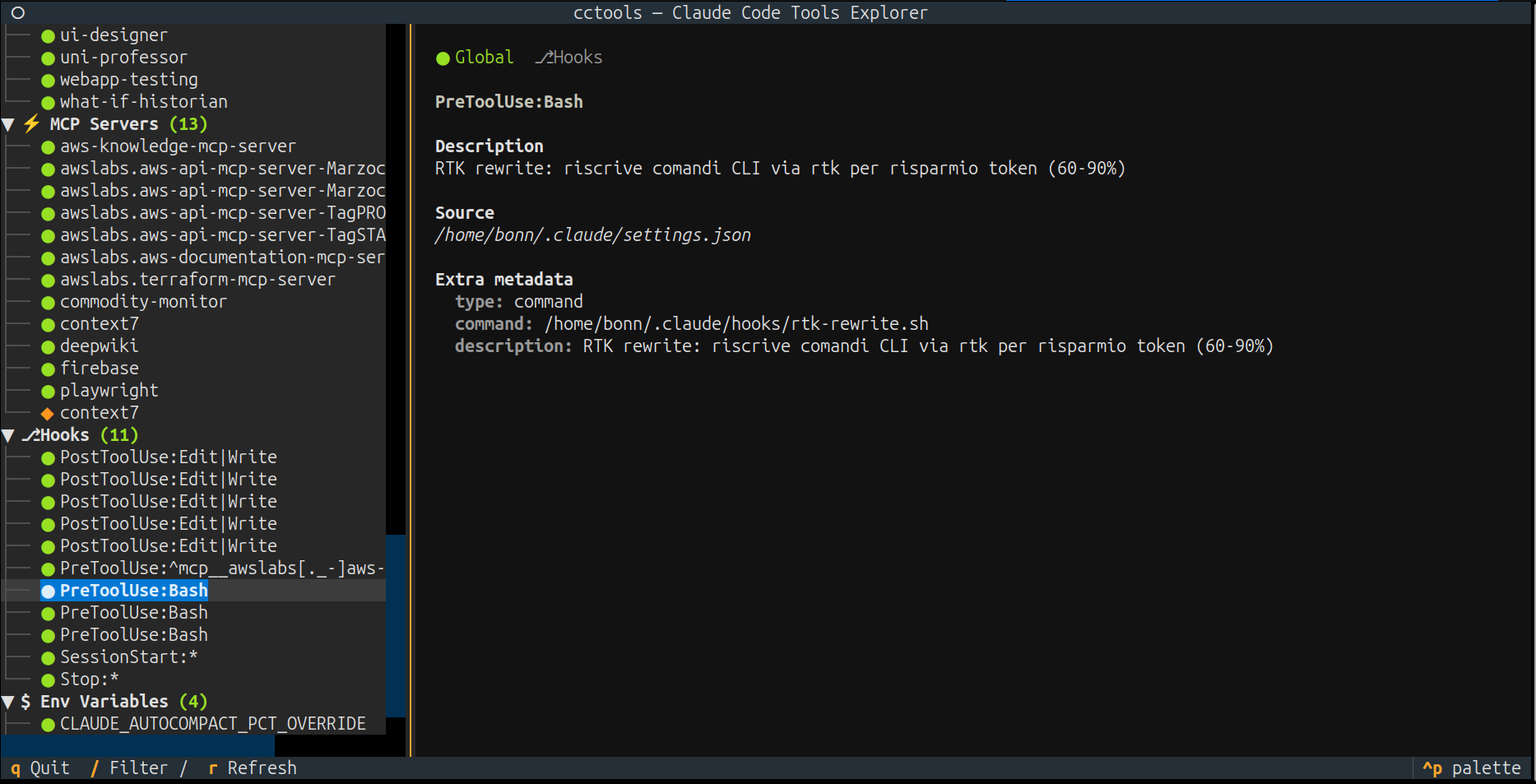
Claude Code hooks don't natively include a display description. You can add an optional description field to any hook definition, and cctools will use it as the display text instead of the raw command:
{
  "hooks": {
    "PreToolUse": [{
      "matcher": "Bash",
      "hooks": [{
        "type": "command",
        "command": "./scripts/validate.sh",
        "description": "Validate input before Bash execution"
      }]
    }]
  }
}
Without description, cctools shows [command] ./scripts/validate.sh. With it, the human-readable text is displayed instead.
Custom MCP server descriptions
Similarly, MCP server entries don't include a display description. You can add an optional description field to any server definition:
{
  "mcpServers": {
    "my-server": {
      "type": "stdio",
      "command": "npx",
      "args": ["@mcp/my-server"],
      "description": "Project knowledge base and search"
    }
  }
}
Without description, cctools shows [stdio] npx @mcp/my-server. With it, the human-readable text is displayed instead. Claude Code ignores unknown fields, so this does not affect MCP functionality.
Testing
uv sync --dev
uv run pytest tests/ -v --cov=cctools
uv run ruff check src/ tests/
uv run ruff format src/ tests/
Contributing
Contributions are welcome via pull request. Before submitting:
- Run tests and ensure they pass
- Run
ruff checkandruff format - Run
mypyfor type checking - Keep commits focused and descriptive
Security
For vulnerability reports, see the security policy.
License
Released under the Apache License 2.0 -- see LICENSE.
Author
Andrea Bonacci -- @AndreaBonn
Support the project
Claude Code Available Tools is free to use. If it helps you and you want to give something back, you can leave a tip via PayPal. The amount is up to you and it is entirely optional.

If this project is useful to you, a star on GitHub is appreciated.