
Peanut Illustrations
aishwaryaashok14/peanut-illustrations
Converte ideias em ilustrações conceituais com um amendoim sério como protagonista
Ver no GitHubSkill que transforma uma ideia breve em ilustração conceitual limpa com um amendoim personagem recorrente. Funciona com Claude Code e OpenAI Codex, gerando imagens 16:9 com fundo branco onde o amendoim literaliza a metáfora visual da ideia.
Instalação
npx convez-ai aishwaryaashok14/peanut-illustrations1 comando no terminal: detecta o formato do repositório (marketplace ou plugin avulso) e instala via Claude Code. Requer Node 18+ e o Claude Code instalado.
Métricas
Casos de uso
- Criar visual storytelling para posts e threads sobre conceitos abstratos
- Gerar ilustrações conceituais para apresentações e conteúdo editorial
- Acompanhar narrativas visuais complexas de forma minimalista e memorável
Veredito

Ferramenta criativa altamente especializada com execução polida e resultado consistente. Ideal para criadores de conteúdo que precisam de ilustrações conceituais rápidas e personalizadas, mas com uso específico limitado a um estilo visual bem definido.
README
A tradução para o português deste README ainda está na fila.
Peanut Illustrations
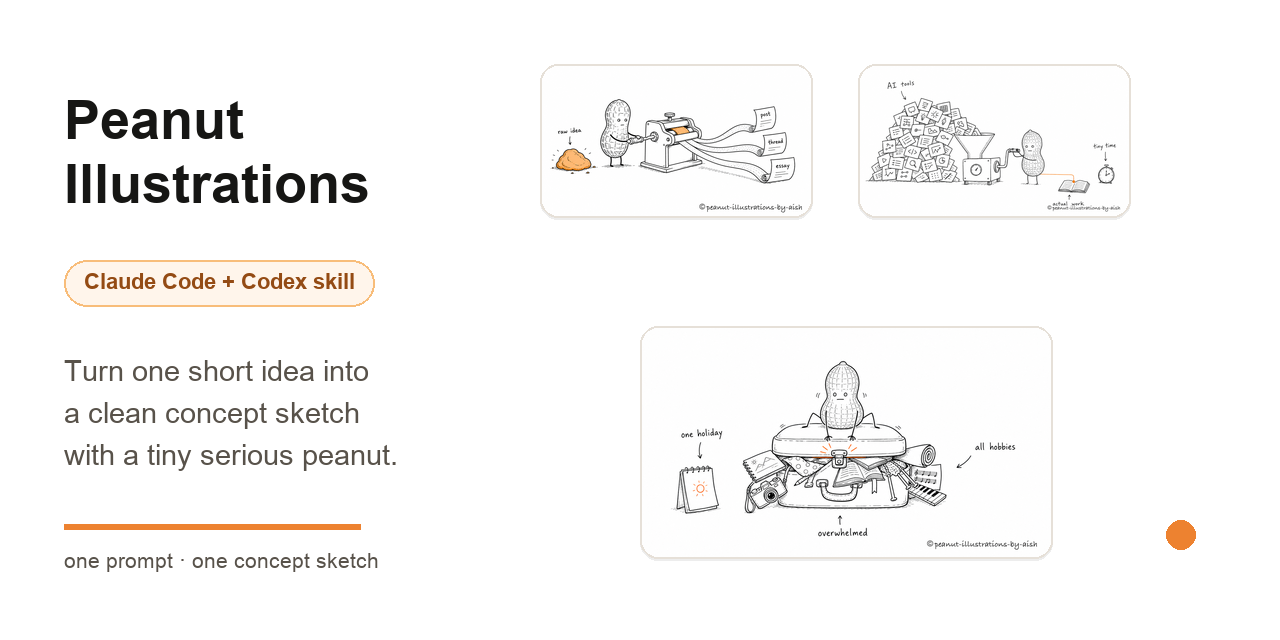
Turn one short idea into a clean concept sketch with a tiny serious peanut.




Peanut Illustrations is an AI-agent skill for making white-background concept sketches with a tiny recurring character. Give it one idea in a sentence. It invents the metaphor, puts the peanut to work inside it, and generates one memorable 16:9 image.
Built by Aishwarya Ashok - X · LinkedIn
Use $peanut-illustrations to draw a concept illustration for:
"too many tools, not enough focus"
Gallery
These are real outputs from the skill. Each starts as one short prompt, then becomes one composed scene with the peanut doing the core work.
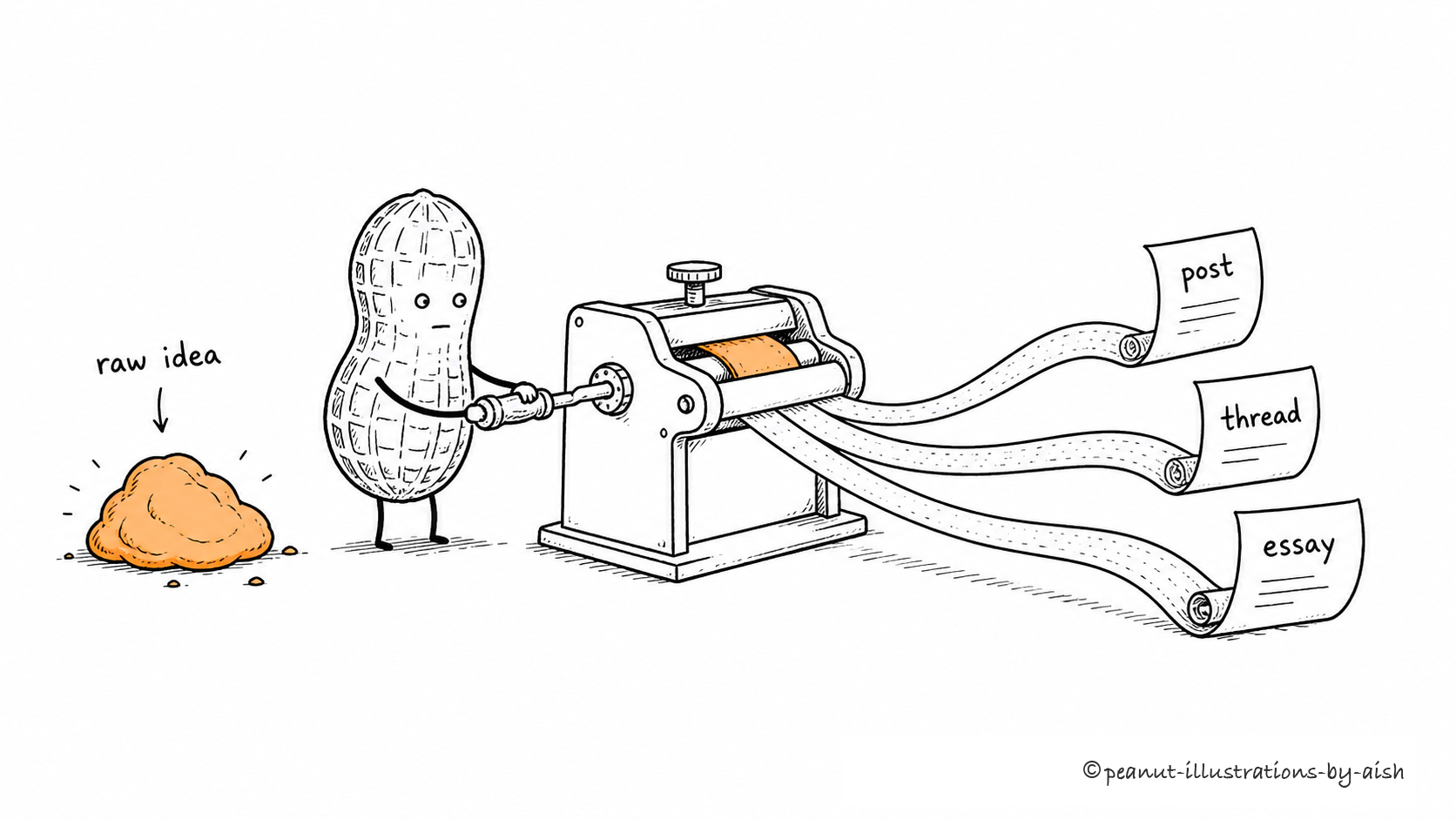
One idea, three formats
"Turn one raw idea into a post, a thread, and an essay."
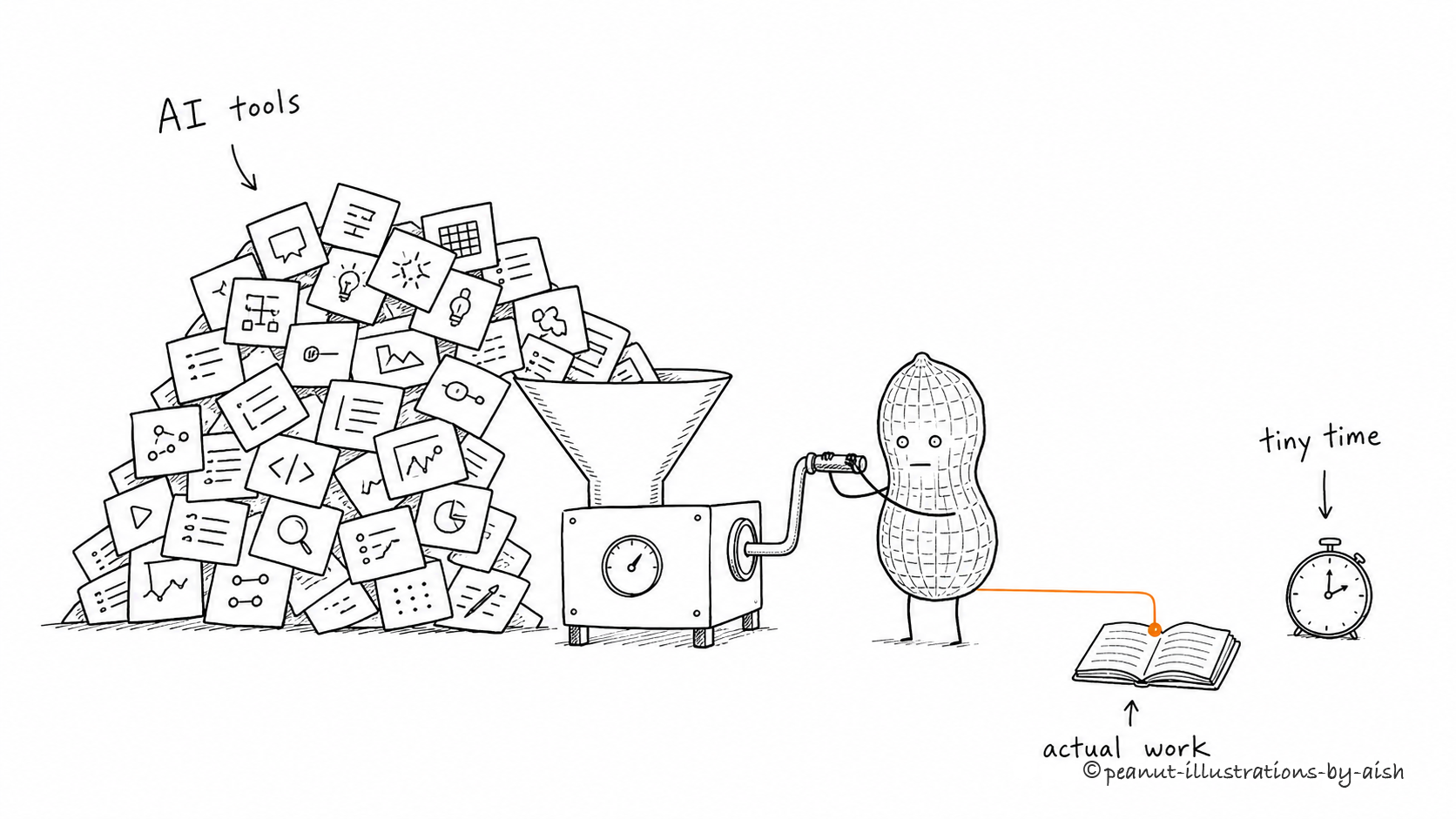
Too many AI tools, too little time
"Too many AI tools and too little time to do the actual work."
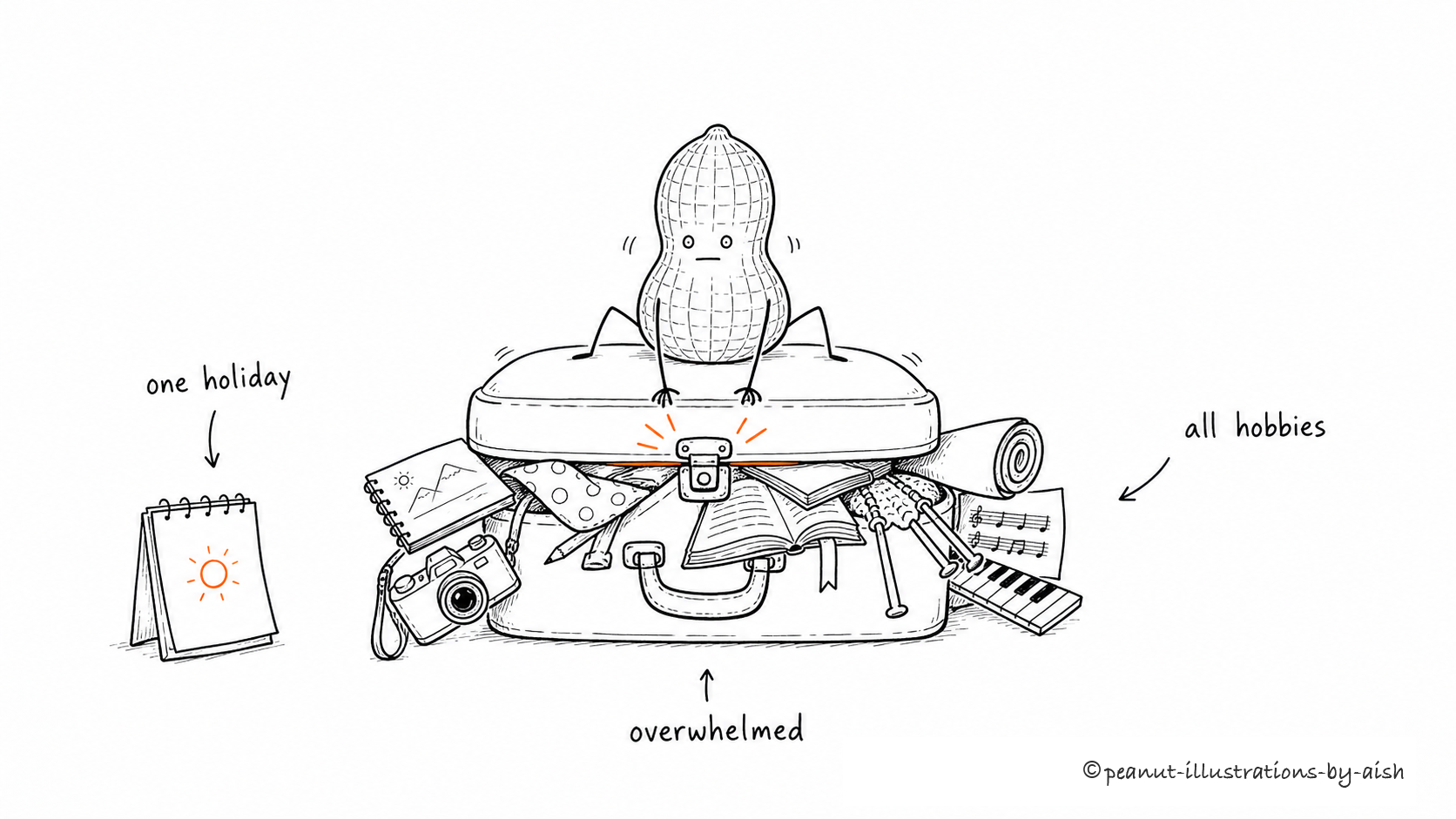
One holiday, all the hobbies
"Trying to cram every hobby into one short holiday."
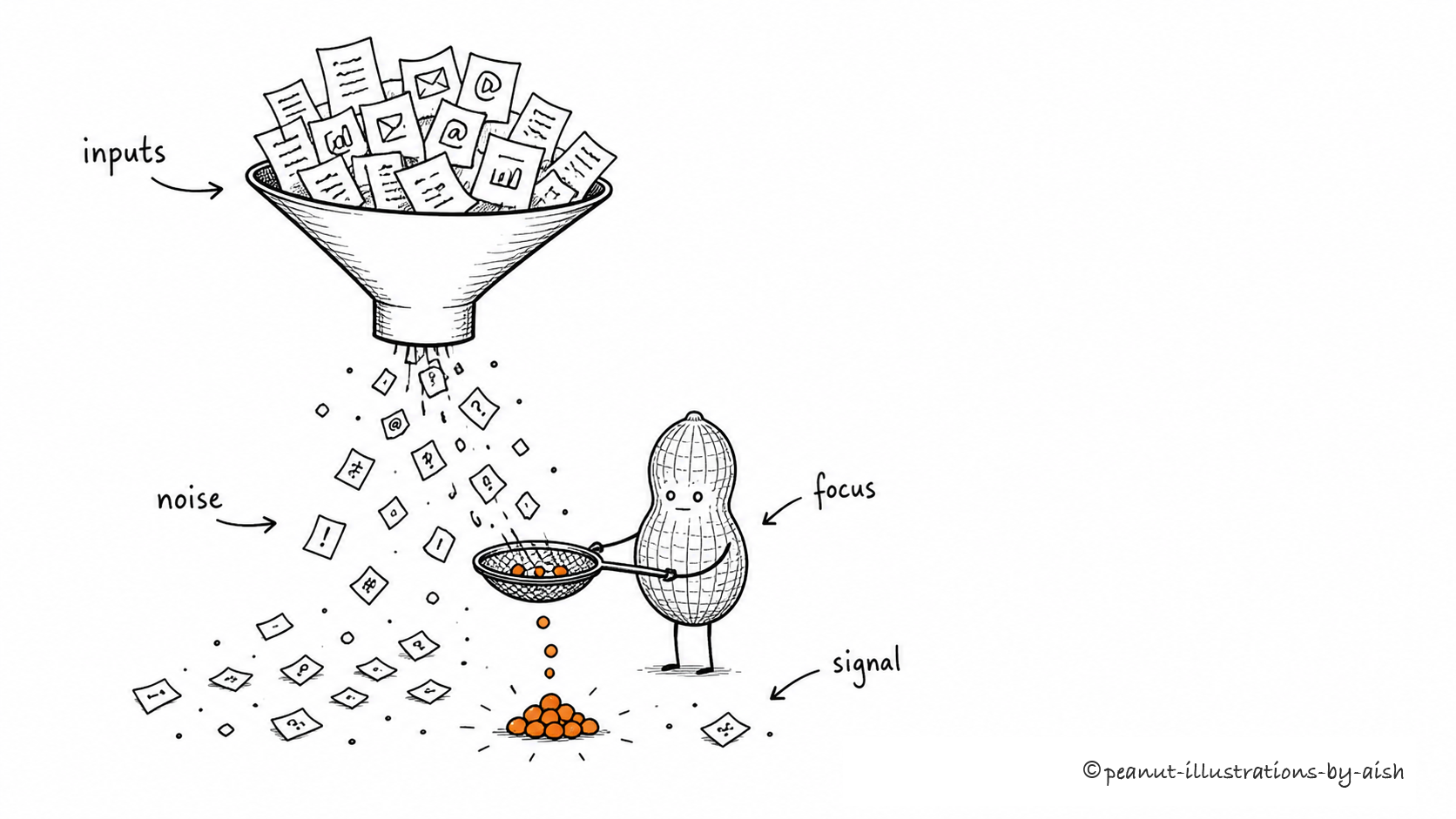
Information overload
"Information overload."
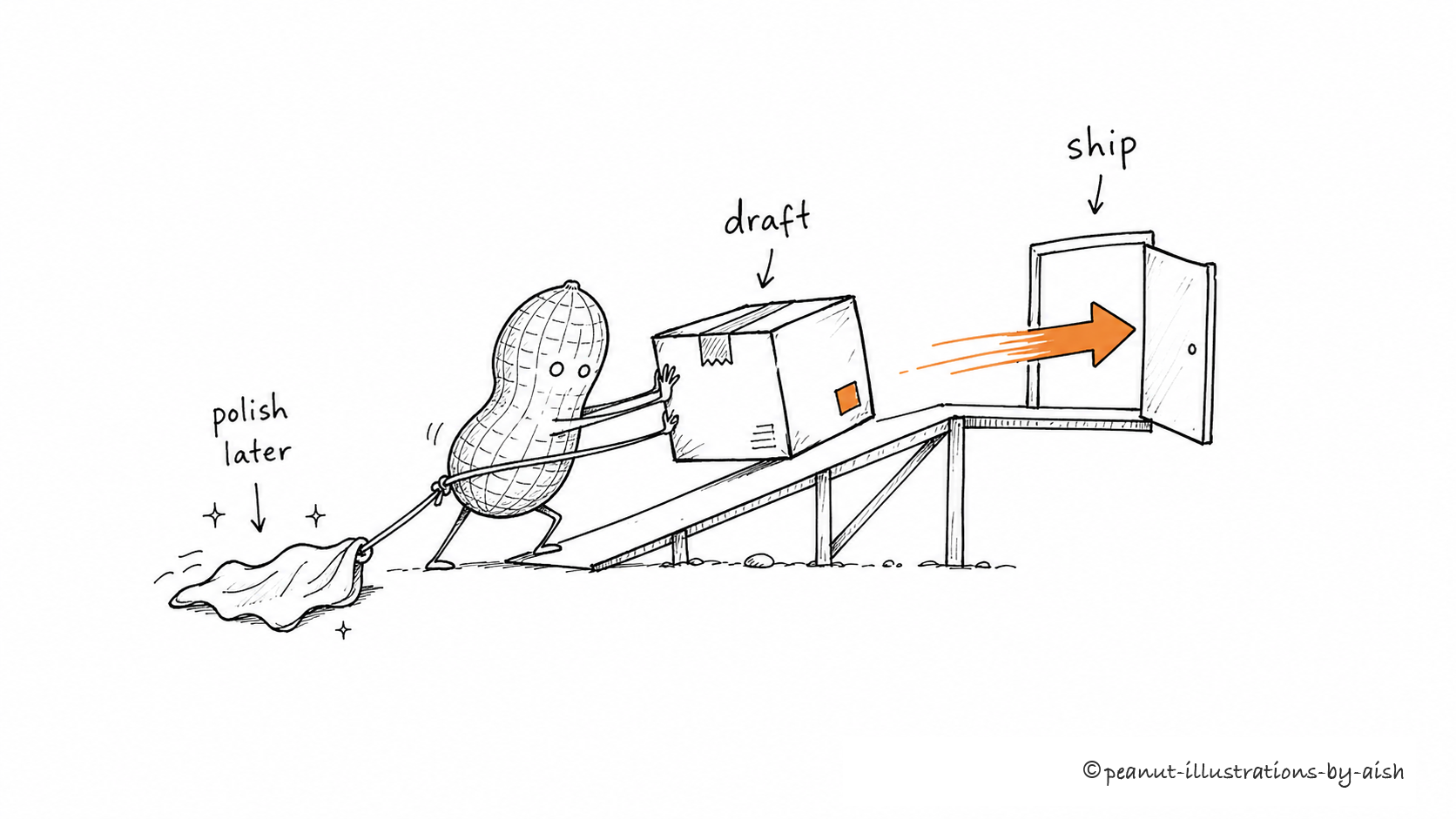
Shipping beats polishing
"Shipping beats polishing."
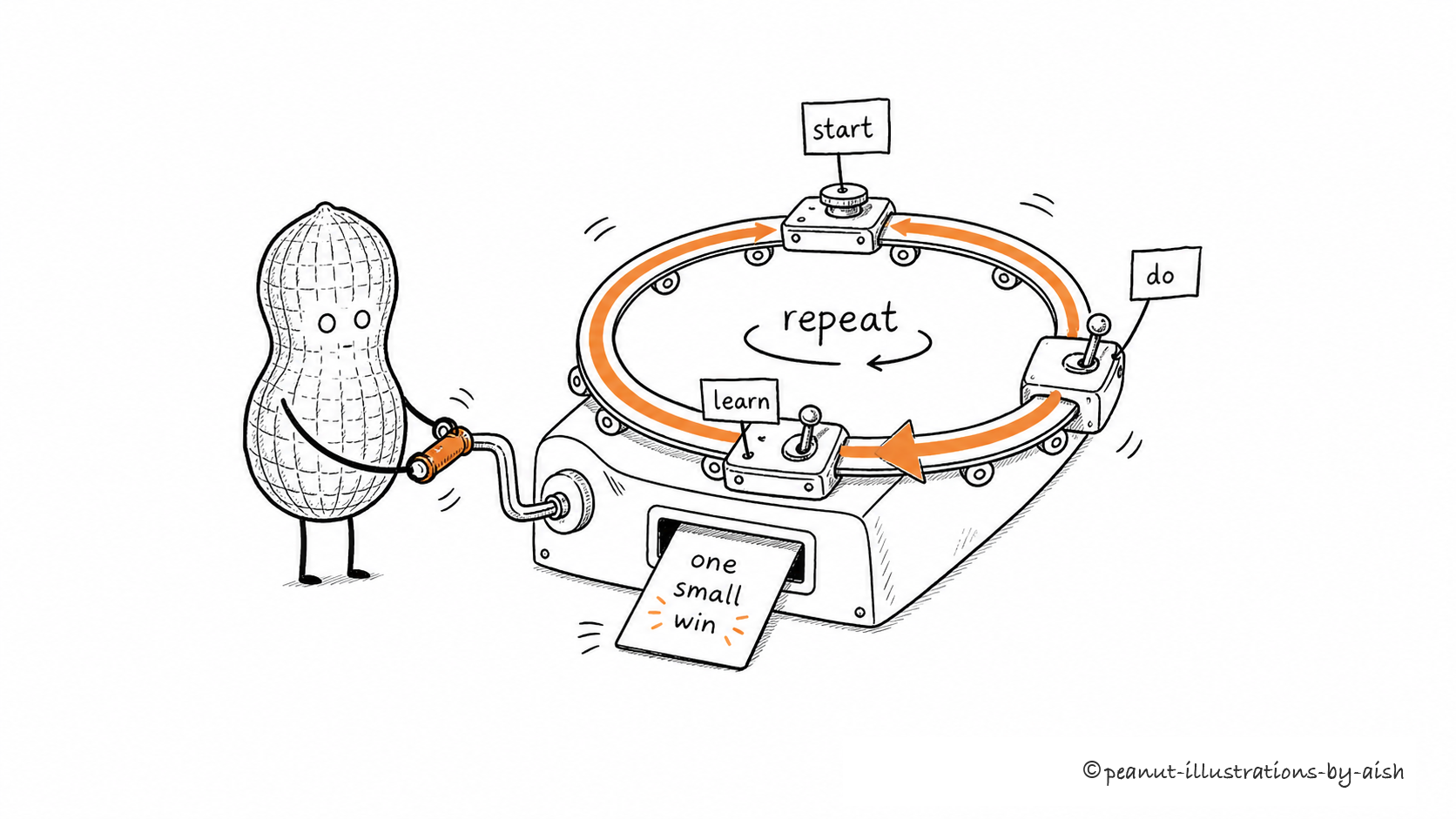
A small loop you can repeat
"A small loop you can repeat."
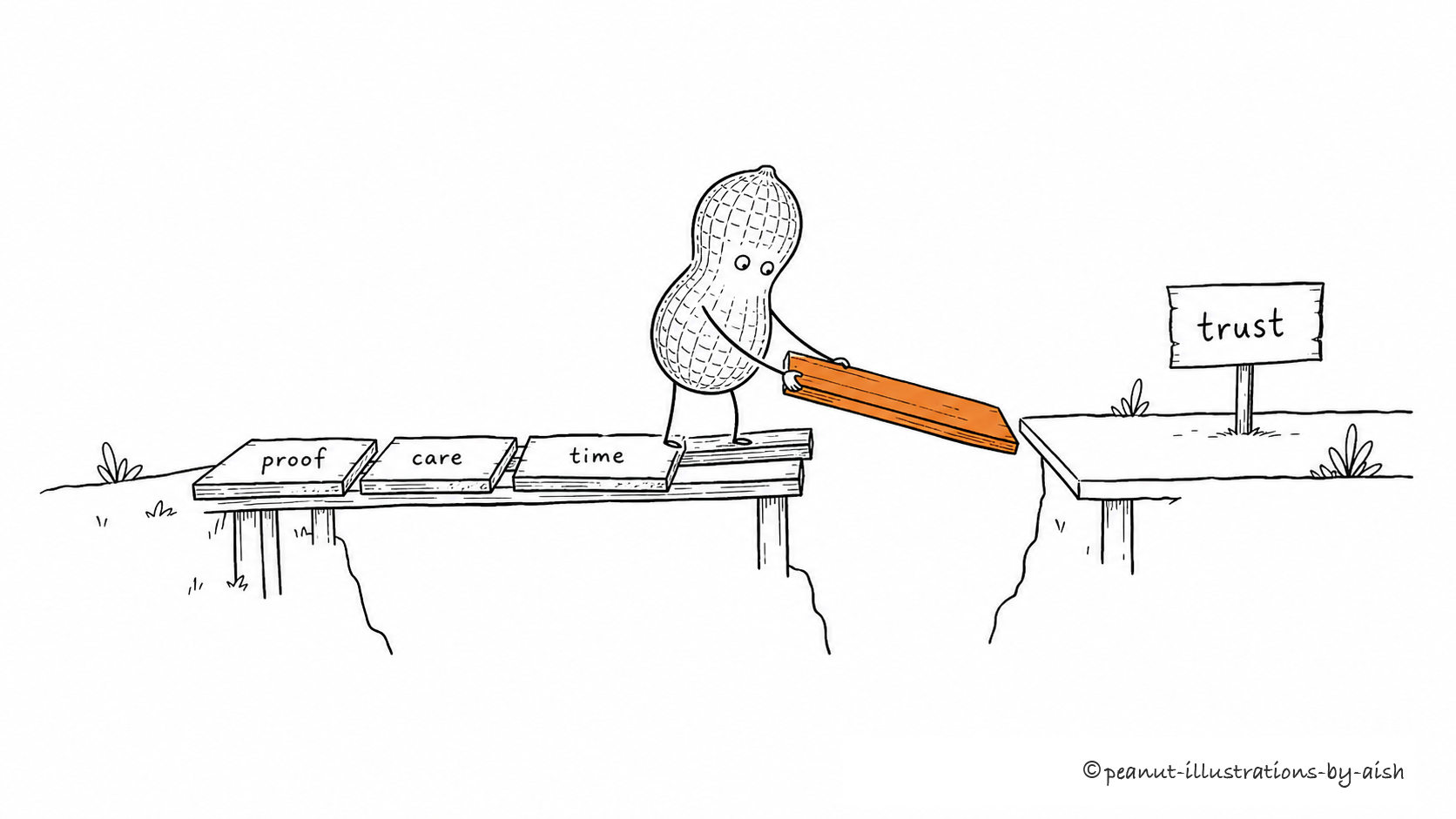
Building trust slowly
"Building trust slowly."
More copy-pasteable prompts live in examples/prompts.md.
Install
Clone the repo:
git clone https://github.com/aishwaryaashok14/peanut-illustrations.git
cd peanut-illustrations
Claude Code
mkdir -p "$HOME/.claude/skills"
cp -R ./peanut-illustrations "$HOME/.claude/skills/"
Then invoke it:
Use $peanut-illustrations to draw a concept illustration for:
"shipping beats polishing"
OpenAI Codex
mkdir -p "${CODEX_HOME:-$HOME/.codex}/skills"
cp -R ./peanut-illustrations "${CODEX_HOME:-$HOME/.codex}/skills/"
Then invoke it:
Use $peanut-illustrations to draw a concept illustration for:
"trust is built one piece of evidence at a time"
What makes it different
- One idea per image. No dense infographics, dashboards, or PPT-style flowcharts.
- The peanut must do the work. It is not a mascot pasted in the corner.
- Clean visual DNA. Pure white background, black hand-drawn line, generous whitespace, and one warm-orange accent.
- Compose first, draw second. The skill states the metaphor, labels, peanut action, and layout before generating.
- Watermark handled locally. Final images use the exact
© peanut-illustrations-by-aishwatermark instead of asking the image model to spell it.
How to use
Draw one idea
Use $peanut-illustrations to draw a concept illustration for this idea:

Trust isn't announced - it's laid down one piece of evidence at a time.

Keep it strange but clean, and the peanut must perform the core action.
Draw several ideas at once
Use $peanut-illustrations to draw one image each for these ideas:
- information overload
- shipping beats polishing
- a small loop you can repeat

One composed image per idea, not a collage.
Edit an image
Use $peanut-illustrations to edit this image:
remove the "Workflow" title in the top-left corner, keep everything else the same.
What it produces
By default:
- one 16:9 horizontal concept illustration per prompt
- a short compose note before each image
- a final PNG saved to
assets/<prompt-slug>-illustrations/
By default not:
- PPTX / PDF / Keynote
- SVG / HTML / Canvas editable graphics
- commercial posters or cover key visuals
- text-heavy infographics
How it works
The skill's flow is:
- Read the short prompt and identify the idea type: judgment, process, contrast, state, or metaphor.
- Compose the scene: metaphor, peanut action, 2-3 labels, and layout.
- Generate one image with the image model.
- Check against the QA list: white background, whitespace, peanut action, single accent, readable labels, not-a-PPT.
- Add the final watermark locally and save the PNG.
One prompt means one composed image. It only makes variations when you ask for them.
Repo structure
.
├── README.md
├── LICENSE
├── NOTICE.md
├── assets/
│   └── social-preview.png
├── examples/
│   ├── images/
│   └── prompts.md
└── peanut-illustrations/
    ├── SKILL.md
    ├── agents/
    │   └── openai.yaml
    ├── references/
    └── scripts/
The installable agent skill is the peanut-illustrations/ subdirectory. The root README, examples, license, and notice are GitHub-facing docs.
GitHub social preview
Use assets/social-preview.png as the repository social preview image:
GitHub repo -> Settings -> Social preview -> Upload image
GitHub requires manual upload here; repo files alone do not set the preview card.
Notes
- Shorter labels are more stable; keep on-image text to a few short words.
- One image = one core structure. Do not turn a prompt into a manual.
- If removing the peanut leaves the image intact, the peanut is too decorative.
- AI image models can produce typos, hallucinated labels, style drift, or extra titles. Check the result before sharing.
- If text is garbled, reduce the number of labels and regenerate.
Inspiration and credits
This project is adapted and translated from ian-xiaohei-illustrations by Ian (@ianneo_ai), an MIT-licensed skill for hand-drawn Chinese article illustrations built around the "小黑 (Xiaohei)" character.
Portions are adapted and translated from the original. Peanut Illustrations changes the character (a deadpan peanut), reduces the palette to a single warm-orange accent, switches output to English, and uses a short-prompt single-image input model. No artwork from the original is redistributed; all images are independently generated. See NOTICE.md for the retained upstream copyright notice.
License
MIT License. See LICENSE.